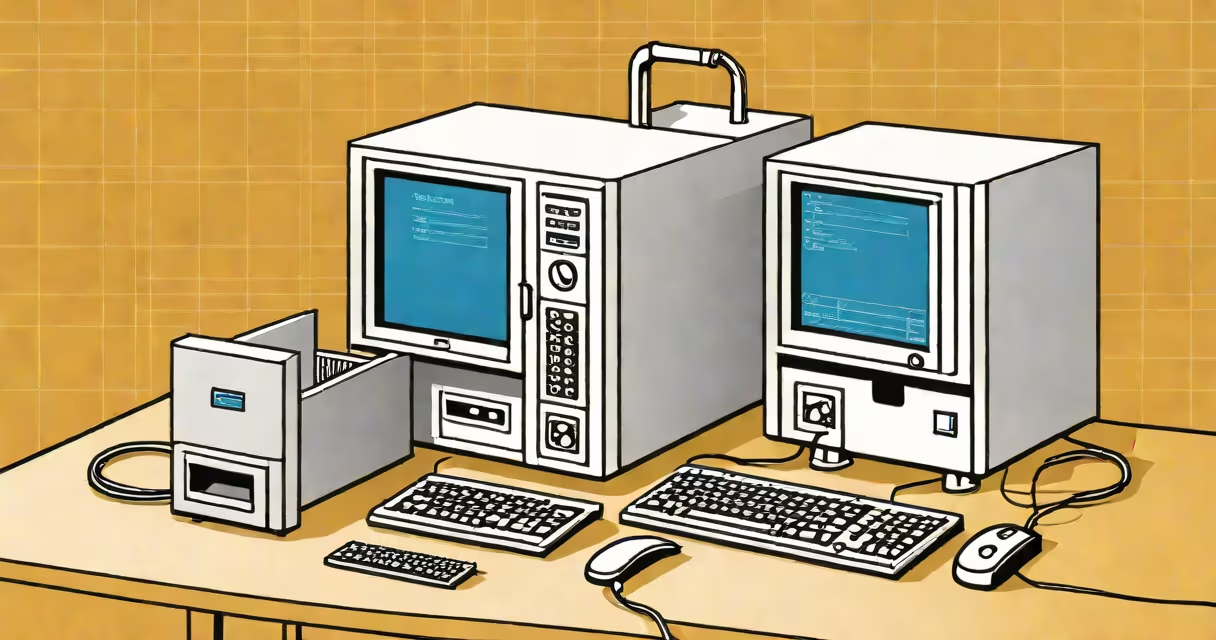
Creating your own mail server means running your own email infrastructure using a dedicated domain, a server with a public IP address, and open-source software to handle sending, receiving, and storing messages. This gives you full control over privacy, data retention, and customization-bypassing commercial providers like Gmail or Outlook.
Mail servers operate using standardized protocols: SMTP (Simple Mail Transfer Protocol) for sending emails, IMAP (Internet Message Access Protocol) or POP3 (Post Office Protocol version 3) for retrieving them. When you create your own mail server, you configure these protocols on a machine accessible via the internet, typically hosted on a VPS (Virtual Private Server) or physical hardware.
Setting up a mail server requires technical knowledge in networking, DNS management, security hardening, and system administration. You'll need to manage email authentication (SPF, DKIM, DMARC), prevent spam, and ensure compliance with anti-abuse policies. Misconfiguration risks blacklisting, delivery failures, or unauthorized access.
A mail server processes incoming and outgoing email traffic through a series of steps. When someone sends an email to your domain (e.g., [email protected]), their mail client uses SMTP to connect to your server's designated port (usually 587 or 25). The server validates the sender's credentials, checks for spam, and stores the message in a mailbox database.
When you check your email, your client connects via IMAP or POP3 to retrieve messages. IMAP keeps copies on the server, enabling access from multiple devices. POP3 downloads messages and deletes them from the server, which suits single-device use.
Behind the scenes, services like Postfix handle routing, Dovecot manages storage and retrieval, and a database (like MySQL or SQLite) tracks users and settings. These components run on Linux-based systems-typically Ubuntu or Debian-using command-line tools and configuration files.
The most common stack for creating your own mail server includes:
These tools integrate through configuration files located in /etc/postfix/, /etc/dovecot/, and similar directories. For example, Postfix's main.cf file defines which domains it accepts, how to relay mail, and whether to enforce encryption.
Running a mail server without proper security measures exposes you to abuse. Spammers often exploit poorly configured servers to send bulk emails. To prevent this, you must set up reverse DNS (PTR records), publish SPF and DKIM records, and monitor logs regularly.
There are two primary deployment models: self-hosted on personal hardware and cloud-based via a VPS.
| Deployment Type | Best For | Key Requirements | Security Considerations |
|---|---|---|---|
| Self-hosted (on-premise) | Users who want full physical control and offline access | Dedicated hardware, static IP, firewall, UPS power backup | Physical access risk, higher maintenance burden |
| VPS (cloud-based) | Most individuals and small teams seeking cost-effective, scalable solutions | Public IP, SSH access, domain name, DNS configuration | Shared infrastructure risk, provider policy compliance |
For most people, a VPS from providers like DigitalOcean, Linode, or AWS EC2 offers the best balance of affordability, performance, and scalability. A $5/month droplet from DigitalOcean can host a fully functional mail server with 1 GB RAM and 25 GB SSD storage.
Using a VPS avoids the complexity of managing a physical machine. You can provision it remotely, install software via package managers (apt), and automate backups using cron jobs or external tools.
Many assume setting up a mail server is simple because they've used Gmail or Outlook. In reality, delivering email reliably requires consistent monitoring, reputation management, and ongoing maintenance. A poorly configured server may never deliver messages beyond your local network.
One major misconception is that email delivered to your server will automatically appear in clients like Thunderbird or Apple Mail. That's false. You must manually configure the client with correct server addresses, ports, and authentication methods. Missing one detail-like enabling STARTTLS-breaks encryption and causes connection errors.
Another error is neglecting DNS records. Without properly published SPF, DKIM, and DMARC records, your emails are flagged as spam or rejected outright. According to dmarc.org, over 60% of unauthenticated emails fail delivery due to missing or incorrect authentication headers.
I once spent two days troubleshooting why my test emails weren't reaching Gmail. The issue wasn't the server config-it was a missing TXT record for DKIM. After adding it, delivery succeeded within minutes. This highlights how small mistakes have outsized effects.
Here's a simplified workflow using a DigitalOcean droplet:
sudo apt update && sudo apt upgrade -y.sudo apt install postfix -y. Choose "Internet Site" during setup and enter your domain name.sudo apt install dovecot-core dovecot-imapd dovecot-pop3d -y.sudo ufw allow OpenSSH and sudo ufw enable.mail command or configure a client.This process takes about 45 minutes with prior familiarity. Full automation scripts exist-such as Mail-in-a-Box-that bundle all components into a single installer. However, they trade transparency for ease of use.
Privacy is the top reason. Commercial providers scan emails for advertising and behavioral profiling. By hosting your own server, you eliminate third-party access to your messages. No data is shared with advertisers, governments, or analytics firms unless you explicitly allow it.
You also gain complete control over retention policies, archiving, and access rights. You can set up automated filters, enforce encryption standards, and audit logins. This matters for professionals handling sensitive communications-lawyers, journalists, medical staff.
For users who value autonomy and long-term ownership of digital assets, creating your own mail server is a practical step toward digital sovereignty. It's not for everyone-but for those willing to invest time and effort, it delivers unmatched control.
Understanding how to create your own mail server begins with recognizing it's not just a technical task. It's a commitment to privacy, resilience, and independence from centralized platforms. With the right tools and attention to detail, you can build a secure, reliable inbox tailored to your needs.