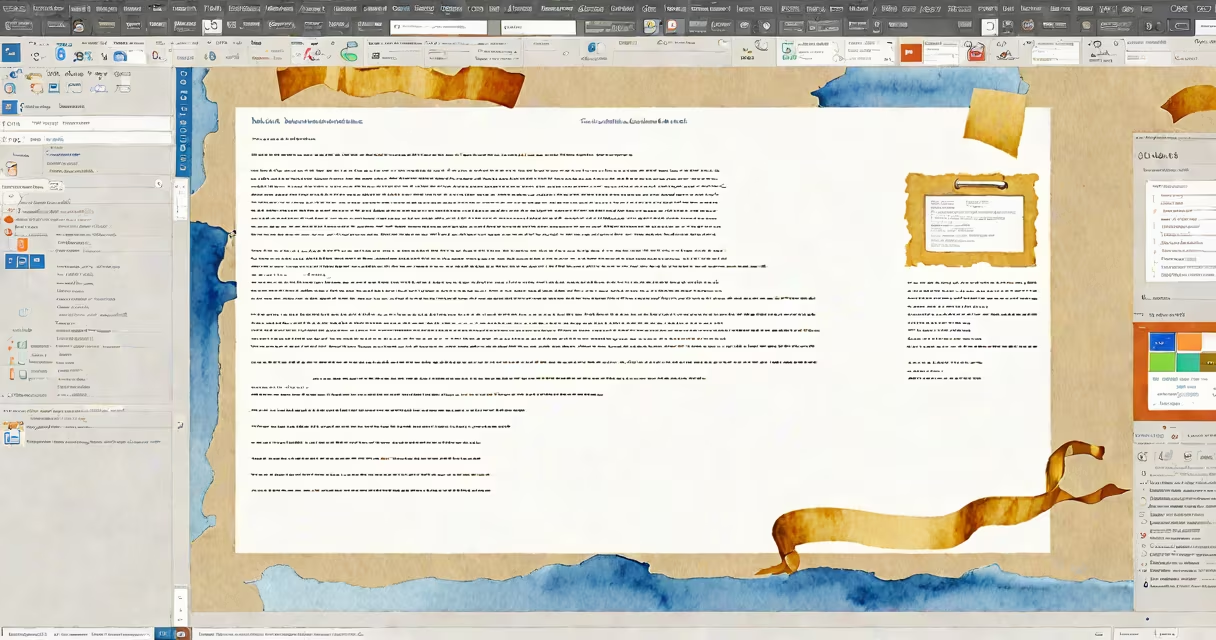
MS Word is a program designed to create, edit, and format digital documents such as letters, reports, and resumes. It runs on Windows, macOS, and mobile devices and is part of the Microsoft Office set.
Application software performs specific tasks for users. Unlike system software like operating systems, which manage hardware and basic operations, application software delivers functionality for everyday work. MS Word fits this category-it enables users to input text, apply styles, insert images, and export files in formats like PDF or DOCX.
When you open MS Word, you're launching a standalone program. It doesn't control your computer's core functions but handles document creation. This separates it from utilities like disk cleanup tools or drivers, which support system performance rather than user tasks.
MS Word processes text through a graphical interface. You type, and the software renders characters on screen using fonts and layout rules. Behind the scenes, it uses algorithms to handle text flow, spacing, and alignment. When you click "Save," it writes data to storage using file formats like.docx (Office Open XML).
The program includes features like spell check, grammar suggestions, track changes, and collaboration tools. These aren't part of the OS-they're built into the application. For example, when you use "Track Changes," MS Word logs edits and lets reviewers approve or reject them. This functionality exists only within the app, not in the underlying operating system.
MS Word also integrates with cloud services. Saving a file to OneDrive syncs it across devices. This requires network access and authentication, handled by the app's internal logic-not the OS itself. The software manages user sessions, file permissions, and version history independently.
Application software falls into categories based on purpose. MS Word belongs to the productivity software group, alongside Excel and PowerPoint. Other types include:
| Type | Purpose | Examples |
|---|---|---|
| Productivity | Document and data management | MS Word, Google Docs, LibreOffice Writer |
| Design & Multimedia | Image, video, audio editing | Adobe Photoshop, Audacity, DaVinci Resolve |
| Communication | Message exchange and collaboration | Slack, Zoom, Outlook |
| Development Tools | Code writing and debugging | Visual Studio Code, Eclipse, IntelliJ IDEA |
MS Word differs from design tools like Photoshop because it focuses on structured text. It doesn't manipulate pixels or layers. Instead, it applies styles to paragraphs, manages headers and footers, and generates tables of contents automatically.
Some people confuse MS Word with web-based editors like Google Docs. Both allow text entry and formatting, but they operate differently. Google Docs runs in a browser and stores files online by default. MS Word can work offline and saves locally unless configured otherwise.
Another mistake is thinking MS Word is a system tool. It isn't. You don't install it to fix boot errors or manage memory. It doesn't run during startup. Its role is task-specific: writing and editing documents.
A lesser-known distinction: MS Word is not a programming language. It cannot execute code or automate workflows on its own. However, it supports macros written in Visual Basic for Applications (VBA), which extend its capabilities. These scripts are separate from the core application and require explicit enablement.
Consider a job seeker preparing a cover letter. They open MS Word, type their name, address, and the hiring manager's details. They apply bold formatting to section headings, adjust margins to fit one page, and insert a signature image. After reviewing spelling and grammar, they save the file as "Cover_Letter_Jane_Doe.docx" and email it.
This process involves multiple layers of application behavior. Text input is processed through a rendering engine. Formatting commands trigger style rules stored in the file. The save function writes metadata like author name, last edit time, and revision count. All of this happens within the application environment, independent of the OS.
I once used MS Word to draft a technical report under tight deadlines. I relied on built-in templates for consistent structure, tracked changes to show revisions, and used the "Compare" feature to merge feedback from three reviewers. The final document was exported as a PDF to prevent unintended edits. This workflow demonstrates how MS Word handles complex, collaborative tasks efficiently.
According to Microsoft's official documentation, MS Word supports over 200 file formats, including legacy .doc and modern .docx. The .docx format uses ZIP-compressed XML files to store content, styles, and metadata-a standard adopted by other office suites.
MS Word remains a foundational tool in education, business, and government. Its widespread adoption stems from consistent updates, cross-platform availability, and integration with other Microsoft services. It's not just a word processor-it's a platform for structured communication.