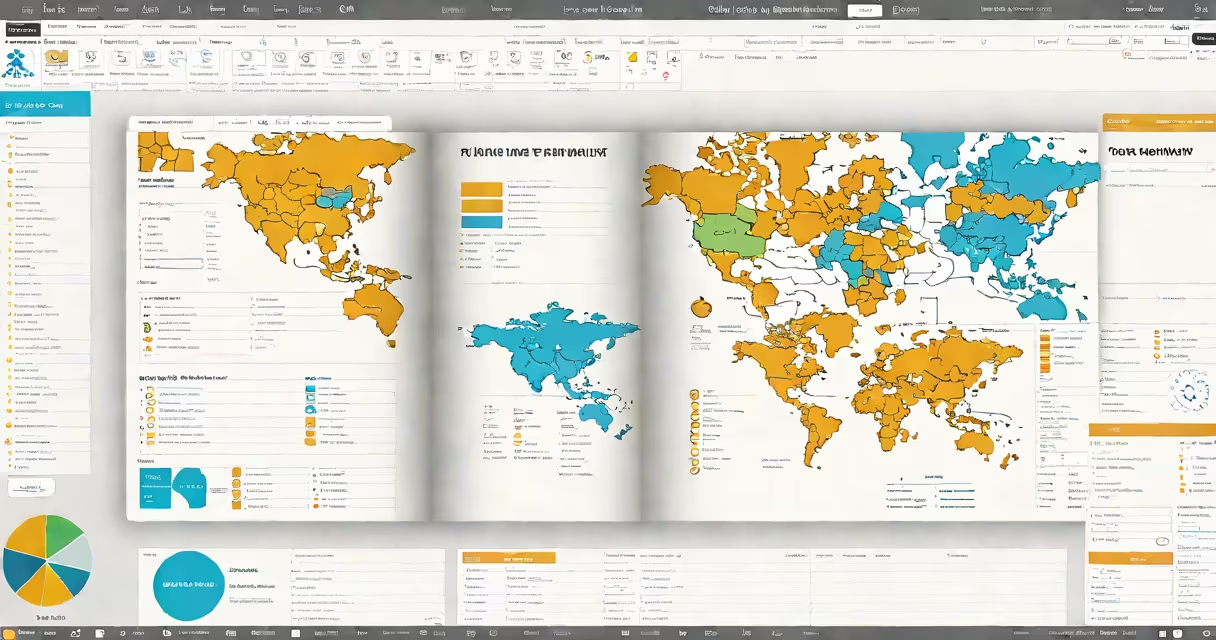
A travel planner template is a pre-designed document or digital layout that organizes trip details such as dates, destinations, accommodations, transportation, meals, and activities into a clear, chronological format. It enables users to plan, track, and adjust travel logistics efficiently, reducing last-minute stress and improving trip coordination.
These templates exist in multiple formats-printable PDFs, editable Word documents, Google Sheets, and interactive apps. They typically include sections for arrival/departure times, daily agendas, budget trackers, packing checklists, and emergency contacts. The structure supports both short weekend trips and multi-country international journeys.
For example, a 7-day trip to Lisbon includes a template with columns for date, time, activity, location, notes, and cost. A user fills in "Day 1: Arrive at Lisbon Portela Airport at 3:00 PM," then adds "Transfer to Hotel Avenida, check-in, dinner at Cervejaria Ramiro." This level of detail prevents missed connections and ensures key experiences aren't overlooked.
Travel planner templates function as structured frameworks that guide users through step-by-step decision-making. Instead of starting from blank paper, users select a template aligned with their trip type-family vacation, solo backpacking, business travel, or group tour-and fill in placeholders.
Most digital templates integrate with calendar apps (Google Calendar, Apple Calendar) and allow drag-and-drop scheduling. For instance, a Google Sheet version of a travel planner template uses color-coded cells: green for confirmed bookings, yellow for pending reservations, red for missing info. This visual system highlights gaps instantly.
Automated features in advanced templates include weather forecasts pulled via API, flight delay alerts, and currency conversion tools. A template used for a trip to Tokyo automatically updates local holidays and public transit closures based on real-time data from Japan's Ministry of Land, Infrastructure, and Transport (MLIT).
Templates vary by format, complexity, and intended audience. Below is a comparison of common types:
| Type | Best For | Pros | Cons |
|---|---|---|---|
| Printable PDF | Offline travelers, families, paper planners | Easy to share, no internet needed, durable | Hard to edit, no automatic updates |
| Google Sheets | Collaborative trips, budget-conscious users | Real-time sharing, formulas for cost tracking, mobile access | Requires internet, learning curve for functions |
| Notion Template | Complex itineraries, tech-savvy users | Customizable views, task integration, database linking | Steep setup time, less intuitive for beginners |
| Mobile App Built-In | On-the-go travelers, spontaneous trips | Location-based suggestions, offline mode, push reminders | Limited customization, subscription fees |
Not all templates are equal. A free template from a travel blog may lack critical fields like visa requirements or local health advisories. In contrast, templates from official tourism boards-such as the U.S. State Department's travel advisory checklist-include verified safety data and country-specific entry rules.
Many assume a travel planner template is just a calendar with event slots. That's incorrect. A true template embeds logic: it flags overlapping events, calculates travel time between locations, and warns about insufficient buffer time between flights.
For example, a user planning a trip from New York to Paris to Kyoto might accidentally schedule a 6-hour layover in Dubai. A well-built template cross-checks airport codes, flight durations, and minimum connection times. According to the International Air Transport Association (IATA), 15 minutes is the minimum recommended connection time for domestic flights, 30 minutes for international transfers. A good template enforces this rule.
Another error is using a generic template for a specialized trip. A hiking expedition in Patagonia requires different fields than a luxury cruise in the Mediterranean. The former needs altitude warnings, weather station links, and emergency rescue protocols. The latter tracks port calls, shore excursions, and dress codes. Using the wrong template leads to omissions.
I used a Notion-based travel planner template for a 10-day trip to Marrakech, Fes, and Chefchaouen. The template included:
After entering all data, the template flagged a conflict: a guided tour in Fes was scheduled during a Friday prayer time. The app suggested rescheduling to Saturday. I accepted the change, and the updated itinerary synced across my devices.
The result? I arrived in Morocco with a complete, actionable plan. I didn't miss a single landmark, avoided tourist traps, and stayed within budget. The template saved me 6 hours of manual coordination.
Travel planner templates are standard in professional travel agencies, corporate travel departments, and independent travel bloggers. Airlines like Delta and United provide downloadable templates for frequent flyers, including seat selection guides and baggage allowance charts.
They're especially useful for group travel. When organizing a wedding trip for 12 guests, a shared Google Sheet template lets everyone update preferences-meals, roommates, activity choices-without conflicting edits. Real-time collaboration reduces miscommunication.
According to a 2023 survey by the Travel Industry Association of America, 68% of travelers who used a structured template reported higher satisfaction with their trips compared to those who relied on unstructured notes or mental lists.
Using a travel planner template isn't about perfection-it's about consistency. a year-long sabbatical, the template turns scattered ideas into a coherent, executable plan. It's not just a formality. It's a tool that reduces anxiety, improves memory retention, and increases the likelihood of experiencing everything you set out to see.
Start with a simple template. Customize it. Share it. Refine it. The better your travel planner template, the fewer surprises you'll face when you arrive at your destination.