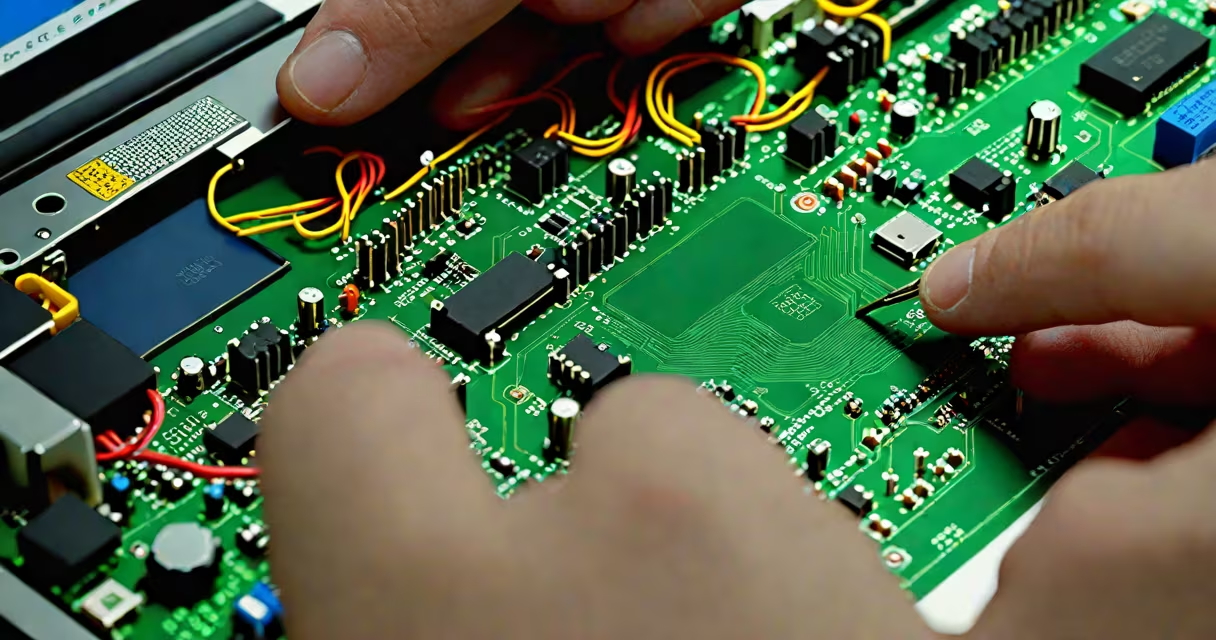
A computer tech is a professional who installs, maintains, repairs, and troubleshoots computer systems, networks, and related hardware and software. They ensure devices operate reliably across homes, offices, schools, and data centers. This role requires hands-on skills, diagnostic reasoning, and familiarity with both physical components and digital environments.
Computer techs work with desktops, laptops, servers, printers, and network infrastructure. Their tasks include replacing faulty parts, installing operating systems, resolving connectivity issues, and securing systems against threats. They often respond to service tickets, diagnose problems remotely or on-site, and document solutions for future reference.
According to the U.S. Bureau of Labor Statistics, demand for computer support specialists-including techs-is expected to grow 8%, faster than average for all occupations. The median annual wage was $60,000 in May 2023, reflecting steady employment opportunities across sectors.
When a device fails, a computer tech begins with diagnostics. They run built-in tools like Windows' System File Checker or macOS' Disk Utility to assess storage health, memory errors, or corrupted files. If software fixes fail, they move to hardware inspection-checking for loose cables, overheating components, or failing power supplies.
For example, a user reports their laptop won't boot. The tech checks the power adapter, tests the battery, then opens the chassis to examine the motherboard. They find a swollen capacitor-a common sign of power surge damage. Replacing the component restores function. This process combines visual inspection, tool-based testing, and replacement logic.
Many techs use remote access software like TeamViewer or AnyDesk to resolve issues without visiting a site. This reduces downtime for businesses. However, complex failures-such as a failed SSD or GPU-require physical intervention. On-site visits are standard for enterprise clients managing hundreds of endpoints.
Computer tech roles vary by environment and specialization. Here's a breakdown of common positions:
| Role | Focus Area | Typical Work Setting | Required Skills |
|---|---|---|---|
| Help Desk Technician | First-line support | Corporate IT departments, call centers | Basic troubleshooting, ticketing systems, communication |
| Field Service Technician | On-site repairs | Businesses, schools, government agencies | Hardware disassembly, cable management, warranty handling |
| Network Support Specialist | Local area networks (LANs) | Data centers, large organizations | Router configuration, VLAN setup, Wi-Fi optimization |
| Server Administrator | Server maintenance | IT departments, cloud providers | OS installation, RAID setup, backup procedures |
Some techs specialize in specific brands or models. Apple-certified technicians, for instance, undergo training through Apple's AppleCare program and gain access to proprietary repair tools and parts. Similarly, Dell and HP offer certification paths that validate expertise in their product lines.
People often confuse a computer tech with a software developer or cybersecurity analyst. A developer writes code to build applications. A cybersecurity expert protects systems from attacks. A computer tech focuses on functionality-keeping existing systems working.
Another misconception is that all techs fix computers at home. While many do, most work in structured environments. A hospital's IT department employs techs to maintain patient records systems, ensuring uptime during emergencies. A university may have a team dedicated to classroom tech, setting up projectors and managing student lab machines.
Not all computer techs hold formal degrees. Many enter the field through vocational training, certifications like CompTIA A+, or apprenticeships. According to CompTIA, 43% of IT professionals in the U.S. earned their first job without a four-year degree. The industry values demonstrated ability over academic pedigree.
In 2022, I replaced a failed hard drive in a client's desktop used for video editing. The machine wouldn't start past the BIOS screen. Initial checks showed no power delivery issues. Using a bootable USB with Linux Live, I accessed the system's storage and confirmed the drive returned read errors.
I removed the old 1TB SATA drive and installed a new 2TB NVMe SSD. After formatting and reinstalling Windows 11 via a Microsoft Media Creation Tool USB, I restored the user's data from a backup. The entire process took 90 minutes. The client resumed work the same afternoon.
This case illustrates that a computer tech doesn't just swap parts-they verify compatibility, manage data integrity, and confirm full system operation. Success hinges on methodical steps, not guesswork.
Without computer techs, organizations face prolonged outages. A single server failure can halt payroll processing. A classroom's projector malfunction disrupts learning. Techs prevent small issues from becoming operational crises.
They also bridge gaps between users and complex systems. A teacher struggling with a presentation tool doesn't need to understand drivers or firmware. A tech translates frustration into action-fixing the problem while explaining the cause simply.
Every time you restart a frozen computer, update your software, or connect to Wi-Fi, you're interacting with systems maintained by computer techs. Their work enables digital life across industries. When a device fails, they restore function-not just speed, but reliability.
Knowing what is a computer tech clarifies a important role in modern infrastructure. Whether repairing a single machine or supporting a global network, these professionals keep digital operations alive.