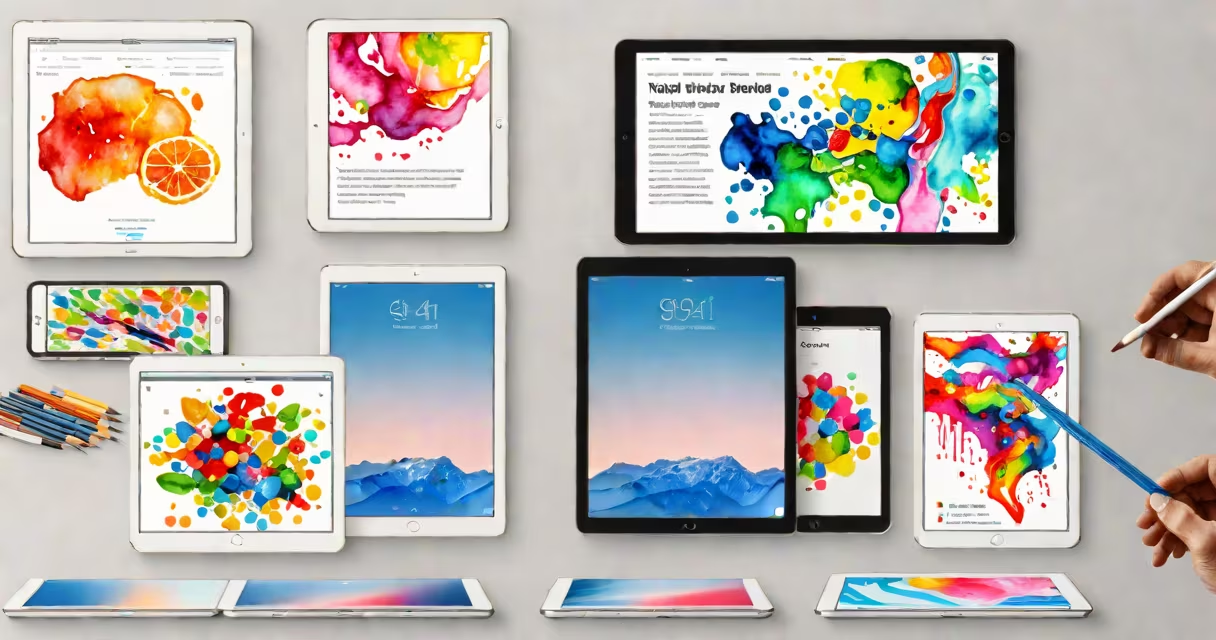
The right iPad for you depends on your primary use-whether for school, creative work, media consumption, or productivity-and your budget. Apple offers six distinct iPad models across three size categories: 10.2-inch, 11-inch, and 12.9-inch screens, each with different performance levels, accessories, and price points.
Apple released the iPad lineup in 2024 with updated chipsets, display technologies, and accessory compatibility. The core decision hinges on balancing screen size, processing power, camera quality, and support for the Apple Pencil and Magic Keyboard. For example, the iPad Air (5th generation) uses the M1 chip, while the base iPad (10th generation) runs the A14 Bionic-both capable, but with different strengths.
Understanding your workflow is essential. A student needing a lightweight device for note-taking and video calls may prefer the 10.2-inch iPad with the Smart Keyboard Folio. A graphic designer working with Procreate or Adobe Fresco benefits from the 12.9-inch iPad Pro's Liquid Retina XDR display and 120Hz refresh rate. The iPad mini (6th generation) offers portability and supports the second-generation Apple Pencil, ideal for sketching on the go.
Each iPad model targets a specific user group based on hardware and software capabilities. The iPad (10th generation) is designed for basic tasks-web browsing, email, streaming, and light app use. It lacks the Apple Pencil support found in newer models, limiting its appeal for artists or students who take handwritten notes.
The iPad Air (5th generation) bridges the gap between entry-level and high-end. It features the M1 chip, which delivers desktop-like performance for multitasking, video editing, and running complex apps. This model supports both generations of the Apple Pencil and pairs well with the Magic Keyboard. It's the most balanced option for users seeking premium features without the highest price.
The iPad Pro (2024) series includes two sizes: 11-inch and 12.9-inch. These models feature the M4 chip, LiDAR scanner, and advanced cameras. They're optimized for professionals using Final Cut Pro, Logic Pro, or CAD software. The 12.9-inch version supports the new Ultra Wide camera system and Face ID, unlike older models that used Touch ID.
| Model | Screen Size | Chip | Apple Pencil Support | Face ID | Starting Price |
|---|---|---|---|---|---|
| iPad (10th gen) | 10.2 inches | A14 Bionic | No | No | $449 |
| iPad Air (5th gen) | 10.9 inches | M1 | Yes (both generations) | Yes | $599 |
| iPad mini (6th gen) | 8.3 inches | A17 Pro | Yes (2nd gen) | No | $499 |
| 11-inch iPad Pro (2024) | 11 inches | M4 | Yes (2nd gen) | Yes | $649 |
| 12.9-inch iPad Pro (2024) | 12.9 inches | M4 | Yes (2nd gen) | Yes | $849 |
Some users assume the iPad Pro is always the best choice due to its high-end branding. But the M1-powered iPad Air offers 90% of the performance at $150 less. The 11-inch iPad Pro's 120Hz ProMotion display enhances scrolling and drawing precision, but only matters if you use apps that use it.
Another common misconception is that all iPads support the Apple Pencil. The 10.2-inch iPad (10th generation) does not. The pencil requires a magnetic connection and precise timing-features absent in older models. Always verify compatibility before purchasing.
Students often choose the 10.2-inch iPad for its affordability and ease of use. It handles Zoom, Google Classroom, and Khan Academy well. However, it lacks the Apple Pencil, so handwriting notes is limited to the on-screen keyboard or third-party styluses.
Artists and illustrators favor the iPad mini (6th generation) for its compact size and support for the second-generation Apple Pencil. Its 8.3-inch screen fits easily in a backpack. I tested it during a week-long art workshop-drawing with Procreate felt natural, and the battery lasted over 10 hours on medium brightness.
Professionals in film, music, and engineering rely on the iPad Pro. The LiDAR scanner enables AR applications, and the M4 chip handles 4K video rendering in real time. A freelance editor used the 12.9-inch iPad Pro to edit short films on location-exporting projects directly to cloud storage without a laptop.
Many buyers focus on screen size alone. A larger screen doesn't improve performance. The 12.9-inch iPad Pro has better resolution and color accuracy, but the 11-inch model performs identically in benchmarks due to shared M4 chip architecture.
Another error is assuming all iPads support the same accessories. The Smart Keyboard Folio works only with the 10.2-inch and 10.9-inch models. The Magic Keyboard requires the 11-inch and 12.9-inch Pro models. Using the wrong keyboard leads to frustration and extra cost.
Users also overlook storage options. The base model of the iPad (10th gen) comes with 64GB. After installing iOS updates and apps, only 40GB remains usable. A student downloading textbooks, audio files, and video lectures quickly fills this space. Upgrading to 256GB costs $100 more but prevents storage issues.
Which iPad is for me depends on your daily habits, budget, and intended use. A student may find the 10.2-inch iPad sufficient. A professional artist may need the 12.9-inch iPad Pro. Evaluate your workflow, test real-world scenarios, and avoid marketing hype. The best iPad is the one that fits your life-not the one with the most features.