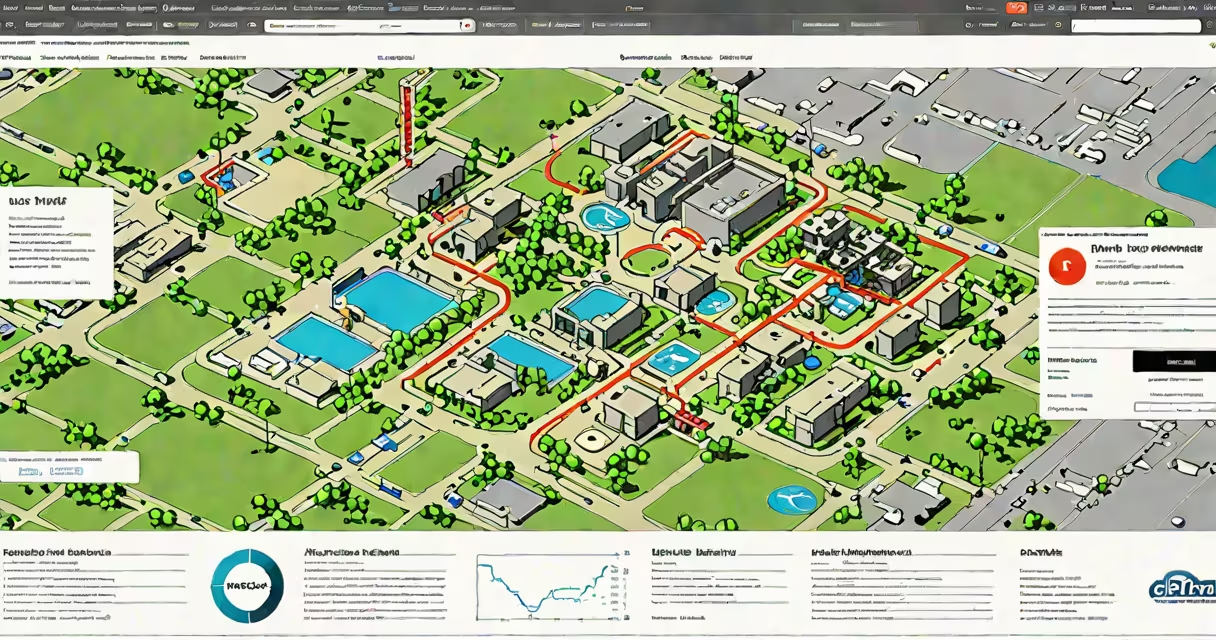
The City of Dallas offers a digital platform for residents and contractors to apply for building, zoning, and construction permits remotely. This system streamlines access to official approvals, reduces processing time, and allows users to track applications in real time.
Applications for most permit types-including electrical, plumbing, mechanical, and structural work-are processed through the Dallas Permitting Portal. Users create an account, upload required documents, submit forms, and pay fees electronically. The portal supports both new construction and renovation projects.
For example, a contractor renovating a commercial kitchen in downtown Dallas can file a plumbing permit online, attach site plans and equipment specifications, and receive approval within 5-7 business days. All communication and document exchanges happen through the secure portal.
Users begin by registering on the Dallas Permitting Portal using a valid email and a unique username. After verification, they gain access to a dashboard where they can initiate new applications, view pending requests, and download approved documents.
Each permit type requires specific documentation. For a residential remodel, applicants must provide architectural drawings, engineering reports, and proof of insurance. The system validates uploads against format and size requirements-PDFs under 10MB, JPEGs at 300 DPI.
Once submitted, applications are routed to the appropriate department. A review team checks compliance with the Dallas Building Code and zoning regulations. Applicants receive automated updates via email or SMS when status changes-from "Received" to "Under Review" to "Approved" or "Rejected."
Not all permits are available online. The city prioritizes high-volume, low-complexity applications. The following categories are accessible:
| Permit Type | Common Use Cases | Processing Time | Required Documents |
|---|---|---|---|
| Electrical | Wiring upgrades, panel installations | 3-5 business days | Single-line diagram, NEC compliance sheet |
| Plumbing | Fixture replacements, pipe rerouting | 4-6 business days | Plumbing layout plan, fixture schedule |
| Mechanical | Air conditioning, ventilation systems | 5-7 business days | Load calculation, equipment specs |
| Zoning | Signage, accessory structures, land use changes | 7-10 business days | Site plan, property deed, variance request |
High-risk or complex projects-such as multi-story commercial buildings or historic district renovations-still require in-person submission and review. These are flagged during the initial form entry.
Over 85% of routine construction permits in Dallas are now filed online, according to the city's Office of the City Manager (2023 report). This shift reduced average wait times by 38% compared to paper-based submissions.
Contractors use the system to avoid delays. A roofing company in East Dallas reported completing a permit for a 2,400-square-foot commercial roof in 48 hours using the online portal-compared to five days previously with mailed forms.
Homeowners benefit from transparency. You can check the status of your permit anytime, see which inspector is assigned, and receive alerts when inspections are scheduled. The portal also logs all actions taken, creating a permanent audit trail.
Many assume that submitting online guarantees faster approval. That's incorrect. Speed depends on completeness, not method. An incomplete application-even if uploaded digitally-can take longer to process than a well-prepared paper version.
Another error: thinking all permits are issued instantly. The system sends automatic confirmation upon submission, but actual approval requires manual review. Some applicants mistakenly believe this means the permit is valid. It is not.
One non-obvious fact: the portal does not accept scanned signatures. All electronic signatures must be applied via a certified e-signature service like DocuSign or Adobe Sign. The city's legal office confirms that handwritten scans are rejected as non-compliant with Texas Government Code §2054.001.
I applied for a permit to install solar panels on my home in North Dallas last year. The process took 3.5 hours total: 45 minutes to gather blueprints and utility agreements, 1 hour to fill out the form, and 1.5 hours to upload files and pay the $125 fee. I received approval in four business days. The portal sent me a PDF with the permit number, inspection dates, and a list of required safety checks.
When the inspector arrived, he referenced the permit number from the portal. He verified the installation matched the submitted plans. No follow-up calls were needed.
Some permit types remain offline-only. These include:
These require coordination with multiple departments and often involve public hearings. They are not yet integrated into the online portal.
The system does not issue temporary permits for emergency repairs. In cases of burst pipes or structural damage, residents must contact the Dallas Fire Department's Emergency Response Unit directly.
Dallas was among the first major U.S. cities to implement a unified permitting portal across all departments. Unlike Houston, which uses separate portals for building, zoning, and environmental permits, Dallas consolidates them under one login.
According to the National League of Cities (2022), Dallas ranks in the top 15% nationally for digital permit adoption. The city's system integrates with the Texas Department of Licensing and Regulation (TDLR) database, allowing automatic validation of contractor licenses during application.
This integration prevents unlicensed workers from applying for permits-a common issue in cities without cross-checks.
Use the dallas permits online portal to manage your project efficiently. Ensure all documents meet technical standards, verify your contractor's license, and monitor your application status daily. Submit early-approval timelines start the moment the system receives your complete package.