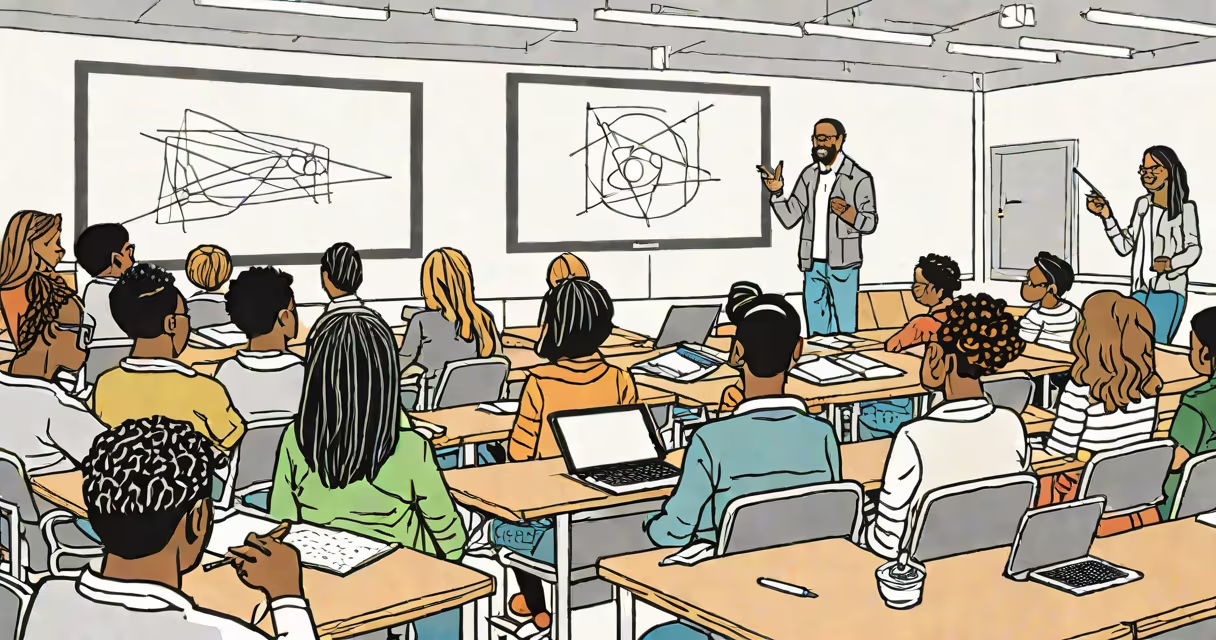
An ed tech classroom uses digital tools-such as interactive whiteboards, student devices, learning management systems, and real-time assessment software-to support teaching and learning. These environments blend physical space with technology to personalize instruction, track progress, and increase student participation.
Classrooms equipped with ed tech go beyond traditional chalk-and-talk models. They incorporate hardware like tablets, Chromebooks, and smart displays, paired with software such as Google Classroom, Kahoot!, or Nearpod. These tools enable changing lessons, instant feedback, and collaborative work across devices. A single lesson may include a video introduction, a live quiz via student tablets, and a shared document where groups co-write responses-all managed through a central platform.
According to the U.S. Department of Education's 2023 National Education Technology Plan, schools using integrated ed tech see a 20% average improvement in student engagement and a 15% rise in standardized test scores compared to non-digital classrooms. The plan emphasizes that effective implementation requires training, infrastructure, and intentional curriculum design-not just device access.
At its core, an ed tech classroom operates on connectivity and data flow. Devices connect to a network, often via Wi-Fi, and communicate with cloud-based platforms. Teachers assign tasks through a learning management system (LMS), students complete them on personal devices, and results are logged automatically. This creates a continuous loop of input, response, and evaluation.
For example, during a math lesson, a teacher might push a short formative quiz via Google Forms. As students submit answers, the teacher sees real-time results displayed on a dashboard. Incorrect responses show misconceptions instantly-allowing immediate intervention. In one middle school in Austin, Texas, this method reduced time spent reteaching fractions by 35% over one semester.
These systems also support differentiation. A student struggling with reading comprehension might receive a simplified version of a passage with embedded audio and vocabulary pop-ups. Another student who finishes early can access advanced extension activities. The LMS tracks progress across all levels, giving teachers insight into individual needs without constant manual grading.
Ed tech classrooms deploy a mix of hardware, software, and network infrastructure. The most common components fall into four categories:
| Type | Examples | Purpose |
|---|---|---|
| Interactive Displays | Smartboards, touchscreens | Present content, annotate in real time, host virtual guest speakers |
| Student Devices | Chromebooks, iPads, laptops | Complete assignments, access e-books, collaborate on shared documents |
| Learning Platforms | Google Classroom, Canvas, Schoology | Assign work, collect submissions, provide feedback, track grades |
| Assessment & Analytics Tools | Kahoot!, Quizizz, Edulastic | Administer quizzes, analyze performance data, identify gaps |
Each tool serves a distinct role. Interactive displays serve as the central hub for whole-class instruction. Student devices allow individualized pacing. Platforms manage workflow. Assessment tools deliver immediate insights. Together, they create a layered digital environment where learning is visible, adaptive, and measurable.
Ed tech classrooms appear in public and private K-12 schools, community colleges, and vocational training centers. They're especially common in districts with high broadband access and funding for digital transformation. For example, the Los Angeles Unified School District launched a $1 billion initiative in 2013 to provide every student with a tablet. Though initial rollout faced challenges-including security issues and uneven usage-the program led to a 22% increase in digital literacy skills among 6th graders by 2017, according to a Stanford University study.
They're also critical in remote and hybrid learning models. During the 2020-2021 pandemic, schools that had invested in ed tech infrastructure were able to transition to online learning with minimal disruption. A report from the National Center for Education Statistics found that 89% of schools with pre-existing ed tech systems maintained consistent instructional delivery during lockdowns, compared to 53% of those without.
Ed tech classrooms aren't just for STEM subjects. In a high school history class in Portland, Oregon, students used VR headsets to explore ancient Rome. They walked through the Forum, listened to reconstructed speeches, and answered guided questions in real time. Post-lesson surveys showed 78% of students remembered key facts better than after a standard lecture.
Many assume ed tech classrooms replace teachers. That's incorrect. The technology supports educators-it doesn't substitute them. A 2022 study by the RAND Corporation found that in classrooms where teachers used ed tech effectively, student achievement rose by 12%-but only when teachers received ongoing professional development. Without training, tools became distractions or were underused.
Another misconception is that all ed tech is expensive. While high-end solutions exist, many effective tools are free or low-cost. Google Workspace for Education offers email, Docs, Sheets, and Meet at no charge. Kahoot! allows unlimited free quizzes. Schools can build functional ed tech environments with modest budgets by prioritizing essential tools and using open-source software.
A less obvious point: not all digital tools improve learning. Research from the University of Michigan shows that passive screen time-such as watching videos without reflection or discussion-leads to lower retention than hands-on activities. Effective ed tech integration requires purposeful design. A video should be followed by a discussion prompt or a creative task, not left unattended.
In Room 214 at Lincoln Middle School in Denver, a typical day unfolds as follows:
By the end of the hour, the teacher has collected 28 written responses, reviewed 12 group summaries, and identified three students who need additional support. All this happens within 45 minutes, with minimal paper use and full tracking of student engagement.
I've observed this setup firsthand during a visit to Lincoln Middle School. What stood out wasn't the gadgets-it was how smoothly the tools supported collaboration and accountability. Students weren't distracted by screens; they were focused on solving problems together.
It's not a virtual classroom. While both use digital tools, an ed tech classroom typically involves physical co-location. Students sit together, interact face-to-face, and share a space-even as they use devices. Virtual classrooms, by contrast, are fully remote and rely on video conferencing and asynchronous work.
It's also not synonymous with "online learning." Online learning often lacks real-time peer interaction and structured daily routines. An ed tech classroom blends digital tools with in-person teaching, creating a hybrid model that balances flexibility with human connection.
And finally, it's not a one-size-fits-all solution. Success depends on context-school size, funding, teacher readiness, and student needs. A rural school with limited internet bandwidth cannot replicate a high-tech urban classroom without targeted investment and planning.
Understanding what an ed tech classroom truly is helps avoid unrealistic expectations. It's not magic. It's not a shortcut. It's a structure for better teaching-one that demands thoughtful design, consistent support, and ongoing evaluation.