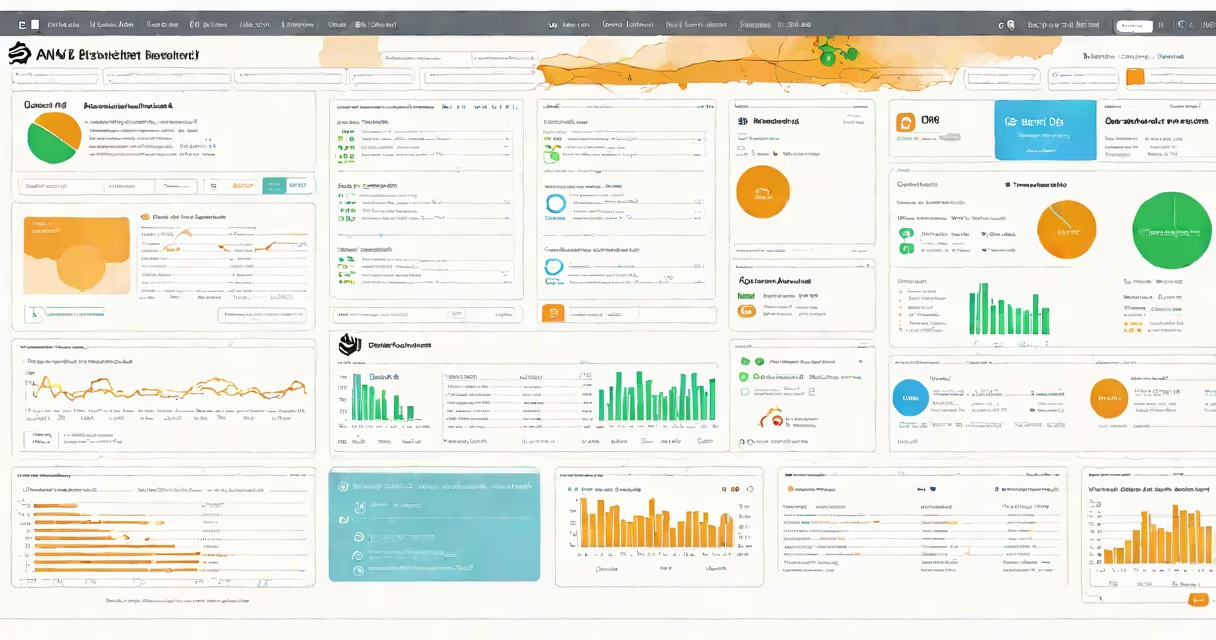
Elastic Beanstalk AWS is a service that automatically provisions and manages the underlying infrastructure needed to run web applications and APIs on Amazon Web Services. It handles servers, load balancing, auto-scaling, and monitoring so developers can deploy code without manually configuring EC2 instances or other resources.
When you upload your application code-whether in Python, Node.js, Ruby, Java, PHP, or .NET-Elastic Beanstalk creates a complete environment tailored to your chosen platform. It sets up compute capacity, storage, networking, and security groups behind the scenes. You don't need to touch the AWS console to manage servers or adjust instance types.
For example, uploading a simple Flask app written in Python to Elastic Beanstalk triggers automatic creation of an EC2 instance, assigns a public IP, configures a load balancer, and enables health checks. The application becomes accessible via a URL within minutes. This automation reduces time-to-deployment five minutes.
Elastic Beanstalk operates by interpreting configuration files in your project root-like Procfile, requirements.txt, or package.json-to determine how to launch and scale your app. It uses predefined platform configurations based on popular frameworks and languages.
Each application runs in an environment, which is a logical grouping of resources. Environments can be single-instance (for testing) or multi-instance with auto-scaling (for production). You can switch between environments using different configurations-such as staging vs. production-without rebuilding the entire stack.
Scaling happens automatically based on CPU usage, request rate, or custom CloudWatch metrics. For instance, if your site sees a traffic spike during a product launch, Elastic Beanstalk adds new instances to handle load and removes them when demand drops. This ensures consistent performance while minimizing costs.
Elastic Beanstalk supports multiple runtime platforms. The most common are:
| Platform | Use Case | Example Frameworks |
|---|---|---|
| Python | Web apps, APIs, data processing | Flask, Django, FastAPI |
| Node.js | Real-time services, microservices | Express, NestJS, Next.js |
| Java | Enterprise applications, batch jobs | Spring Boot, Jakarta EE |
| PHP | Content sites, e-commerce | Laravel, Symfony |
| .NET | Windows-based enterprise systems | ASP.NET Core, MVC |
You can customize environments through configuration files. A file named .ebextensions lets you run scripts during deployment-for example, installing system packages, setting environment variables, or configuring databases. These scripts execute in a specific order and support conditional logic.
For advanced users, Elastic Beanstalk integrates with AWS CloudFormation, allowing you to define infrastructure as code. You can export your environment's configuration and modify it in a template for reuse across regions or teams.
Developers use Elastic Beanstalk to reduce operational overhead when building and launching applications quickly. Startups often adopt it because it allows small engineering teams to move fast without hiring DevOps specialists.
A real-world example: a SaaS startup building a customer portal used Elastic Beanstalk to deploy their React frontend and Express backend. They uploaded the code to the AWS Management Console, selected the Node.js platform, and deployed. Within 90 seconds, the app was live at https://app.example.com. Over the next month, traffic doubled during business hours-Elastic Beanstalk automatically scaled instances and reduced response times by 60%.
Enterprises use it for internal tools and prototypes. One financial services firm used Elastic Beanstalk to deploy a risk analytics dashboard that processed daily market data. Because the tool ran on a fixed schedule, they configured auto-shutdown during off-hours to save $420 monthly in compute costs.
Elastic Beanstalk is not a serverless platform like AWS Lambda. While both automate infrastructure, Lambda runs functions in response to events and charges per execution. Elastic Beanstalk runs full instances and bills by instance type and duration. Choosing between them depends on workload pattern: event-driven tasks suit Lambda; long-running apps suit Elastic Beanstalk.
Another confusion: Elastic Beanstalk doesn't replace EC2-it runs on EC2 under the hood. When you create an environment, AWS launches EC2 instances behind the scenes. You don't see them unless you access the underlying resources via the AWS console or CLI.
A lesser-known fact: Elastic Beanstalk maintains backward compatibility across platform versions. If you upgrade from Python 3.7 to 3.11, the service automatically adjusts dependencies and restarts the environment. This prevents downtime during runtime migrations.
I've personally used Elastic Beanstalk to deploy a machine learning model API that served predictions to mobile clients. After initial setup, I updated the code twice a week. Each deployment took less than two minutes, and the service handled certificate renewal, log rotation, and crash recovery without intervention.
Elastic Beanstalk sits between manual EC2 management and fully automated serverless architectures. It offers more control than Lambda but less complexity than Kubernetes.
| Tool | Infrastructure Control | Best For | Learning Curve |
|---|---|---|---|
| Elastic Beanstalk | High (platform-specific) | Web apps, APIs, rapid prototyping | Low to moderate |
| EC2 | Full | Custom workloads, dedicated instances | High |
| Lambda | None (event-driven) | Short-lived functions, event processing | Low |
| Amazon ECS | Medium (container orchestration) | Microservices, Dockerized apps | High |
Choosing Elastic Beanstalk over EC2 saves time on infrastructure tuning. According to AWS documentation, teams using Elastic Beanstalk report 40% faster deployment cycles compared to managing EC2 manually.
Elastic Beanstalk AWS streamlines deployment, enabling developers to focus on writing code rather than managing servers. It's ideal for teams that want speed, scalability, and simplicity without sacrificing control over their application's runtime environment.