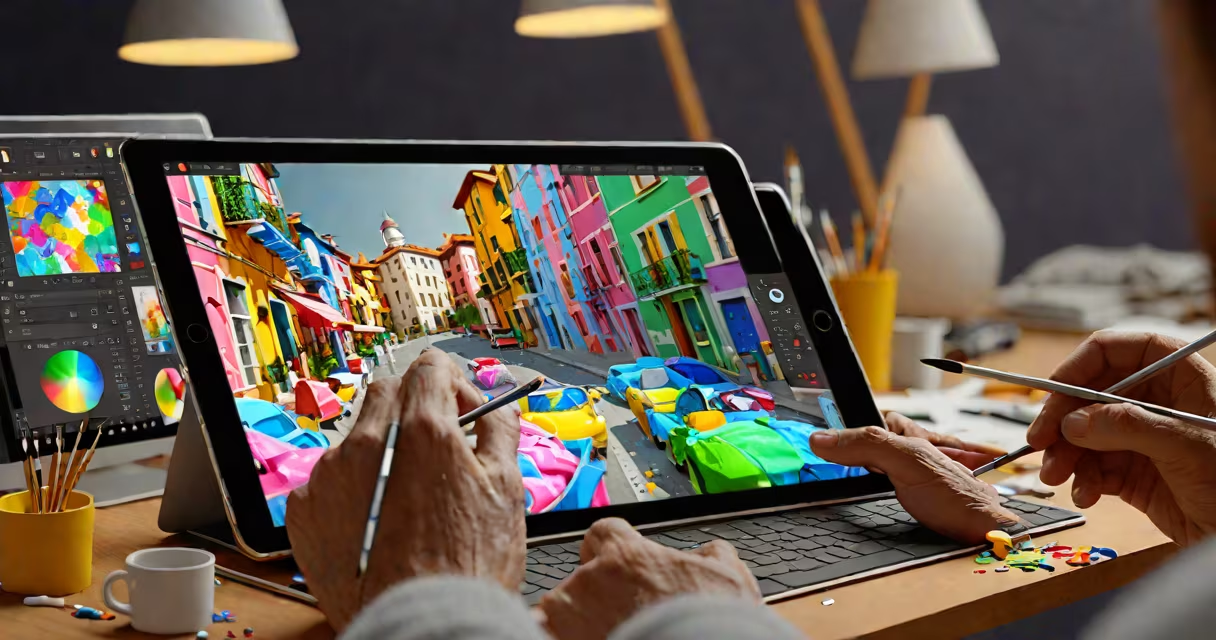
Good free painting software provides access to professional-level digital art tools-such as customizable brushes, layer support, and advanced color management-without requiring payment. These applications run on Windows, macOS, Linux, or mobile platforms and serve both beginners and experienced creators.
These tools function as standalone desktop or web-based applications. They process pixel data through algorithms that simulate traditional media like oil, watercolor, or pencil. Users apply pressure sensitivity via graphics tablets or touchscreens to control brush opacity, flow, and texture. The core workflow involves selecting a tool, choosing a brush preset, and applying strokes on a canvas with adjustable settings.
Many good free painting software options are open-source, meaning their source code is publicly available and modifiable. This transparency allows developers worldwide to audit security, fix bugs, and improve performance. Open-source projects often have active communities that contribute plugins, tutorials, and bug reports. Some tools integrate with cloud storage services for cross-device access and automatic backups.
At its foundation, good free painting software uses raster graphics-digital images composed of pixels arranged in a grid. Each pixel stores color values in red, green, and blue (RGB) format. When a user draws, the software updates the pixel data based on brush size, pressure, and angle input. The result appears instantly on screen.
Advanced features rely on mathematical models. For example, brush dynamics simulate how paint spreads on canvas. A soft brush may feather edges based on velocity and pressure, while a hard brush maintains sharp lines. Layer systems allow users to separate elements-backgrounds, characters, effects-into individual planes. This enables non-destructive editing: changing one layer doesn't affect others.
Color management ensures consistency across devices. Good free painting software supports ICC profiles, which map colors between monitors, printers, and export formats. Without this, a red in your sketch might appear orange on another screen. Some tools even offer color harmony tools that suggest complementary palettes based on selected hues.
Different tools suit different workflows. Here's a breakdown of common categories:
| Type | Best For | Examples | Platform |
|---|---|---|---|
| Desktop-native | Full feature sets, high performance | Krita, FireAlpaca | Windows, macOS, Linux |
| Web-based | Quick access, no installation | Autodraw (limited), Artbreeder (generative) | Browser-only |
| Mobile | On-the-go sketching, touch gestures | ibis Paint X (free tier), Medibang Paint | iOS, Android |
Krita stands out for its professional-grade brush engine and support for animation timelines. It includes vector layers, HDR color modes, and a customizable interface. FireAlpaca runs efficiently on older hardware and offers a simplified workspace ideal for students or hobbyists. Medibang Paint excels in manga creation with built-in templates, speech bubbles, and panel layouts.
A common misconception is that free tools lack precision. In reality, Krita supports 16-bit color depth and 4K resolution exports. It also includes a perspective grid tool and custom brush shapes. One user reported creating a 30-page comic using only Krita, exported as PDF with embedded fonts and vector outlines.
Some assume that good free painting software cannot handle complex projects. This is false. Artists have used Krita to produce concept art for indie games and animated shorts. The software supports multi-frame animation, onion skinning, and frame-by-frame editing-features typically reserved for paid software like Photoshop or Toon Boom.
Another error is equating "free" with "low quality." Free doesn't mean outdated or unstable. Krita has released over 100 updates since 2018, including major improvements to brush rendering and GPU acceleration. Its development team follows a six-week release cycle, ensuring timely fixes and new features.
Some users confuse good free painting software with AI-generated art tools. While platforms like Artbreeder generate images from text prompts, they don't allow direct manipulation of brushstrokes or layer composition. Good free painting software gives full control over every element of a piece. You're not generating ideas-you're building them.
In 2022, a freelance illustrator used Krita to complete a book cover design under a tight deadline. She began with a rough sketch using the pencil tool, then refined the lines with the smoothing algorithm. She applied gradients using the blend mode "Overlay" and added texture overlays from a custom brush pack. After adjusting contrast and saturation, she exported the file as PNG with transparent background for print and web use.
The entire project took under four hours. She saved $120 in licensing fees compared to using Adobe Photoshop. Her client approved the design on the first draft, citing the clean lines and professional finish.
When evaluating free tools, test export options. Some limit output resolution or embed watermarks. Krita and FireAlpaca export without restrictions. Always check license terms-some tools require attribution, even if free.
One non-obvious fact: many good free painting software programs support scripting. Krita allows Python scripts to automate repetitive tasks like batch renaming files or applying filters. This functionality turns basic tools into customizable workstations.
As a personal note, I once used Krita to digitize a hand-drawn storyboard for a short film. The software's ability to import scanned pages and trace over them with pressure-sensitive pens made the process smooth. I later animated the scenes using a free video editor. The final product screened at a local festival.
Good free painting software delivers capabilities previously limited to paid applications. With stable performance, active communities, and regular updates, these tools meet the demands of professionals and learners alike. illustrating books, free options now match commercial standards.