DSL internet is good for basic web browsing, email, streaming standard-definition video, and light remote work. It uses existing telephone lines to deliver broadband service, offering consistent speeds and low latency compared to older dial-up connections. While not as fast as fiber or cable, it remains a reliable option in areas without advanced infrastructure.
DSL stands for Digital Subscriber Line. It transmits data over copper telephone wires already installed in most homes. Unlike dial-up, which monopolizes the phone line, DSL runs simultaneously with voice calls. The connection speed depends on distance from the provider's central office-closer locations get faster performance. Typical downstream speeds range from 1.5 Mbps to 100 Mbps, though real-world results often fall below advertised rates.
Providers like AT&T, CenturyLink, and Windstream offer DSL plans. Speeds vary by location and plan tier. For example, AT&T's U-verse DSL offers up to 15 Mbps download speeds in select markets. In contrast, cable and fiber services often exceed 300 Mbps. However, DSL maintains stable performance during peak hours because it doesn't share bandwidth with neighbors like cable does.
DSL operates by splitting the frequency spectrum on copper phone lines. Voice signals occupy lower frequencies (0-4 kHz), while data travels on higher bands (25 kHz to 1.1 MHz). A DSL filter or microfilter separates voice and data traffic at the customer's end. Without filters, interference causes noise and dropped calls.
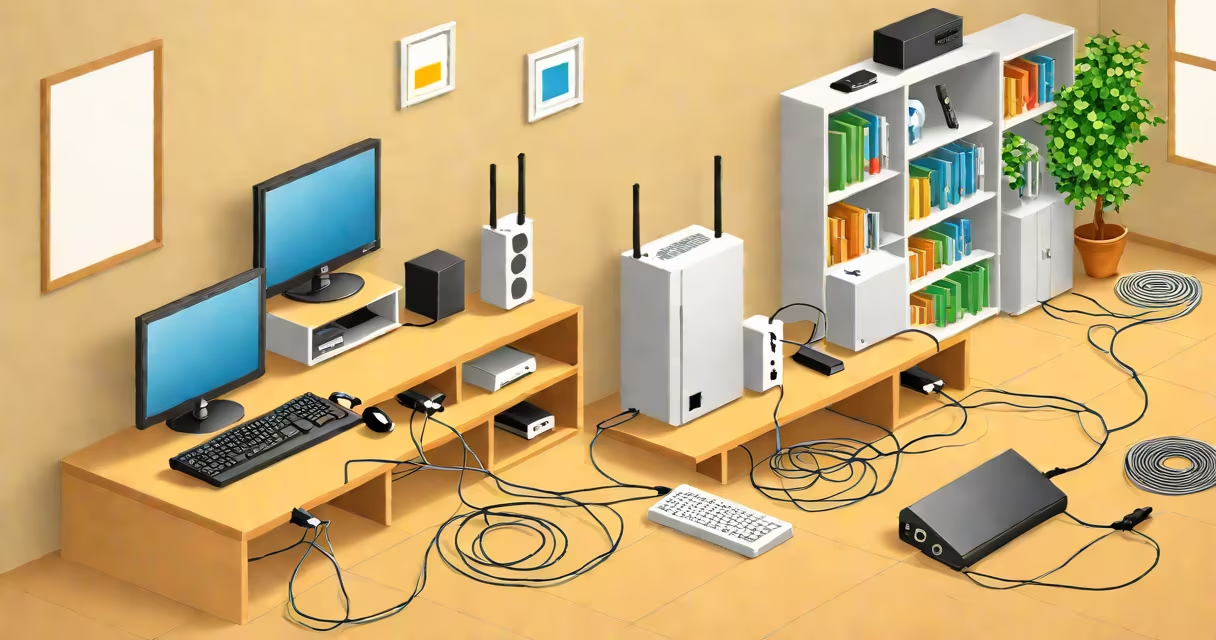
A DSL modem connects to the phone line via a RJ-11 port. This device converts analog signals into digital data for your home network. Most modems also include a built-in router, enabling Wi-Fi and wired Ethernet connections. Some providers supply a combined modem-router unit, while others require separate devices.
For optimal performance, use a quality Ethernet cable (Cat 5e or Cat 6) between the modem and router. Avoid extension cords or long cables, which degrade signal integrity. Place the modem near the phone jack and avoid metal objects or microwaves that interfere with wireless signals.
DSL is widely used in rural and suburban areas where cable or fiber deployment is impractical. According to the Federal Communications Commission (FCC), about 14 million Americans live in areas without access to broadband speeds of 25 Mbps download. In these regions, DSL is often the only available fixed-line option.
For households with minimal internet demands-checking emails, streaming HD video on one device, or working remotely with occasional Zoom calls-DSL suffices. A 25 Mbps connection supports up to four simultaneous HD streams (1080p) or 10 users on low-bandwidth apps like Slack and Google Docs.
Businesses in small towns may rely on DSL for point-of-sale systems, cloud accounting software, and secure remote access. Many small retailers use DSL for daily operations because it provides predictable uptime and avoids congestion seen in shared cable networks.
| Use Case | Minimum Recommended Speed | DSL Suitability |
|---|---|---|
| Web browsing & email | 5 Mbps | Excellent |
| HD video streaming (1 device) | 10 Mbps | Good |
| 4K streaming (1 device) | 25 Mbps | Variable |
| Online gaming (low latency) | 10 Mbps | Good |
| Video conferencing (multiple users) | 15 Mbps | Fair |
DSL performs consistently under load. Unlike cable, which shares bandwidth among neighbors, DSL allocates dedicated capacity per household. This means your speed stays stable even when nearby users stream or game. The FCC reports that DSL users experience less jitter and packet loss than cable users in high-density neighborhoods.
Many assume DSL is obsolete. That's incorrect. While newer technologies like fiber-optic and 5G home internet exist, DSL still serves over 10 million U.S. households. It's not dead-it's functional where alternatives don't reach.
Another myth: DSL is always slow. Real-world speeds depend heavily on proximity to the central office. A home within 1 mile gets better performance than one 3 miles away. AT&T's internal testing shows that 70% of DSL customers within 1.5 miles receive at least 15 Mbps download speeds.
Some confuse DSL with satellite internet. Satellite requires a dish and suffers from high latency (500ms+), making it unsuitable for real-time applications. DSL typically delivers 20-50 ms latency, acceptable for most online activities. For reference, fiber averages 10-30 ms.
Consider a family in rural Iowa using CenturyLink DSL. Their home is 2.3 miles from the nearest central office. They subscribed to a 25 Mbps plan. Actual measured speeds averaged 21 Mbps download and 3 Mbps upload over three months.
They stream Netflix on one device (requires ~5 Mbps), run Zoom calls (needs ~1.5 Mbps), and browse social media. All devices connect via Wi-Fi. No buffering occurred during peak evening hours. The father, who works from home, reported no lag during video meetings.
When they tested their connection using Speedtest.net, results matched their provider's advertised speeds. The consistency surprised them-unlike their neighbor on cable, whose speed dropped to 5 Mbps during rush hour.
DSL supports VoIP (Voice over IP) natively. With a SIP-compatible router, users can run business-grade phone systems over DSL. This reduces costs compared to traditional landlines. Small offices use this setup for call centers and reception desks.
DSL also allows for static IP addresses at modest cost. Static IPs help host servers, manage remote access, or set up home automation systems with external control. Cable providers often charge extra for static IPs; DSL providers sometimes include them in business plans.
Finally, DSL hardware lasts longer than newer tech. Modems from 2010 still function reliably. Upgrading only becomes necessary due to obsolescence or security flaws-not performance failure.
When evaluating whether DSL internet is good, focus on actual needs. If you're in a region without fiber or cable, DSL is likely your best option. Check your local provider's coverage map and test speeds before committing. The key is matching service to use case-not chasing maximum Mbps.