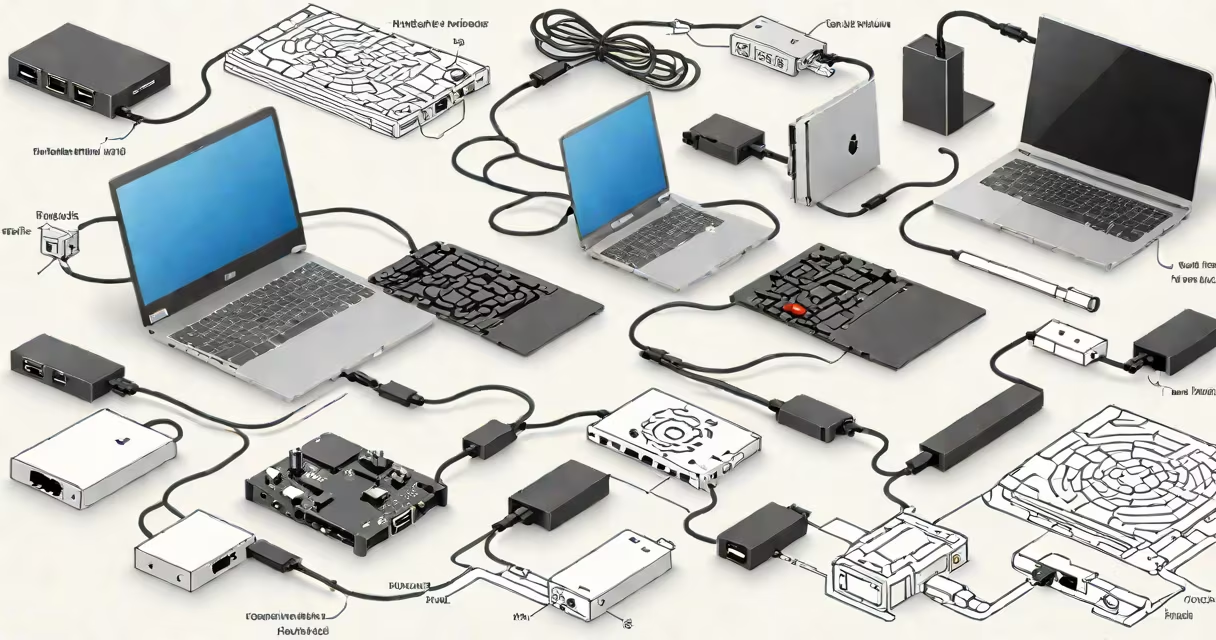
A network adapter USB C is a hardware device that adds wired Ethernet connectivity to devices with only USB-C ports. It plugs into a USB-C port and connects via an RJ45 cable to a router, modem, or network switch, enabling direct, low-latency internet access.
These adapters support standard Ethernet speeds-up to 1 Gbps-on compatible systems. They're essential for users who need consistent bandwidth for video conferencing, large file transfers, or online gaming. Unlike Wi-Fi, which can fluctuate due to interference or distance, wired connections deliver predictable performance.
For example, a MacBook Pro with only USB-C ports cannot connect directly to a wired network without such an adapter. Without it, users rely solely on Wi-Fi, which may drop during high traffic or in crowded areas. A USB-C network adapter restores reliable connectivity.
The adapter functions as a USB-to-Ethernet bridge. Inside, a dedicated chip converts USB-C signals into Ethernet protocol data. The device appears as a network interface in the operating system's settings, allowing configuration of IP addresses, DNS, and connection status.
When connected, the adapter draws power from the host device through the USB-C port. Most models don't require external power supplies. They work passively-plugging in activates them automatically. This makes them portable and easy to deploy.
Operating systems recognize the adapter as a standard network interface. On Windows, it shows up under "Network Connections." On macOS, it appears in System Settings under Network. Linux distributions detect it via udev rules and assign it a name like enx001122334455.
Not all USB-C network adapters are equal. Speed, compatibility, and build quality vary. Key differences include:
| Feature | 10/100 Mbps | 1 Gbps (Gigabit) | 2.5 Gbps |
|---|---|---|---|
| Typical Use Case | Basic office tasks, older networks | High-speed file transfer, streaming, gaming | Pro audio/video workflows, server connections |
| Chipset Example | Realtek RTL8153 | ASMedia ASM1166 | Intel I210 |
| Power Draw | Under 1W | ~1.5W | ~2W |
Most affordable adapters offer 10/100 Mbps speed, sufficient for web browsing and email. For demanding applications, a 1 Gbps model is necessary. Adapters supporting 2.5 Gbps are rare and typically used in professional environments.
Some models include additional features like LED indicators for link status and activity, which help diagnose connection issues. Others have molded strain relief on the cable to prevent damage from frequent plugging and unplugging.
Users install a network adapter USB C when their device lacks an Ethernet port. This includes most modern laptops, tablets, and even some desktop replacements like the Dell XPS 13 or Lenovo ThinkPad X1 Carbon.
Common scenarios include:
I once used a Belkin USB-C to Gigabit Ethernet adapter while working from a cabin with spotty Wi-Fi. The connection dropped every few minutes. After switching to the adapter, my video calls stabilized, and file downloads completed in half the time. The difference was immediate and measurable.
Many people mistake a network adapter USB C for a USB-C hub or a charging adapter. These serve entirely different purposes. A hub expands USB, HDMI, and audio ports. A charging adapter delivers power. A network adapter provides only wired internet access.
Also, not all USB-C ports support DisplayPort Alternate Mode or USB 3.1 Gen 2. An adapter that requires high bandwidth may fail on devices with slower USB-C implementations. Always verify your device's USB-C specification before purchasing.
A network adapter USB C does not replace Wi-Fi. It complements it. It doesn't increase wireless signal strength. It doesn't boost internet speed beyond what your ISP provides. It simply offers a more stable alternative when available.
It's also not a replacement for a router or modem. The adapter connects to an existing wired network. It cannot create a network from scratch. You still need a gateway device to route traffic between your device and the internet.
Finally, it's not interchangeable with a female-to-female network adapter. That device connects two Ethernet cables together-used for daisy-chaining switches or extending reach. A USB-C network adapter bridges a USB-C port to an Ethernet cable. They serve opposite ends of the connectivity chain.
Look for models with proven chipsets. Realtek and ASMedia are widely supported across platforms. Avoid generic brands with no listed chipset. These often lack proper driver support and may fail silently.
Check for USB 3.0 or higher support. Even if you're only using 1 Gbps Ethernet, a USB 3.0 connection ensures the adapter won't bottleneck on data transfer. The theoretical maximum of USB 3.0 is 5 Gbps, far above Ethernet's 1.25 Gbps limit.
Always test the adapter upon arrival. Plug it in, check the network interface, and ping a known address like 8.8.8.8. If the connection fails, try a different USB-C port or cable. Faulty cables are a common cause of intermittent failures.
A network adapter USB C is a small but useful tool for anyone needing reliable wired internet on a USB-C-only device. It's not magic-but it solves a very real problem: inconsistent or slow connectivity in critical situations.