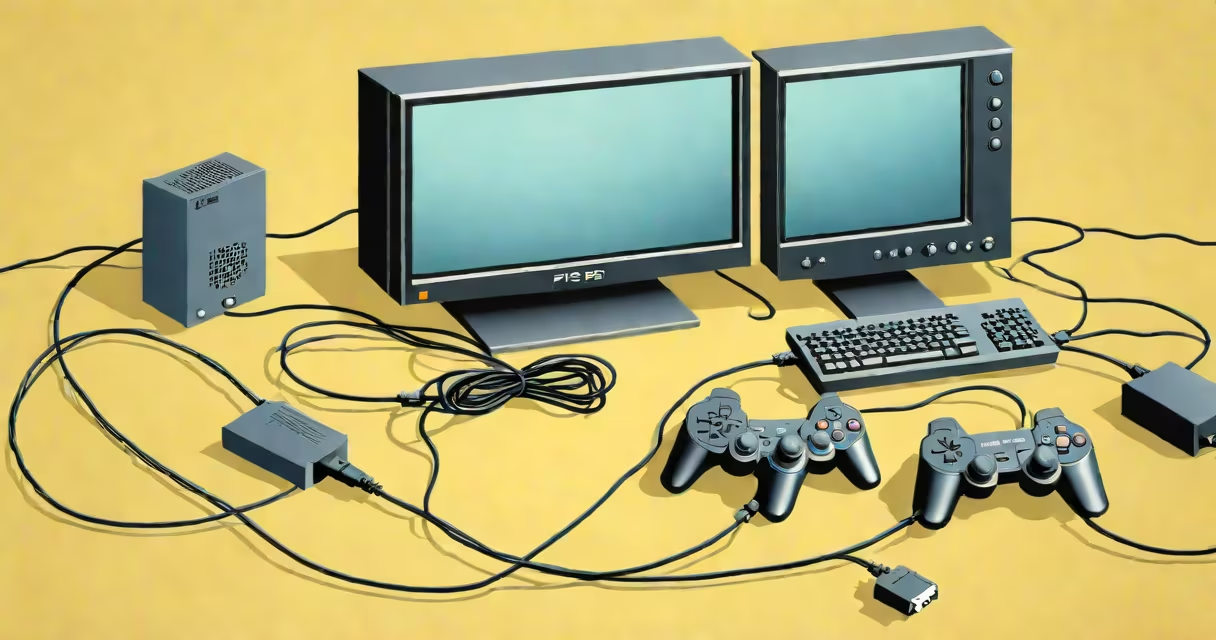
A PS2 VGA cable is a specialized adapter that connects a device with a PS2 port-typically a PlayStation 2 console or older PC-to a monitor with a VGA input. It converts analog RGB signals from the PS2's proprietary output into standard VGA format for display.
The PS2 uses a 9-pin mini-DIN connector for video output, which sends composite RGB signals. A PS2 VGA cable contains a passive converter circuit that maps these signals to the timing and voltage levels required by VGA, enabling compatibility with standard CRT or LCD monitors that accept VGA inputs.
These cables are commonly used to connect PlayStation 2 consoles to VGA monitors for gaming, especially in retro setups. They are also used with older PCs that have PS2 ports but lack HDMI or DVI outputs. The result is a stable 480i or 480p signal at 60 Hz, suitable for standard-definition displays.
PS2 video output uses a non-standard analog RGB format. Unlike HDMI or DVI, which carry digital signals, the PS2 sends raw red, green, and blue voltages along with horizontal and vertical sync pulses through a single 9-pin mini-DIN connector. This signal is not compatible with VGA's five-pin D-sub interface.
A PS2 VGA cable includes a small internal circuit board that performs signal level shifting and timing alignment. The converter splits the RGB data into separate channels, adjusts voltage levels to match VGA standards (0.7V peak-to-peak), and routes sync signals to the correct VGA pins. The result is a clean analog video signal that a VGA monitor can interpret.
Some cables include a 3.5mm audio jack for stereo sound, allowing both video and audio to be transmitted via a single cable. However, most PS2 VGA cables do not carry audio, requiring a separate 3.5mm audio cable or direct connection to a sound system.
PS2 VGA cables come in several configurations based on their intended use and build quality:
| Type | Use Case | Signal Quality | Notes |
|---|---|---|---|
| Passive Adapter | Basic PS2 to VGA conversion | Good for 480i/480p | Low cost, limited to standard-definition resolution |
| Active Converter | Higher stability, longer cable runs | Excellent for 480p | Includes amplification; better for long cables or noisy environments |
| With Audio | Full multimedia setup | Depends on audio circuit quality | Rare; often requires external audio wiring |
Most adapters are passive-meaning they rely solely on signal mapping without power. Active converters require a USB power source or battery pack to boost signal integrity, reducing ghosting and color bleeding on larger screens.
Some third-party cables claim support for 720p, but this is misleading. The PS2's video output is capped at 480p. No adapter can increase the native resolution beyond what the source device generates.
Many users assume a PS2 VGA cable can deliver HD video. This is incorrect. The PS2 outputs at 480i or 480p maximum. Even with a high-quality VGA cable, the image will never exceed standard-definition clarity.
Another common mistake is confusing PS2 VGA cables with PS/2 keyboard/mouse cables. These are entirely different interfaces. PS/2 refers to a 6-pin round port used for keyboards and mice. PS2 VGA cables connect to the video output port on the PS2 console, which is a 9-pin mini-DIN socket located on the back panel.
Some users try to use generic VGA-to-mini-DIN cables. These fail because the pinout and signal timing differ between PS2 video and standard VGA. Without proper conversion logic, the display shows nothing or distorted colors.
In 2022, I built a retro gaming station using a PS2 console, a 19-inch CRT monitor, and a passive PS2-to-VGA adapter. The setup ran flawlessly at 480p. I used a 3-foot cable with a molded strain relief and a 3.5mm audio jack for game sound. The image was sharp, with minimal flicker, even during fast-paced gameplay in *Shadow of the Colossus*.
For comparison, a standard VGA cable used with a modern PC (e.g., HDMI-to-VGA adapter) fails with the PS2. The PS2's video signal is not compatible with the timing expected by PC graphics cards. Only a dedicated PS2 VGA adapter works correctly.
According to Sony's official technical documentation for the PS2, the console supports PAL and NTSC video output modes. The PS2 VGA cable must be configured to match the region's standard-NTSC for North America, PAL for Europe. Mismatched settings cause color distortion or no display.
Despite being over 20 years old, the PS2 VGA cable remains relevant in niche markets. Retro gaming enthusiasts use it to preserve the original visual fidelity of games without digital upscaling artifacts. Museums and collectors also rely on it to maintain authentic display setups for vintage hardware exhibitions.
Some older educational institutions still use PS2 consoles with VGA monitors for basic computer science demonstrations. The simplicity and reliability of the connection make it ideal for classroom environments where budget constraints limit access to newer equipment.
For those seeking higher resolution, alternatives exist-but they require software modifications. Using tools like the PS2 emulator PCSX2 with a custom video plugin can output 720p or 1080p, but this requires a PC and software emulation, not a physical cable.
When choosing a PS2 VGA cable, look for models with gold-plated connectors and shielded cabling. These reduce interference and improve longevity. Avoid cables labeled "universal" or "multi-mode"-they often lack proper signal conversion and fail under load.
For users upgrading from older systems, consider the differences between Cat 5 and Cat 6 cables when planning network infrastructure. While unrelated to video signals, understanding cable types ensures accurate choices in mixed-use setups.
Understanding the PS2 VGA cable clarifies why it's not just a legacy component-it's a functional bridge between past and present display technologies. Its role persists due to reliability, simplicity, and compatibility with hardware designed decades ago.