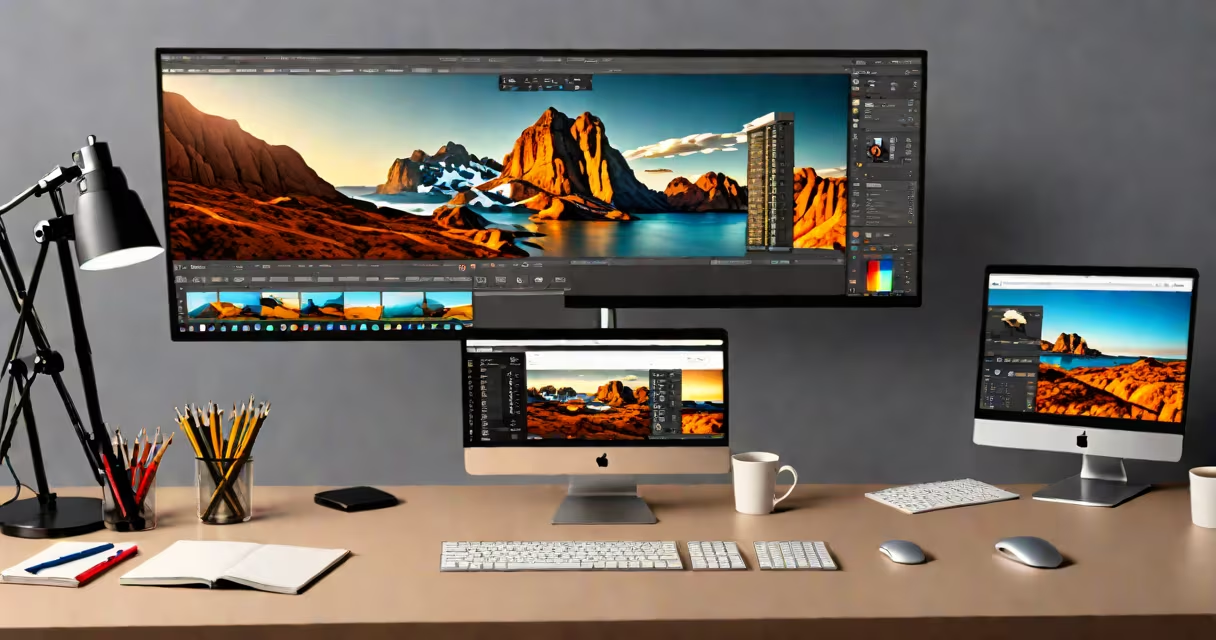
Top graphic design software refers to industry-standard applications used to create visual content such as logos, websites, social media assets, and print materials. These tools offer precise control over typography, color, shapes, and image manipulation, enabling users to produce high-quality designs across digital and physical formats.
These programs are built around core capabilities: vector graphics creation, raster image editing, layout composition, and prototyping. They support export in multiple formats-PNG, SVG, PDF, and web-optimized JPEG-and integrate with cloud services for collaboration and version tracking. Major players include Adobe's set, Affinity Designer, Sketch, Figma, and CorelDRAW.
Designers choose top graphic design software based on workflow needs, team size, budget, and platform compatibility. For example, a freelance illustrator may rely on Adobe Illustrator for vector precision, while a UX team uses Figma for real-time collaboration on interface mockups. The right tool enhances efficiency, maintains brand consistency, and reduces production time.
At its core, top graphic design software processes visual elements through layers, paths, and pixels. Vector-based tools like Adobe Illustrator use mathematical equations to define shapes, allowing infinite scalability without quality loss. This makes them ideal for logos, icons, and illustrations that must appear sharp at any size.
Raster-based tools such as Adobe Photoshop manipulate individual pixels. They excel in photo retouching, compositing, and texture work. When a designer adjusts brightness or applies a blur filter, the software recalculates pixel values across the entire image grid.
Modern design software also includes automation features. Adobe Photoshop's Content-Aware Fill uses AI to analyze surrounding pixels and generate plausible fill areas when removing objects. Similarly, Figma's Auto Layout automatically adjusts spacing and alignment when content changes-critical for responsive UI design.
Different software serve distinct roles in the design pipeline. The following table outlines major categories and their primary functions:
| Type | Primary Use | Examples | Best For |
|---|---|---|---|
| Vector Graphics | Creating scalable illustrations and logos | Adobe Illustrator, Affinity Designer, Sketch | Branding, icon design, print layouts |
| Raster Editing | Photo manipulation and texture work | Adobe Photoshop, GIMP, Affinity Photo | Photography, digital painting, composite images |
| UI/UX Prototyping | Designing interactive screens and workflows | Figma, Adobe XD, Sketch | App design, website wireframing, user testing |
| Layout & Publishing | Preparing multi-page documents for print | Adobe InDesign, Affinity Publisher | Magazines, brochures, books, annual reports |
Each category addresses specific technical demands. Vector tools preserve clarity at large scales; raster tools handle complex lighting and shading. UI/UX software emphasizes interactivity and responsiveness. Layout tools manage text flow, master pages, and bleed settings for professional printing.
Top graphic design software powers everything from startup branding to national advertising campaigns. A small business owner might use Canva (a simplified version of top graphic design software) to create a social media post. A senior art director at a Fortune 500 company uses Adobe Creative Cloud to oversee a global campaign involving hundreds of assets.
For example, Nike's 2023 "Just Do It" campaign relied on Adobe Illustrator for logo variants, Photoshop for athlete imagery edits, and After Effects for animated sequences. All files were stored in Adobe's cloud service, allowing teams across New York, London, and Tokyo to access and update assets in real time.
Another example: a freelance designer working on a mobile app interface used Figma to build a prototype. With shared links, stakeholders could comment directly on screen elements. Changes were tracked automatically, and developers received exported assets with precise measurements-reducing handoff errors by 60%, according to a 2022 study by the Interaction Design Foundation.
Many assume that top graphic design software is only for professionals. While advanced features require training, entry-level versions exist. Adobe offers free trials and student licenses. Figma provides a free plan with unlimited team members and basic collaboration tools.
A frequent error is equating "design software" with "easy-to-use apps." Tools like Canva simplify common tasks but lack precision controls. A designer creating a 300-dpi print brochure cannot achieve accurate color separation or spot ink matching in Canva. Top graphic design software ensures output meets industry standards.
Another misconception: all design software supports real-time collaboration. Only Figma, Adobe XD (with cloud documents), and certain versions of Sketch do. Most standalone applications require manual file sharing, increasing the risk of version confusion.
One non-obvious fact: many top graphic design software tools now include AI-powered features that reduce repetitive tasks. Adobe Firefly integrates generative AI for creating custom textures and backgrounds within Photoshop. Users input prompts like "organic watercolor texture with blue and gold tones," and the system generates options in seconds. This doesn't replace human judgment-it accelerates ideation.
I once designed a packaging label for a craft beverage brand using Adobe Illustrator. The client required a logo that scaled from a 1-inch bottle sticker to a 6-foot banner. Using vector paths, I ensured clean lines at every size. During revisions, I adjusted stroke weights and applied gradient mesh fills to simulate light reflection on glass. The final design was printed at 300 DPI with no pixelation-proof that vector-based top graphic design software delivers consistent results across mediums.