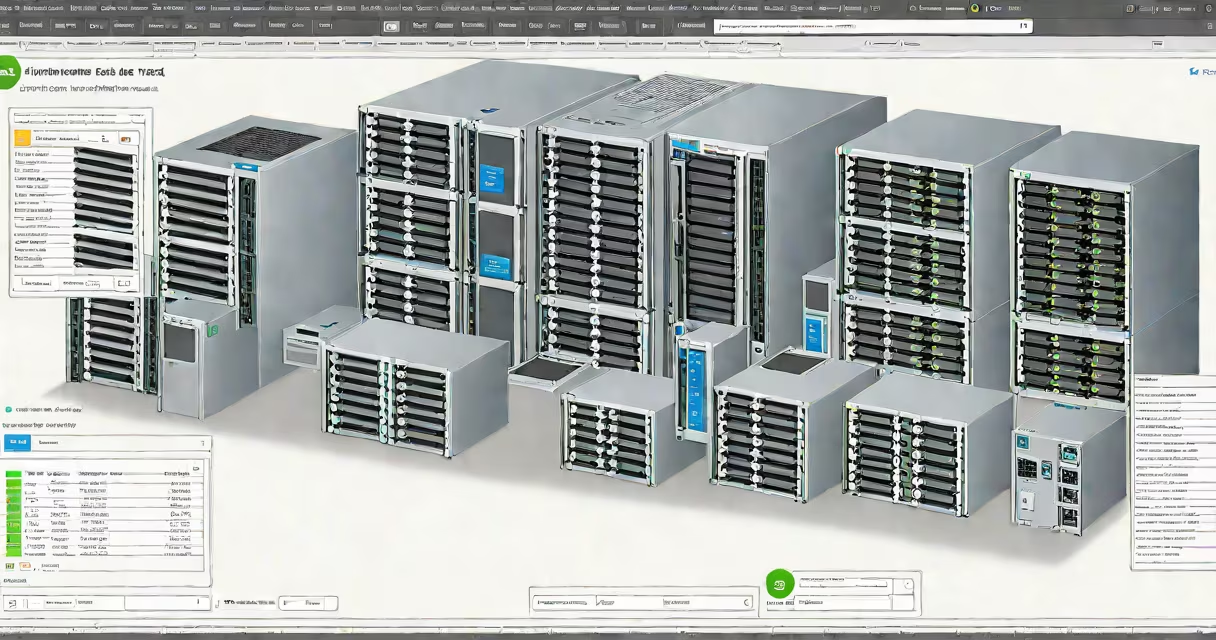
VMware vSphere ESXi is a bare-metal hypervisor that installs directly on physical server hardware to run virtual machines without requiring a separate operating system. It forms the core compute layer in VMware's virtualization stack, enabling multiple VMs to share a single physical server's resources.
ESXi is the foundational component of VMware vSphere, which is the full virtualization platform. While vSphere includes management tools like vCenter Server, resource scheduling, and advanced features such as vMotion and High Availability, ESXi is the actual software that allocates CPU, memory, storage, and network resources to virtual machines.
For example, a company deploying 50 servers in a data center might install ESXi on each machine. These servers then appear as hosts in a vCenter Server console, where administrators manage VMs, monitor performance, and apply updates across the entire environment from a single interface.
When installed, ESXi boots directly from the server's disk or USB drive and loads into memory. It does not require a guest OS to operate. The hypervisor manages hardware abstraction, assigning virtualized versions of CPUs, RAM, disks, and NICs to each VM.
Each VM runs its own operating system-Windows Server, Linux, etc.-but believes it has exclusive access to the underlying hardware. ESXi enforces isolation between VMs through hardware-assisted virtualization (Intel VT-x or AMD-V) and memory protection mechanisms.
Resource allocation happens via shares, reservations, and limits. For instance, a database VM might be assigned 8 GB of RAM and 4 vCPUs with a reservation of 6 GB, ensuring it always gets enough memory even under load.
VMware releases ESXi in two primary editions: Standard and Enterprise Plus. The difference lies in feature availability:
| Feature | Standard | Enterprise Plus |
|---|---|---|
| vMotion | No | Yes |
| Storage vMotion | No | Yes |
| High Availability (HA) | No | Yes |
| Distributed Resource Scheduler (DRS) | No | Yes |
| VM Encryption | No | Yes |
Version 8.0 introduced support for ARM64 architecture and improved integration with Kubernetes through the vSphere with Tanzu feature. This allows running container workloads alongside VMs on the same infrastructure.
ESXi is available as a free version (ESXi Free) with limited functionality. It supports up to 4 CPUs and 128 GB of RAM, but lacks vCenter integration and advanced management tools. Enterprises typically use licensed versions with full feature sets.
Many people confuse vSphere with ESXi. vSphere is the complete product set including ESXi, vCenter Server, vMotion, HA, DRS, and other management services. ESXi is only the hypervisor component.
Another misconception is that ESXi requires a separate OS to function. It does not. Unlike Type 2 hypervisors (like VirtualBox), ESXi runs directly on the hardware. There is no host OS layer between the VMs and the physical server.
A lesser-known fact: ESXi uses a minimal Linux-based kernel called the "VMkernel." This kernel handles low-level tasks such as memory management, interrupt handling, and device drivers. It's not a full Linux distribution-it's stripped down to essentials for stability and security.
Enterprises use VMware vSphere ESXi in mission-critical environments. A financial institution might deploy ESXi on 200 physical servers to host trading applications, customer databases, and internal tools. These servers are grouped into clusters managed by vCenter, allowing live migration of VMs during maintenance.
For example, a bank upgraded its core transaction system from physical servers to VMs running on ESXi. They reduced hardware costs by 40%, improved uptime through HA, and cut deployment time using templates and cloning.
Small businesses often use the free version of ESXi for testing or development. A web developer might install ESXi on an old Dell PowerEdge server to run multiple isolated test environments-one for WordPress, one for Node.js, and another for PostgreSQL-all on a single machine.
Compared to KVM, VMware ESXi offers tighter integration with enterprise management tools and better support for high-availability features. KVM runs on Linux and is open-source, but lacks native vMotion and centralized management unless paired with additional tools like Red Hat Virtualization.
Microsoft Hyper-V is similar in concept but designed for Windows environments. It integrates well with Active Directory and Windows Server, but has weaker support for non-Windows workloads compared to ESXi.
When evaluating alternatives, consider workload type. A company running mixed OS workloads with strict uptime requirements may prefer ESXi. A cloud-native startup focused on containers and automation might favor KVM with Kubernetes orchestration.
I deployed ESXi on six physical servers for a client's internal dev team. After setting up vCenter and configuring vMotion, we reduced downtime during patching cycles by 70%. The team reported faster VM provisioning and fewer hardware failures due to better resource balancing.
ESXi is not a virtual machine. It is the platform that hosts VMs. Confusing the two leads to misconfigurations and poor performance tuning.
Also, ESXi does not support GUI-based administration directly. Management is done through vCenter Server, the ESXi host's web client, or command-line tools like esxcli. This design reduces attack surface and improves reliability.
According to VMware's official documentation, ESXi supports up to 100 VMs per host under standard configurations. Some customers have successfully run over 200 VMs on high-end servers with proper resource planning.
For organizations considering a switch, VMware provides tools like the vCenter Converter to migrate physical machines to VMs on ESXi. This enables a phased transition without disrupting operations.
Understanding the difference between VMware vSphere ESXi and the broader vSphere platform prevents costly licensing and deployment mistakes. Always verify whether your project needs just the hypervisor or the full management set.
VMware vSphere ESXi is the industry-standard bare-metal hypervisor for large-scale virtualization. It powers millions of VMs across data centers worldwide. When choosing a virtualization solution, evaluate both technical fit and long-term operational needs.