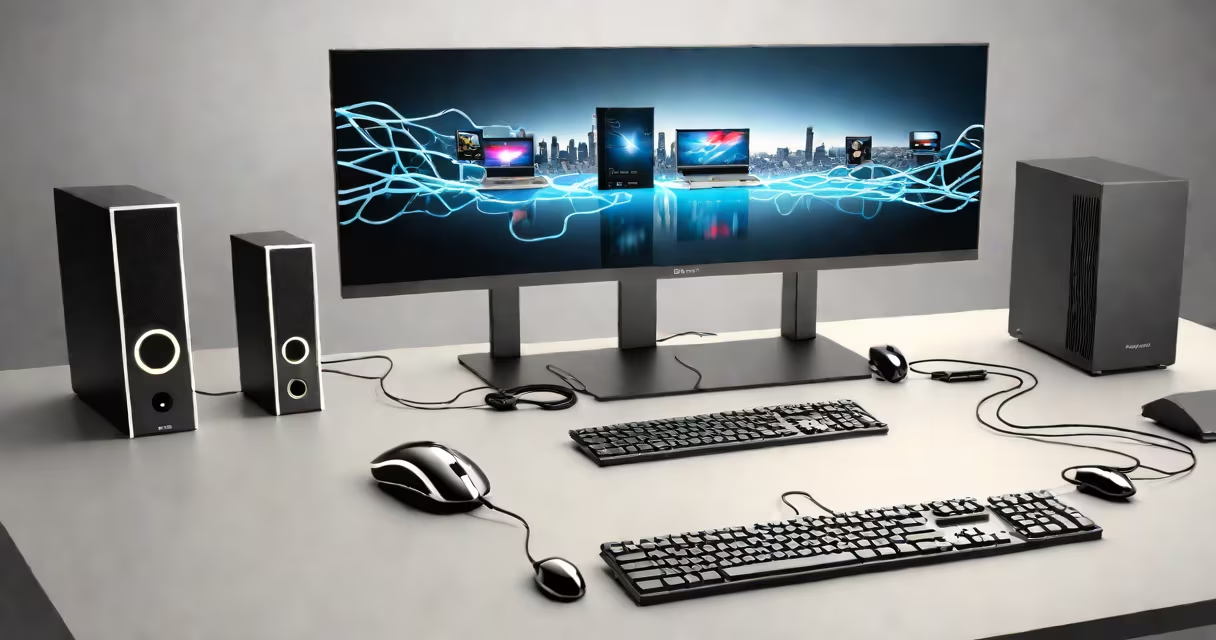
Peripheral devices are external hardware components that connect to a computer to provide input, output, or storage functions. These devices extend the computer's capabilities beyond its core processing and memory systems.
Peripherals operate through ports such as USB, HDMI, or Bluetooth. They do not contain the central processing unit or primary memory but rely on the host computer to function. Common examples include keyboards, mice, monitors, printers, scanners, and external hard drives.
The term "peripheral" dates back to the 1960s, when it described any device attached to a mainframe computer. Today, it applies broadly to any device that connects externally to a modern PC, tablet, or smartphone.
When a peripheral connects to a computer, the operating system detects it and loads a driver-a small software program that translates signals between the hardware and the OS. Without drivers, most peripherals won't function correctly.
For example, plugging in a USB mouse triggers Windows or macOS to recognize the device. The system then loads the appropriate driver to interpret movements and clicks. This process happens automatically in most cases, often within one second of connection.
Some peripherals require proprietary software. A high-end graphics tablet may need calibration tools to adjust pressure sensitivity. Similarly, a professional microphone used for podcasting might require audio routing software to manage input levels and noise reduction.
Peripheral devices fall into three main categories based on their role: input, output, and storage.
| Type | Function | Examples | Connection Types |
|---|---|---|---|
| Input | Send data to the computer | Keyboard, mouse, webcam, microphone | USB, Bluetooth, HDMI |
| Output | Receive data from the computer | Monitor, printer, speakers, projector | HDMI, DisplayPort, USB-C, audio jack |
| Storage | Store data externally | External SSD, USB flash drive, network-attached storage (NAS) | USB-A, USB-C, SATA, Thunderbolt |
Not all peripherals fit neatly into one category. A touchscreen monitor acts as both an output and input device. A multifunction printer handles printing (output), scanning (input), and sometimes file storage.
Some devices blur the line between peripheral and internal hardware. For instance, a docking station with multiple ports functions as a peripheral but integrates deeply with the laptop's interface, mimicking internal expansion.
Many people assume that all external devices are peripherals. This includes smartphones, smartwatches, and even VR headsets. However, these are typically considered standalone computing devices or accessories rather than peripherals.
A key distinction lies in dependency. True peripherals rely entirely on the host computer for processing. A smartphone runs its own operating system and processes data independently. It cannot function without its own CPU, RAM, and storage.
Another misconception is that peripherals must be physically separate. Some devices, like a built-in webcam on a laptop, are technically internal but still serve as input peripherals. The classification hinges on function, not location.
According to the Microsoft Support documentation, a peripheral is defined by its role-not its physical placement. A USB hub with multiple ports is a peripheral, even though it sits inside a desktop case.
Consider a user setting up a home office with a desktop PC. They plug in a wired keyboard (input), a wireless mouse (input), a 27-inch monitor (output), and a USB external SSD (storage).
Each device connects via USB or HDMI. The OS detects them during startup. The keyboard and mouse begin working immediately. The monitor displays the desktop. The SSD appears in File Explorer as a new drive labeled "WD My Passport."
When the user copies a 1.2 GB video file to the SSD, the transfer speed reaches 120 MB/s-typical for USB 3.0. The file is accessible across multiple computers using the same USB port.
This setup demonstrates how peripheral devices collectively improve productivity. The core computer remains unchanged, but the user gains extended input, display, and storage options.
I once set up a similar configuration for a freelance designer who needed to switch between multiple projects. The addition of a second monitor increased screen real estate by 100%, reducing context switching time by about 30% during client reviews.
Knowing which devices qualify as peripherals helps users troubleshoot issues faster. If a printer fails to respond, checking the connection, power status, and driver installation is standard procedure.
It also informs purchasing decisions. A user buying a new laptop should verify available ports. A USB-C-only laptop requires adapters for older USB-A devices or HDMI monitors.
Peripheral compatibility varies by platform. While most USB devices work across Windows, macOS, and Linux, some specialized hardware-like certain MIDI controllers-require specific drivers not always available on all systems.
For reference, the Tutorialspoint guide on computer organization confirms that peripherals are distinct from internal components like the motherboard, CPU, and RAM.
Understanding what is peripheral devices in computer enables better system management, improved workflow efficiency, and informed upgrades. These devices remain essential tools in personal, educational, and professional environments.