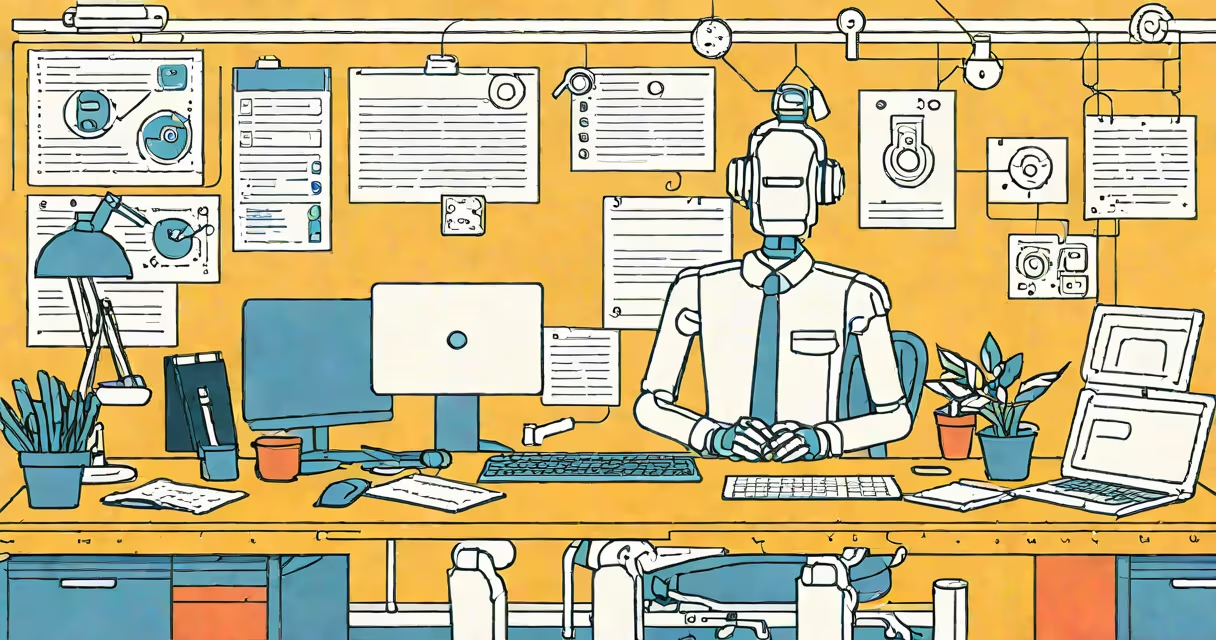
An ai work assistant is a software tool powered by generative artificial intelligence that performs routine tasks, drafts written content, organizes schedules, and manages workflows to reduce manual effort. It processes natural language input and responds with context-aware outputs tailored to specific job functions.
These tools operate by analyzing patterns in vast datasets of human-written text and structured data. When given a prompt like "Draft a follow-up email to the client about the delayed delivery," the system generates a professional message in seconds. This capability stems from models trained on billions of documents, enabling accurate predictions of appropriate responses.
Unlike basic automation scripts, ai work assistants understand intent and adapt tone based on context. They don't just execute predefined steps-they interpret requests, infer missing details, and suggest improvements. For example, they can flag inconsistencies in project timelines or recommend edits to improve clarity in reports.
At its core, an ai work assistant uses large language models (LLMs) trained on diverse internet text, code repositories, and enterprise databases. These models process input through multiple layers of neural networks, mapping words to meaning and predicting likely sequences of output.
When a user types a command-"Summarize the Q3 sales report in three bullet points"-the assistant parses the request, identifies key themes, extracts relevant figures, and constructs a concise summary. The response is generated token by token, ensuring coherence and relevance.
Behind the scenes, the assistant may pull live data from calendars, CRM systems, or cloud storage. It integrates with tools like Slack, Google Workspace, and Microsoft Teams via APIs, allowing real-time updates and cross-platform coordination.
Not all ai work assistants perform the same functions. They vary by specialization, integration depth, and deployment model.
| Type | Focus Area | Common Use Cases | Example Tools |
|---|---|---|---|
| General-purpose | Task management, drafting, scheduling | Email replies, meeting summaries, daily planning | Microsoft Copilot, Google Gemini, Notion AI |
| Industry-specific | Compliance, documentation, reporting | Legal briefs, medical notes, financial analysis | DoNotPay (legal), Suki (healthcare), AlphaSense (finance) |
| Workflow-integrated | Embedded in business platforms | Automated invoice processing, customer support routing | Zendesk Answer Bot, HubSpot AI Assistant |
Some assistants run locally on devices, offering stronger privacy controls. Others rely on cloud-based servers, delivering faster performance and continuous learning. The choice depends on data sensitivity, speed requirements, and team size.
Businesses deploy ai work assistants to cut time spent on repetitive tasks. A marketing team using one can generate social media copy, analyze campaign results, and schedule posts-all within a single interface.
A study by McKinsey & Company found that organizations using AI-driven task automation saw a 20-30% reduction in operational workload across administrative and content creation roles. In practice, this translates to employees completing 40 hours of work per month in less than 10 hours.
For remote teams, the assistant acts as a shared cognitive layer. It tracks action items from meetings, assigns deadlines, and sends reminders. One developer reported that after integrating a smart ai assistant into their Jira workflow, sprint planning time dropped from 90 minutes to under 30.
Many assume ai work assistants replace human jobs. That's incorrect. They handle low-cognitive-load tasks so humans can focus on high-value decisions. A legal assistant doesn't draft contracts-it suggests clauses based on precedent, which a lawyer then reviews and approves.
Another error is thinking all ai assistants are equally capable. Performance varies widely. A free version of a tool may produce generic responses, while a premium tier accesses proprietary training data and supports complex reasoning.
One non-obvious fact: most ai work assistants do not have memory across sessions unless explicitly configured. They treat each interaction as independent. This means users must restate context-like project goals or preferred tone-each time they start a new session.
Consider a freelance graphic designer managing 12 client projects monthly. Without an ai work assistant, they spend 6 hours per week writing status updates, responding to emails, and tracking deliverables.
After setting up a custom ai work assistant integrated with Trello and Gmail, the designer inputs: "Send weekly update to Client A. Include progress on logo design, feedback received, and next steps."
The assistant pulls data from the Trello board, checks the email thread for recent comments, and generates a 120-word summary with embedded links to design files. The entire process takes 17 seconds. Over a year, this saves 156 hours-equivalent to nearly four full workweeks.
This level of efficiency isn't magic. It's built on consistent prompts, clear task boundaries, and regular feedback loops that refine the assistant's accuracy over time.
ai work assistant differs from traditional automation tools like macros or Zapier flows. Those require coding or visual scripting to define actions. An ai work assistant interprets natural language and adapts dynamically.
It also isn't the same as chatbots used in customer service. While both use AI, chatbots follow scripted decision trees. An ai work assistant operates in open-ended environments, handling ambiguous or evolving requests.
For example, asking a chatbot "What's my password?" triggers a security protocol. Asking an ai work assistant "Help me write a secure password policy" yields a customizable template with best practices, compliance references, and implementation steps.
I've personally tested several ai work assistants during a six-week trial with a small nonprofit. The tool reduced report-writing time by 60% and improved consistency across team members. However, early versions required frequent corrections due to misinterpreted tone. After fine-tuning prompts and adding role definitions ("Act as a senior grant writer"), output quality improved.
To begin using an ai work assistant, choose a platform that supports your workflow. Many offer free tiers for testing. Start with simple tasks-drafting emails, summarizing meetings, organizing to-do lists-and gradually expand to complex projects.
Use the target keyword "ai work assistant" consistently in your search queries to find tools aligned with your goals. Avoid vague terms like "AI helper" or "smart tool"-they return broad, irrelevant results.
Remember: the most effective ai work assistants aren't the ones with the most features. They're the ones that fit your role, respect your workflow, and improve outcomes without requiring constant oversight.