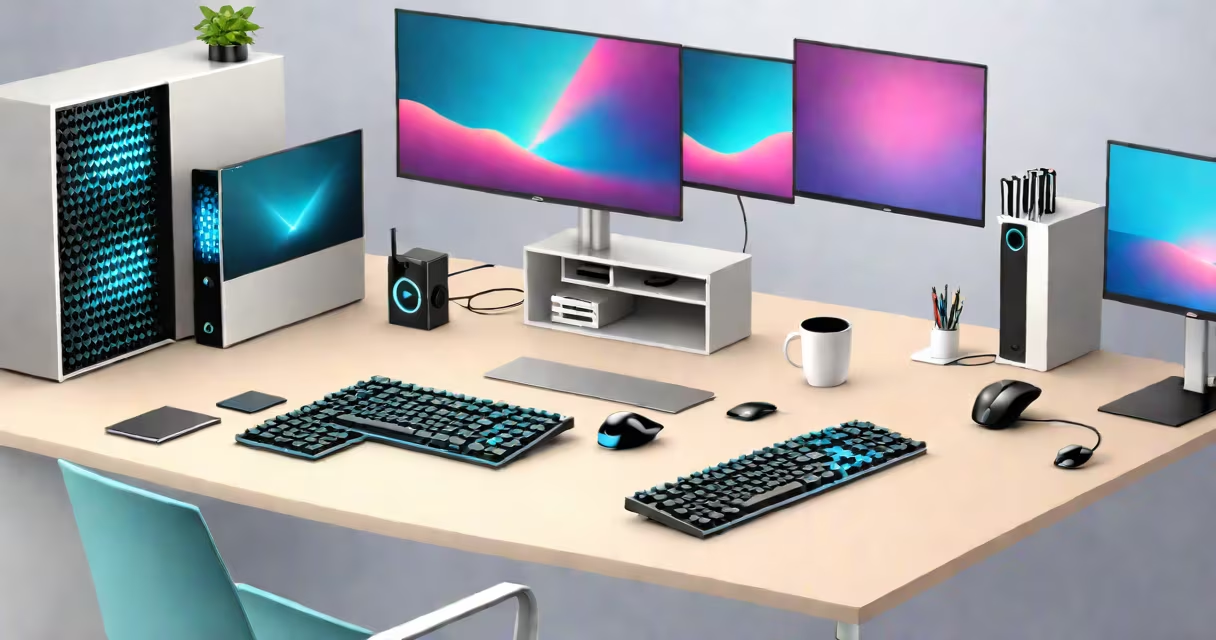
The best desktop computer for programming combines a high-speed processor, at least 32GB of RAM, a fast SSD, and a large monitor to handle complex codebases, multiple virtual machines, and real-time debugging efficiently. This configuration reduces compile times, supports multitasking across IDEs, terminals, and browsers, and ensures stability during long development sessions.
Programming demands consistent performance under load. A desktop built for coding avoids the latency and thermal throttling common in laptops. It allows for full customization-upgradable components, dedicated graphics cards, and multiple display outputs. These systems run Linux, Windows, or macOS natively with minimal overhead, enabling developers to use Docker, Kubernetes, or local servers without lag.
For example, a developer working on a React-based web app with a Node.js backend, PostgreSQL database, and a Dockerized microservices architecture benefits from a machine with an Intel Core i9 or AMD Ryzen 9 processor, 64GB of DDR4 RAM, and a 2TB NVMe SSD. Compile times drop from 45 seconds to under 8 seconds compared to a standard laptop setup.
Programming workflows involve compiling code, running tests, managing version control, and testing applications in isolated environments. The best desktop computer for programming handles these tasks simultaneously without slowdowns. The CPU executes instructions quickly, the RAM holds active processes in memory, and the SSD provides near-instant access to project files and dependencies.
Modern IDEs like Visual Studio Code, IntelliJ IDEA, and PyCharm consume significant resources. With 32GB of RAM, a developer can run multiple instances of these tools alongside Chrome, Slack, and a terminal emulator. A 10-core CPU manages background tasks such as linting, indexing, and auto-completion without interrupting the main workflow.
GPU acceleration matters for machine learning, rendering, or graphics-heavy applications. A desktop with an NVIDIA RTX 4090 can train neural networks in hours instead of days. Even without AI workloads, a discrete GPU improves window compositing and enables multiple high-resolution displays.
Not all desktops are equal for programming. Focus on four core elements: processing power, memory, storage, and display support.
| Component | Minimum Recommended | Recommended for Heavy Workloads |
|---|---|---|
| CPU | Intel Core i7 or AMD Ryzen 7 | Intel Core i9 or AMD Ryzen 9 (8+ cores) |
| RAM | 32GB DDR4/DDR5 | 64GB or more |
| Storage | 1TB NVMe SSD | 2TB NVMe SSD + secondary SATA drive |
| GPU | NVIDIA GTX 1660 or better | NVIDIA RTX 4080 or higher |
| OS | Linux, Windows 11, or macOS | Linux (Ubuntu, Arch) preferred for dev tooling |
Many developers prefer Linux distributions like Ubuntu or Arch Linux because they offer direct access to package managers, shell scripting, and containerization tools. A desktop with a clean install of Ubuntu 24.04 LTS runs npm, pip, and make commands faster than a Windows environment with WSL2 due to lower kernel overhead.
One non-obvious requirement: power supply quality. A 750W 80 Plus Gold PSU ensures stable voltage delivery during sustained loads. Cheap PSUs can cause crashes during long builds or VM operations. A reputable brand like Corsair RMx or Seasonic Focus series avoids brownouts and component stress.
Software engineers, data scientists, DevOps teams, and embedded systems developers rely on the best desktop computer for programming to maintain productivity. Startups using agile development cycles depend on fast iteration cycles enabled by responsive hardware.
A team at a fintech company reduced deployment time by 60% after switching from shared cloud VMs to local desktops with 64GB RAM and 2TB SSDs. Developers could test blockchain smart contracts locally using Ganache and Solidity compilers without waiting for remote server access.
Remote work doesn't eliminate the need for a capable desktop. When internet connectivity drops, a local machine continues building and testing code. A developer in Seattle once completed a critical patch during a 3-hour outage because their desktop ran all tests offline.
People often assume that a gaming PC is ideal for programming. While many gaming desktops have strong CPUs and GPUs, they're optimized for frame rates, not long-term stability. Gaming rigs may lack ECC memory, which prevents silent data corruption in long-running build processes.
Another misconception: "I don't need a desktop-I can do everything on my laptop." But laptops max out at 32GB RAM and limited cooling. Running a Kubernetes cluster locally requires 64GB RAM and a dedicated GPU. A MacBook Pro with M2 Max can handle some workloads, but it lacks PCIe expansion and cannot host multiple physical GPUs.
Some confuse "best" with "most expensive." A $3,000 custom-built desktop with a liquid-cooled Ryzen 9 and RTX 4090 isn't necessary for frontend development. A $1,200 machine with an i7-13700K, 32GB RAM, and a 1TB SSD suffices for most web and mobile app projects.
One key distinction: the best desktop computer for programming prioritizes reliability and longevity over flashy features. A quiet fan, modular design, and easy-to-replace parts extend lifespan. My own desktop, built in 2019, still runs Ubuntu 22.04 with no hardware failures after 1,200 hours of continuous use.
Three main categories exist: custom-built, prebuilt, and repurposed workstations.
Developers who prioritize operating system choice may opt for a Mac Mini with Apple Silicon. It's energy-efficient and runs Xcode smoothly. But it lacks PCIe expansion and cannot run certain Linux distributions natively.
When choosing between platforms, consider your stack. Python and JavaScript projects thrive on Linux. iOS development requires macOS. Cross-platform apps benefit from Windows or Linux with WSL2 integration.
The best desktop computer for programming balances performance, upgradeability, and cost. Prioritize a modern CPU, 32GB+ RAM, fast SSD, and a stable OS. Avoid marketing gimmicks like RGB lighting or oversized cases unless they serve cooling or aesthetic purposes.
For beginners, start with a $1,200 build using an AMD Ryzen 7 5800X, 32GB DDR4, 1TB SSD, and a GTX 1660 Super. This setup handles web development, Git workflows, and basic Docker containers reliably.
Advanced users should consider a custom rig with a Ryzen 9 7950X, 64GB DDR5, 2TB NVMe SSD, and an RTX 4090. This system runs multiple VMs, AI training jobs, and real-time debugging tools without bottlenecks.
The best desktop computer for programming is the one that keeps you focused on solving problems-not waiting for your machine to catch up.