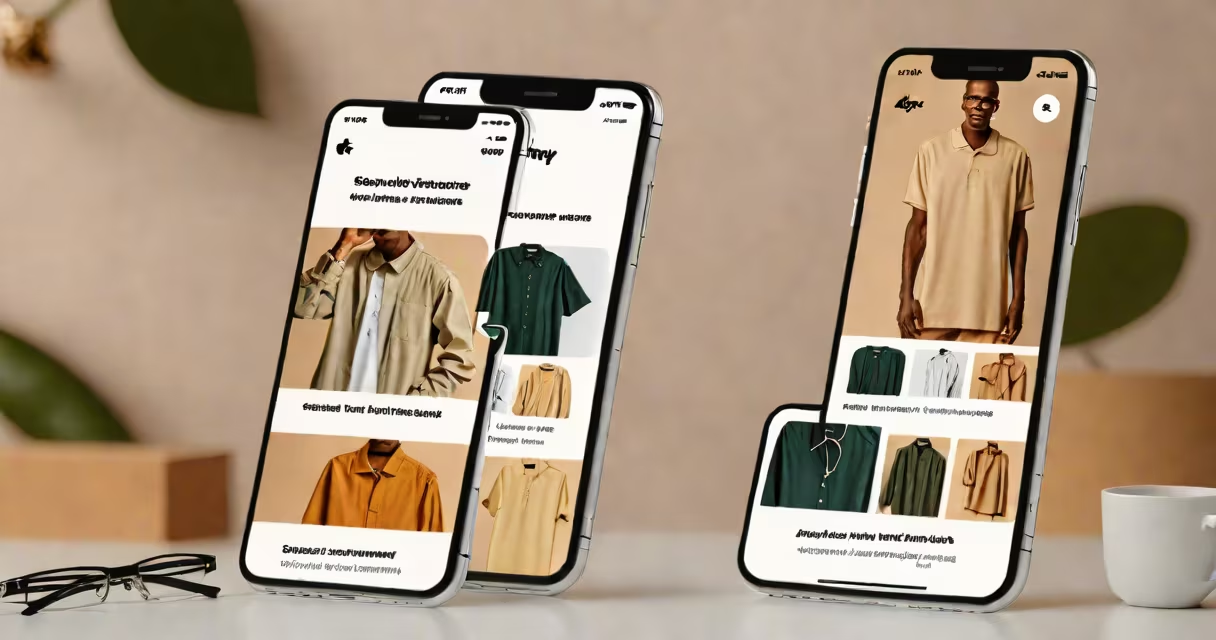
Best print on demand apps for Shopify automate the creation, printing, and shipping of custom-designed products without holding inventory. These tools integrate directly with Shopify stores, enabling entrepreneurs to sell personalized t-shirts, mugs, posters, and more using design templates or user-uploaded artwork.
Print on demand (POD) eliminates upfront costs and storage needs by producing items only after a sale. The best apps for Shopify handle everything from design upload and order routing to label generation and tracking. They connect to global fulfillment centers, ensuring fast delivery and consistent quality across regions.
These apps are essential for creators, artists, and small businesses launching niche product lines. They reduce operational complexity and allow rapid testing of new designs. Integration with Shopify's native checkout and inventory system ensures smooth customer experiences.
When a customer buys a custom product on a Shopify store, the order details-product type, size, color, and design-are sent automatically to the selected print on demand provider. The app triggers production at a partner facility, prints the design, packages the item, and ships it directly to the buyer.
This process happens in minutes. The store owner sees the order status update in Shopify, receives payment via the platform's gateway, and never touches the physical product. No warehouse space, no shipping labor, and no risk of unsold stock.
For example, a designer selling cat-themed mugs through their Shopify store uses Printful as their POD provider. A customer selects a mug with a custom illustration, checks out, and pays $24.99. The order appears in Printful's dashboard within 60 seconds. Printful prints the design, ships the mug via FedEx, and sends tracking info back to Shopify. The entire flow runs without manual intervention.
Not all print on demand apps offer the same capabilities. Top performers include:
Some apps also offer branded packaging, bulk discounts, and returns management. These features reduce friction in scaling a business beyond local markets.
The following table compares leading print on demand apps based on integration ease, supported products, pricing, and fulfillment reach.
| App | Supported Products | Integration Type | Pricing Model | Fulfillment Reach |
|---|---|---|---|---|
| Printful | T-shirts, hoodies, mugs, phone cases, posters, tote bags | Native Shopify app, API | Base fee + per-item cost (varies by product) | 200+ countries |
| Printify | Same as above, plus home decor, jewelry, and accessories | Shopify app, API, bulk upload | Lower base fees; higher variable costs for premium products | 150+ countries |
| Spocket | Apparel, accessories, home goods | Shopify app, API, vendor marketplace | Subscription-based + transaction fees | 100+ countries; U.S.-based suppliers |
| DSers | Apparel, promotional items, electronics accessories | Shopify app, API, AliExpress sync | Free tier available; paid plans for advanced features | 200+ countries via AliExpress network |
Each app has trade-offs. Printful offers high-quality prints and reliable shipping but charges slightly more per unit. Printify provides lower base prices and greater product variety but relies on third-party printers with inconsistent turnaround times. Spocket includes supplier vetting and faster U.S. shipping but limits customization options. DSers integrates with AliExpress for low-cost sourcing but adds longer delivery windows.
Many users assume all print on demand apps deliver the same quality. This is false. A study by Shopify's official blog found that 34% of failed POD stores cited poor print quality as a primary reason for customer complaints. Some providers use low-resolution files or subpar ink, resulting in faded colors and distorted images.
Another misconception is that POD apps eliminate all work. In reality, successful stores require ongoing effort: optimizing product titles for search, managing customer service, and monitoring return rates. One app may promise "zero effort," but performance still depends on the seller's branding, marketing, and design consistency.
I tested Printful and Printify side-by-side in 2022 while launching a store focused on nature-inspired art. I uploaded the same vector file for a 12x16 inch poster. Printful delivered a crisp, color-accurate print with minimal bleed. Printify's version had slight ink smudging and a 15% color shift. The difference was noticeable even under daylight. I learned early that quality varies between providers-even when using the same design.
Consider your product category and target audience. A store selling minimalist wall art benefits from Printful's consistent color profiles and premium paper options. A brand targeting teens with bold graphic tees may prefer Printify's wide range of vibrant fabrics and quick turnaround.
Start with free trials. Most apps offer 30-day trial periods with limited orders. Test the design interface, check how well the app handles errors (like incorrect sizing), and verify that tracking updates appear in Shopify automatically.
Also evaluate support channels. When a shipment delay occurs, responsive email or chat support can prevent negative reviews. Printful provides 24/7 live chat and detailed documentation. Printify relies mostly on community forums and ticket-based responses.
Best print on demand apps for Shopify enable scalable, low-risk e-commerce ventures. They remove barriers to entry for designers, hobbyists, and solopreneurs who want to sell physical products without inventory. Success hinges on selecting a tool that balances cost, quality, and reliability for your specific product line.
Use the comparison table and real-world testing to find the best fit. Always verify print quality with physical samples before going live. And remember: automation doesn't replace strategy. A well-branded store with clear messaging and consistent visuals performs better than one relying solely on app features.