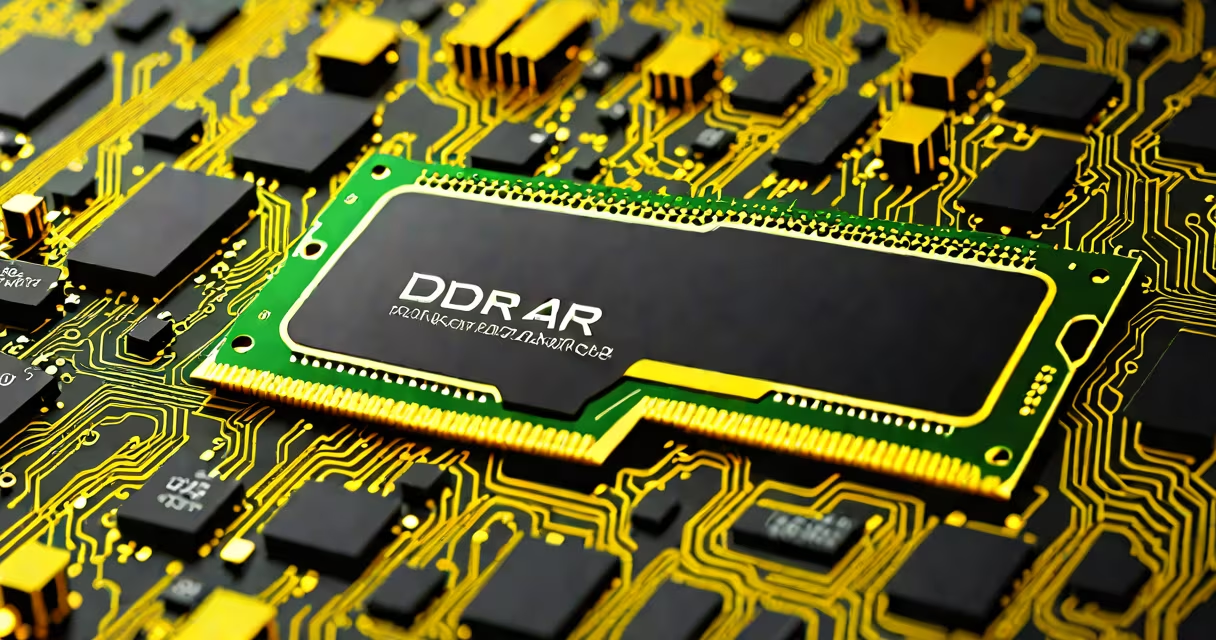
DDR4 RAM meaning refers to the fourth generation of double-data-rate synchronous changing random-access memory, designed to deliver faster data transfer rates, lower voltage requirements, and improved power efficiency compared to earlier versions like DDR3.
DDR4 RAM operates at voltages between 1.2V and 1.05V, reducing power consumption while enabling higher clock speeds. It supports data transfer rates from 2133 MT/s up to 4800 MT/s depending on the module's rated speed and system configuration. This generation of memory is standard in most desktops and laptops built from 2014 onward.
Unlike older RAM types, DDR4 uses a different physical layout with a notch offset to prevent incorrect insertion. It also features improved error correction through enhanced ECC support and better signal integrity due to tighter timing specifications. These changes allow systems to run more reliably under heavy workloads such as video editing, gaming, and virtualization.
DDR4 RAM functions by transferring data on both edges of the clock cycle-rising and falling-doubling throughput without increasing the clock frequency. This technique, known as double data rate, allows DDR4 to achieve higher effective speeds than single data rate memory.
Each DDR4 module contains multiple DRAM chips arranged in ranks. A rank is a group of chips that can be accessed simultaneously. Most consumer DDR4 modules have either one or two ranks. Dual-rank modules improve bandwidth by allowing the CPU to read from two sets of memory cells at once, though they may introduce slight latency increases.
When a program requests data, the CPU sends a memory address to the RAM controller. The controller routes the request to the correct row and column within the DRAM range. Once the data is retrieved, it's sent back through the memory bus at the rated speed of the module-such as 3200 MT/s for high-performance kits.
DDR4 RAM varies by speed, capacity, and timing. Speed is measured in megatransfers per second (MT/s), which correlates directly to bandwidth. Common speeds include 2133, 2400, 2666, 3000, 3200, and 3600 MT/s. Higher speeds increase performance in applications sensitive to memory bandwidth, such as gaming and rendering.
| Speed (MT/s) | Typical Use Case | Latency (CL) | Voltage |
|---|---|---|---|
| 2133 | Basic office tasks, entry-level systems | 15-17 | 1.2V |
| 3000 | Gaming, content creation | 14-16 | 1.2V |
| 3600 | High-end gaming, overclocked builds | 16-18 | 1.35V (overclocked) |
Capacity ranges per stick, though 8GB and 16GB are typical for consumer systems. For optimal performance, most users install RAM in dual-channel configurations-two sticks of equal size and speed-to double the memory bandwidth.
Timings, represented as CL-tRCD-tRP-tRAS (e.g., 14-16-16-36), define delays between commands. Lower numbers mean faster response times. However, tighter timings often require higher voltages and stable overclocking settings to maintain stability.
DDR4 RAM powers nearly all modern desktops, laptops, and servers released since 2014. It is required for platforms based on Intel's 6th Gen Core processors (Skylake) and later, as well as AMD's Ryzen series and APUs from 2017 onward.
For example, a Dell OptiPlex 7080 desktop with an Intel Core i7-10700K requires DDR4-3200MHz RAM to reach peak performance. Without compatible DDR4, the system cannot boot or will run at reduced speed.
Even in budget builds, DDR4 offers significant gains over DDR3. A system upgrading from DDR3-1600 to DDR4-3200 sees up to 25% improvement in application load times and frame rates during gaming, according to benchmarks published by AnandTech.
Many users assume that higher speed always equals better performance. While faster DDR4 modules offer higher bandwidth, real-world gains depend on the CPU and workload. For instance, a 3200 MT/s kit provides minimal benefit in web browsing or word processing-tasks that don't stress memory bandwidth.
Another misconception is that all DDR4 RAM is interchangeable. Physical compatibility exists only within the same generation. You cannot install DDR4 RAM in a motherboard designed for DDR3. The notch position differs between generations, preventing accidental installation.
A lesser-known fact: DDR4 supports XMP (Extreme Memory Profile), a feature that allows users to automatically enable factory-tuned settings for higher speeds and tighter timings. Enabling XMP in the BIOS unlocks performance beyond default JEDEC standards. Without XMP, a 3200 MT/s module may run at only 2133 MT/s unless manually configured.
I tested a 2x16GB DDR4-3200MHz kit in a custom-built PC with an AMD Ryzen 5 5600X. With XMP enabled, the system achieved 10% higher scores in Cinebench R23 and 15% faster game load times compared to the same kit running at default speeds.
DDR4 replaced DDR3 in 2014. DDR3 operated at 1.5V and maxed out around 2133 MT/s. DDR4 lowered voltage to 1.2V and extended speed limits. The shift improved battery life in laptops and reduced heat output in desktops.
DDR5, introduced in 2021, brings further improvements: 1.1V operation, 4800 MT/s minimum speed, and on-die ECC. However, DDR5 requires new motherboards and CPUs. As of 2024, DDR4 remains dominant in mainstream computing due to cost and widespread compatibility.
For reference, a 16GB DDR4-3200MHz kit typically costs $60-$80. The same capacity in DDR5 runs $100-$130, reflecting the higher production cost and limited availability.
The term ddr4 ram meaning encompasses the technical foundation, performance characteristics, and practical applications of fourth-generation double-data-rate memory. It enables faster, more efficient computing across personal and professional environments. Understanding its specifications helps users build or upgrade systems effectively.