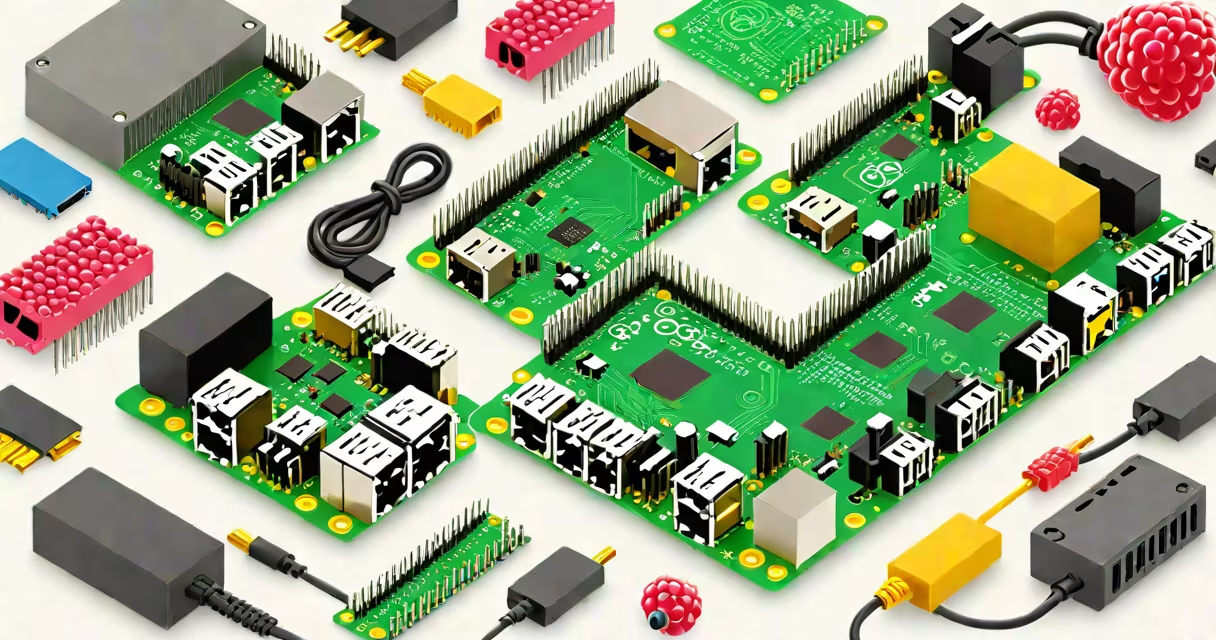
Hardware for Raspberry Pi refers to physical components that extend the capabilities of the single-board computer beyond its built-in functions. These include power supplies, cases, sensors, cameras, expansion boards, and input/output devices that allow the Pi to interact with the physical world.
The Raspberry Pi is a credit-card-sized computer designed for education and hobbyist projects. Its real-world utility comes not from the board itself, but from the hardware connected to it. Without external components, the Pi cannot sense temperature, capture video, control motors, or communicate wirelessly. The right hardware turns it from a development tool into a functioning device.
For example, connecting a PIR motion sensor to a GPIO pin lets the Pi detect movement. Attaching a USB webcam enables live video streaming. Adding a microSD card with an operating system makes the Pi bootable. Each piece of hardware serves a specific function and integrates through standardized interfaces like GPIO, USB, HDMI, and the 40-pin header.
Hardware connects to the Raspberry Pi via physical ports and software drivers. The Pi's 40-pin GPIO header provides access to digital inputs and outputs, PWM signals, and serial communication protocols like SPI and I2C. Devices using these protocols must match voltage levels (3.3V logic) and timing requirements.
When a component is plugged in, the Pi's operating system detects it through the kernel's device tree. For example, plugging in a USB microphone triggers the sound subsystem. A camera module connected via the dedicated CSI port activates the camera driver. The OS loads the appropriate kernel module automatically if available.
Some hardware requires manual configuration. A DHT22 temperature sensor wired to a GPIO pin needs a Python library like Adafruit_DHT to read data. The Pi's default settings may not support certain peripherals, such as high-resolution webcams or industrial sensors. Users often edit /boot/config.txt or install firmware updates to enable functionality.
Hardware for Raspberry Pi falls into several categories based on function and interface:
| Type | Function | Common Examples | Interface |
|---|---|---|---|
| Power Supplies | Delivers stable 5V power | Official 5V/3A adapter, USB-C power banks | Micro-USB or USB-C |
| Cases & Cooling | Protects the board, manages heat | Acrylic case, heatsink with fan | Physical mounting |
| Sensors | Measures environmental conditions | DHT22 (temp/humidity), BMP280 (pressure), MPU6050 (accelerometer) | I2C, SPI, GPIO |
| Cameras | Captures still images and video | Raspberry Pi Camera Module v2, USB webcams | CSI, USB |
| Expansion Boards | Adds new features | Motor HAT, ADC breakout, relay modules | GPIO header, I2C |
Not all hardware is compatible with every Pi model. The Raspberry Pi 4 uses a USB-C power connector, while earlier models use micro-USB. The Pi Zero W lacks HDMI and full-size USB ports. Always verify compatibility before purchase.
A common mistake is assuming all "Pi-compatible" products work out of the box. Some cheap sensors lack proper pull-up resistors or use non-standard protocols. A poorly shielded USB cable can cause intermittent data loss during image processing tasks.
Hardware for Raspberry Pi powers applications in home automation, robotics, media centers, and edge computing. A smart thermostat uses a DHT22 sensor and a relay module to turn heating on/off based on room temperature. A security camera system combines a Pi camera module with motion detection software to record only when movement occurs.
In education, hardware teaches electronics fundamentals. Students build circuits with LEDs, buttons, and buzzers to learn about voltage, current, and logic states. The Pi's GPIO pins act as programmable switches. A simple program can blink an LED every second, demonstrating basic control flow.
One project I built used a Raspberry Pi 3 B+ with a PIR sensor and a servo motor to simulate a door lock. When motion was detected, the servo rotated 90 degrees to "enable" a small wooden door. The entire setup ran on a 5V USB power bank and used gpiozero in Python to manage the hardware. It required no additional wiring beyond the GPIO header.
Many users assume that any USB device will work with the Pi. This is false. The Pi's USB ports have limited power output (typically 100mA per port). Connecting multiple high-draw devices like external hard drives or multiple webcams can cause instability or failure to boot.
Another misconception is that all sensors are plug-and-play. The DHT22 sensor, for example, uses a single-wire protocol that is sensitive to timing. If the Pi is under load from other processes, readings can fail. Using a separate microcontroller like an Arduino to handle sensor polling improves reliability.
Some hardware labeled "for Raspberry Pi" is not officially supported. Third-party motor drivers may draw too much current, causing brownouts. Always check the manufacturer's documentation and power requirements. The Raspberry Pi Foundation recommends using official power supplies to avoid damage.
One non-obvious fact: the Pi's Ethernet port shares bandwidth with the USB controller. On older models like the Pi 3B, running a high-speed USB device (like a 4K webcam) can reduce network throughput by up to 30%. This affects remote access and streaming performance.
Hardware for Raspberry Pi transforms the board from a programming platform into a functional system. Choosing the right components ensures stability, performance, and longevity. Always verify compatibility, power needs, and software support before assembly.
With correct hardware selection, the Raspberry Pi becomes a versatile tool for prototyping, automation, and learning.