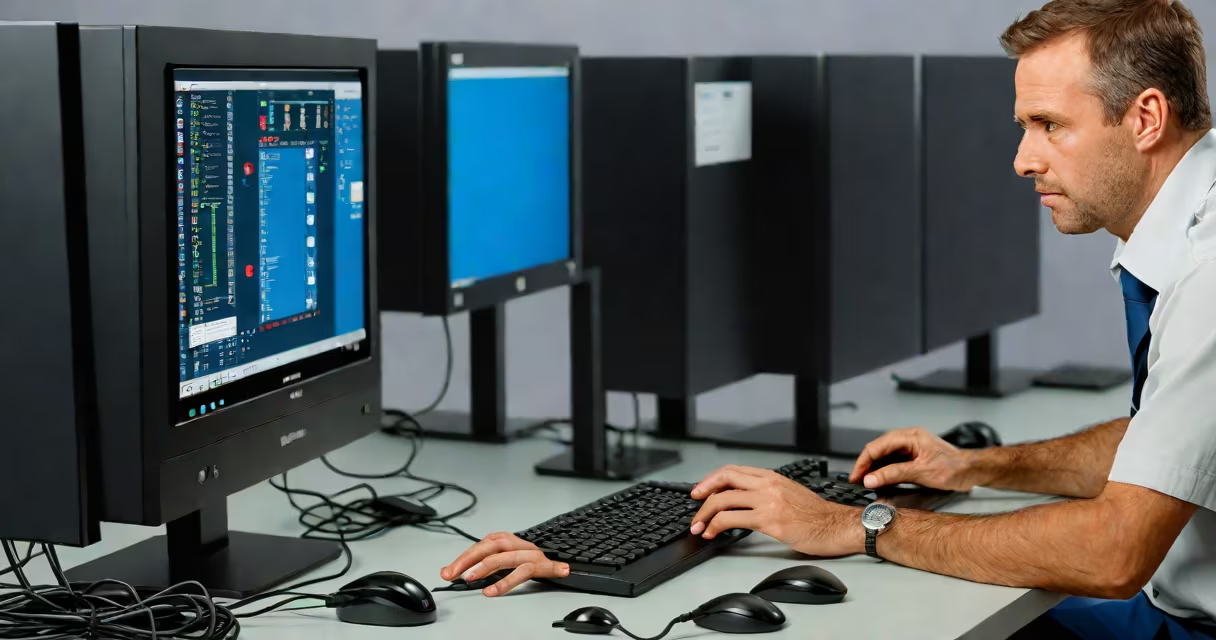
IT desk support is a centralized service team that resolves employee technology issues within an organization, including login problems, software errors, printer malfunctions, and network access failures. This service ensures minimal disruption to daily operations by providing timely, standardized solutions.
When an employee encounters a technical problem-like being locked out of their email or unable to connect to the company's Wi-Fi-they contact the IT desk support team. The support agent logs the issue, assigns a ticket, and follows a documented process to diagnose and fix the problem. Most requests are resolved remotely via secure connections, but physical visits may occur for hardware repairs or setup.
For example, during a quarterly financial report deadline, a marketing manager couldn't access the shared drive. After calling the helpdesk, the IT support agent verified the user's permissions, reset the account cache, and restored access within 12 minutes. The employee resumed work without missing a deadline.
IT desk support operates through a ticketing system that tracks every request. When an employee submits a report-via phone, email, or internal portal-the system automatically generates a unique ticket number. This number allows both the user and support staff to monitor progress and ensure accountability.
Support agents follow predefined escalation paths. Simple issues like password resets are handled by Level 1 technicians using scripts and knowledge bases. Complex problems-such as server outages or malware infections-are passed to Level 2 or Level 3 specialists with deeper expertise. Each level has specific response time targets: Level 1 aims to respond within 15 minutes, while critical system failures require resolution within 60 minutes.
A real-world example comes from a regional bank that reduced average ticket resolution time from 4 hours to 1 hour after implementing a structured IT desk support model. The bank reported a 37% drop in employee downtime related to technical issues over six months, according to a 2023 internal audit.
Organizations use different models based on size, industry, and infrastructure. The most common are on-site, remote, and hybrid support.
| Model | Best For | Response Time | Common Tools |
|---|---|---|---|
| On-site | Hardware repairs, physical device setup | 1-4 hours | Remote desktop tools, diagnostic software |
| Remote | Software issues, access problems | Immediate to 30 minutes | TeamViewer, AnyDesk, Microsoft Remote Assistance |
| Hybrid | Large enterprises with distributed teams | Varies by location | ServiceNow, Zendesk, Jira Service Management |
Some companies combine outsourced IT desk support with internal teams. A healthcare provider in Texas uses a third-party vendor for 24/7 monitoring and initial triage, then routes complex cases to in-house engineers. This hybrid model cut incident resolution time by 52% compared to relying solely on internal staff.
Many people assume IT desk support only handles computers. In reality, it supports all digital tools employees use: VoIP phones, video conferencing systems, mobile devices, and cloud-based apps like Slack, Zoom, and Salesforce.
Another misconception is that IT desk support is reactive. While responding to tickets is core, many teams now proactively monitor systems. For instance, a retail chain uses automated alerts to detect failing printers before users report them. This prevents delays during peak checkout hours.
A key distinction often missed: IT desk support is not the same as cybersecurity. While helpdesk agents may flag suspicious activity-like repeated failed logins-they don't conduct forensic investigations. That falls under dedicated security operations. Confusing the two leads to delayed responses during breaches.
I managed IT desk support for a mid-sized law firm with 120 employees. One morning, five lawyers reported they couldn't open encrypted client files. The helpdesk logged five tickets, all showing the same error: "Access denied due to policy conflict."
After checking the central directory, we discovered a recent group policy update had accidentally restricted access for a subset of users. The issue wasn't with individual machines-it was a configuration error in Active Directory. We rolled back the change, verified permissions, and pushed the fix to all affected accounts in under 20 minutes.
Without centralized IT desk support, each lawyer would have spent 30 minutes contacting IT individually, waiting for someone to investigate. Instead, the team identified and resolved the root cause in one action, restoring productivity across departments.
According to a 2022 study by Gartner, organizations with formal IT desk support see a 45% reduction in unplanned downtime and a 30% increase in employee satisfaction with IT services. These gains come from consistent processes, clear ownership, and measurable performance tracking.
IT desk support is not just about fixing broken screens. It's about maintaining trust in technology. When employees know their issues will be addressed quickly and reliably, they focus on work-not frustration.
Understanding how it works helps organizations choose the right model, whether managing a local helpdesk or outsourcing to a provider. The goal remains the same: keep people productive and systems running.