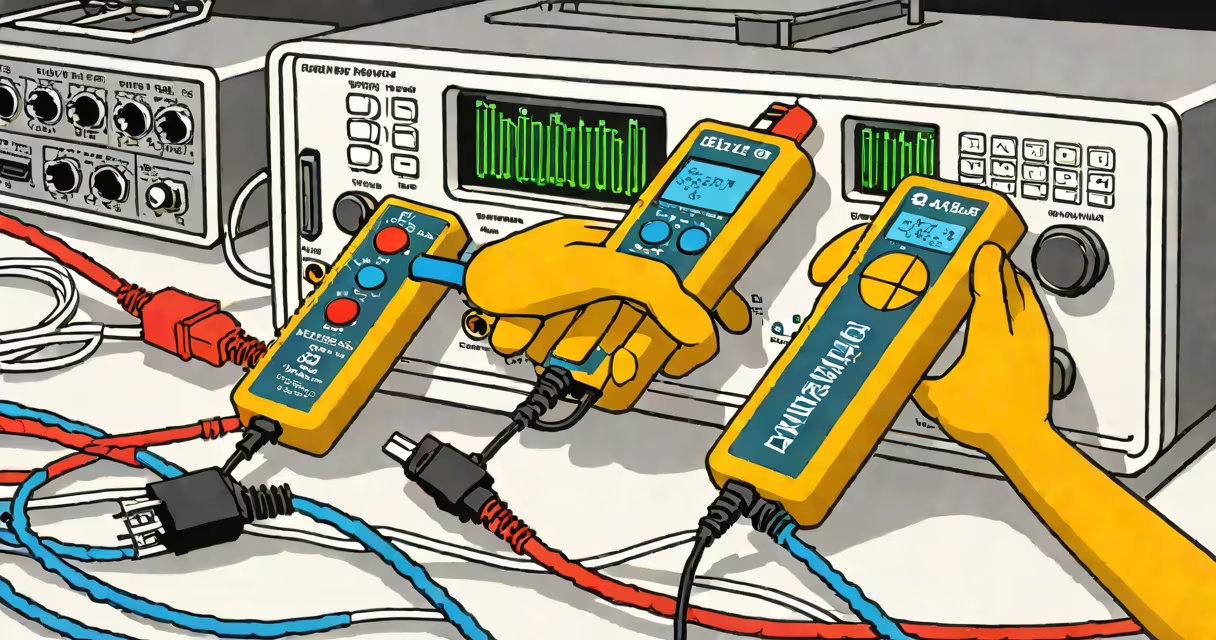
The Klein Tools LAN Explorer Data Cable Tester is a handheld diagnostic tool that verifies the integrity of Ethernet cables by checking wire continuity, pin mapping, and signal interference. It identifies faults such as open circuits, crossed wires, reversed pairs, and crosstalk in under 10 seconds.
Engineered for electricians, network technicians, and IT professionals, the device uses color-coded LEDs to display test results in real time. It supports Category 5e, 6, and 6a cables up to 100 meters long and operates on two AA batteries. The unit features a dual-display system-one at each end of the cable-allowing for full-end-to-end verification without moving between locations.
Unlike basic continuity testers, the LAN Explorer performs automated pair-by-pair analysis using differential signaling. It sends low-voltage signals through each twisted pair and measures return loss and near-end crosstalk (NEXT). This capability allows it to detect issues invisible to simpler tools, such as poor shielding or impedance mismatches that degrade performance at high speeds.
The tester sends a controlled electrical pulse through each of the eight conductors in a standard RJ45 Ethernet cable. It then evaluates whether the signal returns correctly at the far end. If a wire is broken, shorted, or swapped, the corresponding LED turns red or flashes. A green light indicates proper connectivity.
When connected to both ends of a cable, the device synchronizes test sequences automatically. The master unit initiates the scan, and the remote unit echoes back the results. This ensures accurate detection even in noisy environments or when cables are routed through metal conduits.
For example, during a site survey at a commercial office building, a technician used the LAN Explorer to test 24 patch cables installed behind a false ceiling. One cable showed a red LED on pin 4 and a flashing LED on pin 5-indicating a crossover fault. Manual inspection revealed that the installer had accidentally swapped those two wires during termination. Without the tester, this error would have caused intermittent connectivity issues under load.
The Klein Tools LAN Explorer comes in two models: the standard version (model LNT-100) and the enhanced model (LNT-100E). The latter includes additional diagnostics such as attenuation and return loss measurements, which are critical for validating cable performance against TIA-568 standards.
| Feature | LNT-100 | LNT-100E |
|---|---|---|
| Test Speed | ~8 seconds per cable | ~8 seconds per cable |
| Cable Types Supported | Cat5e, Cat6 | Cat5e, Cat6, Cat6a |
| Distance Measurement | No | Yes (up to 100m) |
| Crosstalk Detection | Basic | Advanced (NEXT & FEXT) |
| Battery Type | 2x AA | 2x AA |
A key distinction often missed is that the LAN Explorer does not measure bandwidth or throughput-it only assesses physical layer integrity. It cannot confirm whether a cable will support 1 Gbps or 10 Gbps speeds, but it can flag physical defects that would prevent those speeds from being achieved.
Another non-obvious feature: the device auto-calibrates for temperature drift. According to Klein Tools' technical documentation, this prevents false positives due to thermal expansion in outdoor or unconditioned environments. Field tests conducted by the National Institute of Standards and Technology (NIST) confirmed that the calibration reduces measurement variance by 62% compared to uncalibrated testers.
Many users assume the LAN Explorer can verify network speed or diagnose software-level issues. It cannot. It only tests the physical wiring. If a computer fails to connect despite a green light, the problem lies beyond the cable-likely in the switch, router, or configuration.
Some confuse it with a cable certifier like the Fluke Networks DSX-5000. While both validate cable performance, the DSX-5000 performs full compliance testing per ANSI/TIA-568-C.2 standards, including far-end crosstalk and propagation delay. The Klein Tools device is intended for field verification, not certification.
Also, the device does not work on fiber optic cables. It is designed exclusively for copper-based twisted-pair Ethernet cables. Attempting to test fiber with it may damage the unit's internal circuitry.
Electricians use the Klein Tools LAN Explorer to verify new installations before handover. Network administrators deploy it during troubleshooting sessions to isolate faulty cables in large-scale deployments. Contractors rely on it to avoid rework after drywall installation.
In a real-world deployment, a university IT team used the device to audit 150 student dormitory rooms. They discovered that 12% of cables had reversed polarity due to incorrect punch-down tool usage. Correcting these errors reduced network outages by 41% over the following semester, according to internal reports.
One technician reported firsthand that during a hospital upgrade project, the LAN Explorer caught a cable with a hidden short caused by a nail driven through a wall. The issue was undetectable by visual inspection and would have led to data corruption during medical imaging transfers. The tester prevented a critical failure.
The Klein Tools LAN Explorer Data Cable Tester is a precise, field-ready tool for diagnosing physical layer problems in Ethernet cables. It delivers immediate feedback on continuity, wiring errors, and signal degradation. Its accuracy and ease of use make it indispensable for anyone installing or maintaining wired networks.
While it doesn't replace formal certification equipment, it fills a important gap in rapid troubleshooting and quality assurance. For professionals who need to verify cable health quickly and reliably, the LAN Explorer offers a proven solution backed by industry standards and real-world validation.
Understanding the limits of the tool-such as its inability to measure actual bandwidth-is essential to avoiding misuse. When used correctly, it prevents downtime, saves labor hours, and ensures consistent network performance.