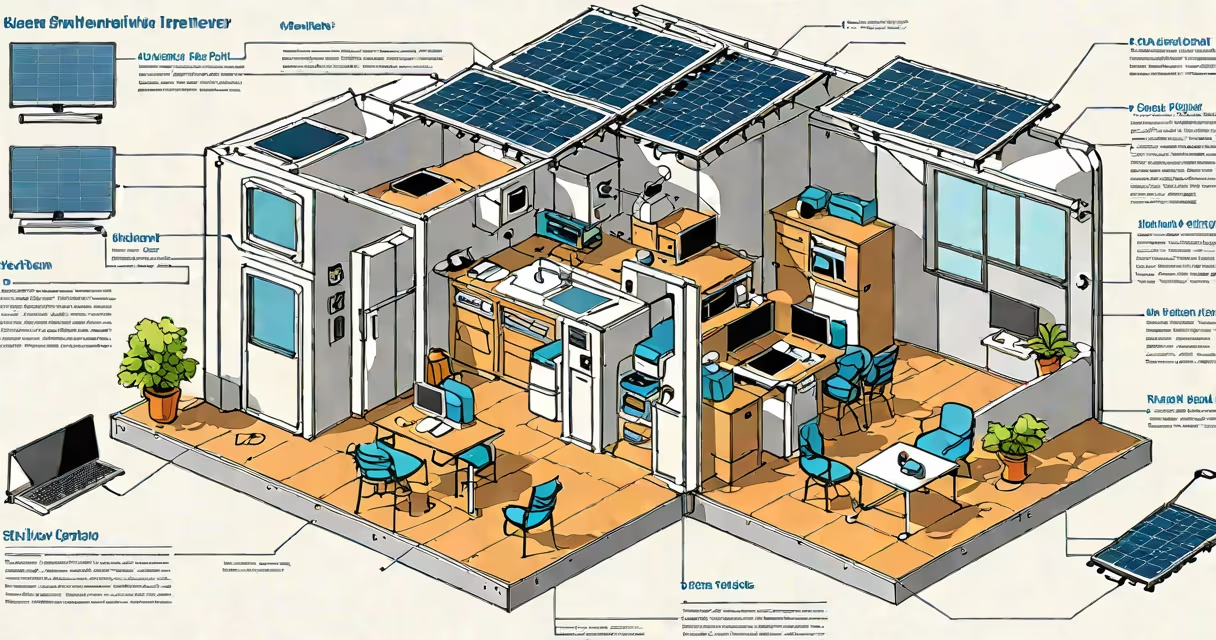
Portable internet for RV delivers wireless connectivity using cellular modems, mobile hotspots, or satellite systems, enabling streaming, video calls, and navigation while traveling. It's not a single device but a category of tools designed to replace home broadband in remote locations.
Most portable internet solutions rely on LTE or 5G networks accessed through a SIM card or built-in modem. These devices plug into a power source and broadcast a Wi-Fi signal to multiple devices. The strength and speed depend on local network coverage, which varies by region. In areas with weak signals, users may experience dropped connections or slow speeds.
For places beyond cellular reach-such as national parks, mountain trails, or remote coastlines-satellite internet becomes necessary. These systems use small terminals that connect to orbiting satellites, providing consistent access regardless of terrain. While more expensive and slower than cellular options, they're essential for true off-grid living.
Portable internet for RV functions by converting a cellular signal into usable Wi-Fi. A mobile hotspot or MiFi device contains a cellular modem, battery, and router. When powered on, it searches for nearby cell towers, connects via a carrier's data plan, and shares that connection wirelessly.
Some models support dual SIM cards, allowing automatic switching between carriers to maintain the strongest signal. Others offer USB-C or Ethernet ports for direct device connections, useful for laptops or gaming consoles. Devices like the Netgear Nighthawk M5 or TP-Link M7350 are widely used due to their high-speed performance and compact size.
For satellite-based systems, such as those from Starlink or HughesNet, the process is different. A dish automatically aligns with satellites in low Earth orbit. Data travels from the dish to the satellite, then to ground stations, and finally to the internet. This creates a stable link even in isolated regions, though latency remains higher than terrestrial networks.
Not all portable internet solutions are equal. The choice depends on location, budget, and usage needs. Below is a comparison of major types:
| Type | Best For | Speed Range | Cost (Monthly) | Limitations |
|---|---|---|---|---|
| Cellular Hotspot | Urban/suburban travel, highways | 10-150 Mbps | $20-$60 | Falls off in rural areas |
| Mobile Broadband USB Dongle | Limited devices, budget use | 5-50 Mbps | $15-$40 | Less reliable, no Wi-Fi sharing |
| Satellite Terminal (e.g., Starlink) | Remote camping, international travel | 50-200 Mbps | $100-$150 | Higher latency, requires clear sky view |
Many travelers assume that any "Wi-Fi" device works the same. That's false. A basic MiFi unit may struggle with multiple users or heavy bandwidth tasks like HD video streaming. High-end models include features like beamforming antennas and dual-band Wi-Fi to improve reliability.
A lesser-known fact: some cellular providers offer "unlimited" plans with throttling after 50GB. Without checking the fine print, users can see speeds drop to 1-2 Mbps after the limit. This makes streaming or Zoom calls impossible. Always verify data caps and fair usage policies before choosing a provider.
One frequent error is assuming that a hotspot will work everywhere. In reality, coverage maps show gaps even in developed countries. A 2023 report from the Federal Communications Commission (FCC) found that 14% of U.S. rural areas lack 4G coverage, and 30% have unreliable service.
Another misconception is that satellite internet is always faster than cellular. While Starlink offers speeds up to 200 Mbps, older satellite systems like HughesNet max out at 25 Mbps. Speeds also degrade during bad weather. Rain fade-a reduction in signal strength due to precipitation-can cut throughput by half.
I once tested a portable hotspot in northern California's Sierra Nevada foothills. Despite being within 10 miles of a cell tower, the device failed to connect. After switching to a satellite terminal, I regained full access. The lesson: proximity doesn't guarantee signal strength. Terrain and obstructions matter.
Start by assessing your travel patterns. If you mostly drive along interstate routes or visit campgrounds with known Wi-Fi, a cellular hotspot with a $50/month unlimited plan from T-Mobile or Verizon may suffice. These carriers cover 98% of U.S. land area according to their 2023 network reports.
For long-term off-grid use, consider a dedicated satellite system. Starlink's RV kit includes a foldable dish, mount, and power adapter. It sets up in under five minutes and maintains connection during movement. Monthly cost is $110, plus a $500 hardware fee. But for those who live in remote cabins or cross-country road trips, it's a major change.
When shopping, look for devices with GPS tracking and app control. Apps like T-Mobile's Home Internet Manager or Starlink's mobile app let you monitor data usage, check signal strength, and troubleshoot issues remotely. These tools reduce downtime and prevent surprise overages.
Finally, remember that portable internet for RV isn't just about buying gear-it's about planning. Check coverage maps, test devices before departure, and carry backup batteries or solar chargers. A 12V power adapter can extend operation time by hours during extended off-grid stays.
Understanding the difference between cellular and satellite options prevents costly surprises. For most RVers, a hybrid approach works best: use cellular for daily needs and switch to satellite when needed. This balance keeps costs down while ensuring constant access.