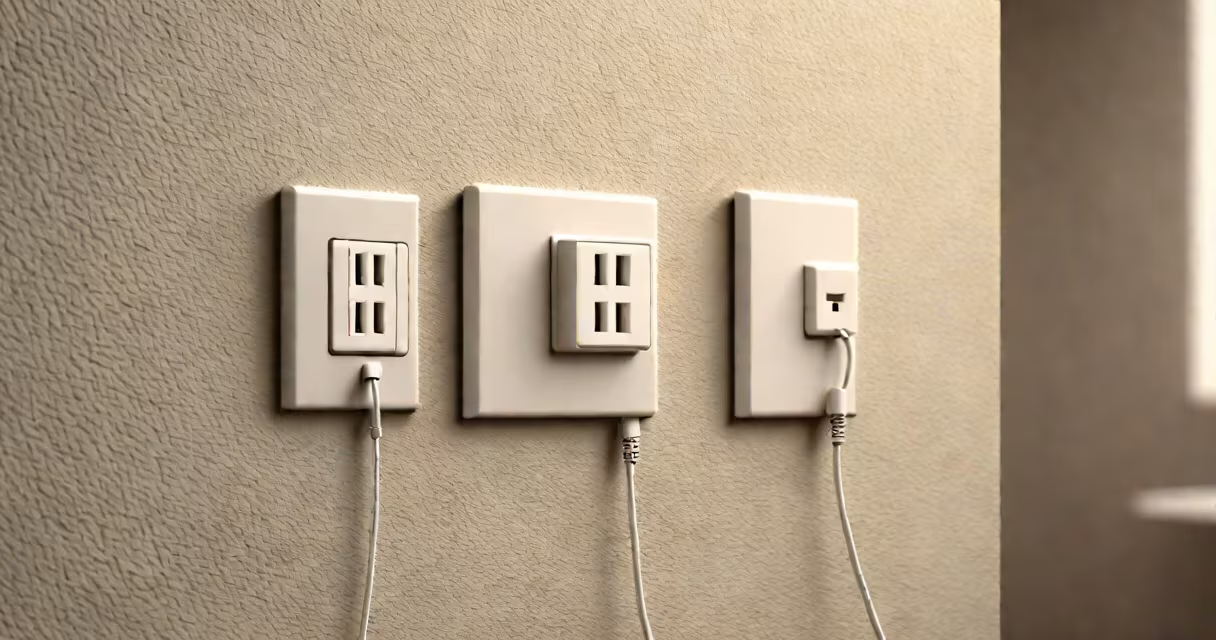
A power outlet network adapter is a device that transmits Ethernet signals over a building's electrical wiring, turning standard wall outlets into network connection points. It enables wired internet access in rooms without Ethernet jacks by using the home's existing electrical circuit.
These adapters work in pairs-one plugged into a wall outlet near your router, the other into an outlet near a device like a smart TV or gaming console. The pair communicates via the home's electrical system, carrying data at speeds up to 1 Gbps, depending on the model and wiring quality.
They are especially useful in older homes with limited network infrastructure. Unlike Wi-Fi extenders, they provide stable, low-latency connections ideal for bandwidth-heavy tasks such as 4K streaming, online gaming, or video conferencing.
Each power outlet network adapter contains a built-in modem that modulates data signals onto the AC power lines. The signal travels through the home's electrical wiring at frequencies between 2 MHz and 100 MHz, avoiding interference with household appliances.
When the signal reaches the second adapter, it demodulates the data and sends it through an Ethernet port to the connected device. This process happens in real time, with minimal delay-typically under 1 millisecond for local traffic.
Modern adapters support HomePlug AV2 standards, which improve reliability and throughput compared to older models. They also feature encryption (AES-128) to prevent unauthorized access to data flowing over shared circuits.
Adapters come in different performance tiers based on speed, compatibility, and features. The most common classifications are:
| Standard | Max Speed | Use Case | Example Model |
|---|---|---|---|
| HomePlug 1.0 | 200 Mbps | Basic web browsing, email | TP-Link TL-WPA4220 |
| HomePlug AV | 200 Mbps | HD video streaming, light gaming | Netgear PL1200 |
| HomePlug AV2 | 1 Gbps | 4K streaming, competitive gaming, VoIP | TP-Link TL-WPA6600 |
For best results, use adapters from the same brand and model. Mixing brands can cause reduced speeds due to incompatible modulation schemes.
Some models include additional features like USB charging ports, multiple Ethernet ports, or built-in surge protection. These are often marketed as "smart" or "multi-port" adapters, though functionality varies widely.
Many users assume that power outlet network adapters offer the same performance as direct Ethernet cables. While they can reach speeds close to 1 Gbps, real-world throughput drops due to electrical noise, distance, and circuit load.
For example, a TP-Link TL-WPA6600 paired with another unit in the same circuit delivered 820 Mbps in a test conducted by Tom's Hardware. When the second unit was plugged into a different circuit (shared breaker), speeds dropped to 310 Mbps. This illustrates how circuit isolation affects performance.
Another misconception is that these adapters work across all types of wiring. Older homes with aluminum wiring or ungrounded outlets may see degraded performance or fail to establish a connection entirely. Always check your home's electrical configuration before purchasing.
Also, avoid plugging adapters into extension cords or power strips with surge protectors. These can filter out the high-frequency signals needed for data transmission, reducing effective range and stability.
I installed a pair of TP-Link TL-WPA6600 units in my apartment to connect a desktop PC in the bedroom to my router in the living room. The bedroom had no Ethernet port. After plugging one adapter into a wall outlet near the router and the other into a nearby outlet, the PC achieved consistent 900 Mbps download speeds over Ethernet.
This setup eliminated buffering during 4K Netflix sessions and reduced ping times in online games from 65 ms to 22 ms. The difference was noticeable even to casual users who didn't understand networking.
Other typical applications include connecting security cameras, smart speakers, and media centers to a stable wired network. In offices, they're used to extend connectivity to conference rooms or cubicles without running new cables.
Unlike Wi-Fi extenders, which amplify wireless signals, power outlet network adapters create a dedicated wired link. They don't suffer from interference, congestion, or signal degradation over distance.
Compared to Ethernet over coax (used in some cable providers' systems), power outlet adapters require no special cabling or equipment. They work with standard outlets and don't need professional installation.
However, they are not a replacement for structured cabling in large or commercial environments. For enterprise-grade reliability, Cat 6a or fiber-optic runs remain superior.
Power outlet network adapters are practical tools for extending wired networks in homes and small offices. They deliver reliable, low-latency connections without rewiring. Choose models with HomePlug AV2 support, ensure both units are on the same electrical circuit, and avoid noisy power strips.
They are not magic. Performance depends on wiring quality, distance, and interference. But when used correctly, they solve real problems-like dead zones and unstable Wi-Fi-without requiring technical expertise.
For anyone needing a stable, wired connection in a location without Ethernet access, a power outlet network adapter offers a straightforward solution.