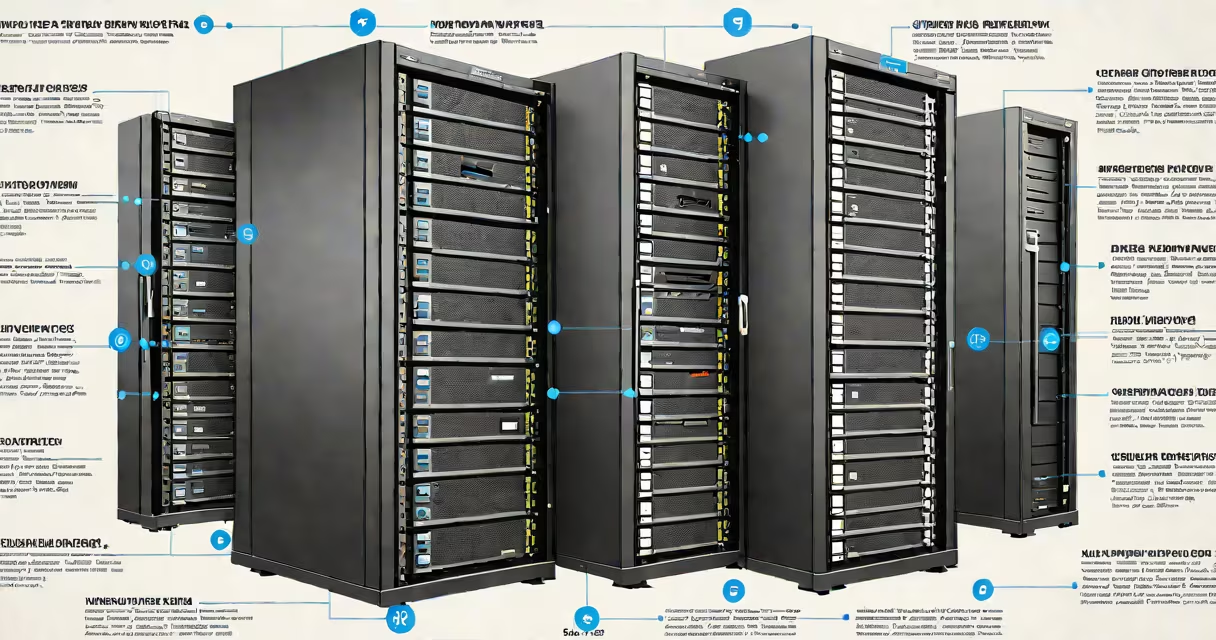
Best storage options refer to the most effective methods for securely retaining digital data over time, combining reliability, accessibility, and cost-efficiency. These include physical media like SSDs and hard drives, cloud platforms such as AWS S3 and Google Cloud Storage, and hybrid systems that blend both approaches. The right choice depends on access frequency, data sensitivity, and retention duration.
Storage systems work by encoding data into binary patterns written onto physical or virtual media. Solid-state drives (SSDs) use flash memory cells to store data electronically, offering fast read/write speeds and resistance to shock. Hard disk drives (HDDs) rely on spinning magnetic platters and moving heads, delivering high capacity at lower cost per gigabyte but slower performance and greater mechanical failure risk. Cloud storage uses remote servers managed by third-party providers, replicating data across geographically dispersed locations for redundancy and availability.
Physical storage includes internal drives, external USB devices, NAS (network-attached storage) units, and tape libraries. Internal SSDs and HDDs are ideal for active workloads due to low latency. External drives suit portable backups. NAS systems allow multiple users to access shared files over a local network. Tape storage remains relevant for long-term archival, with LTO-9 tapes capable of holding 18 TB per cartridge and surviving up to 30 years under proper conditions.
| Type | Speed | Cost per GB | Use Case | Lifespan |
|---|---|---|---|---|
| SSD (internal) | 2,000-7,000 MB/s | $0.10-$0.20 | OS, applications, frequent access | 5-10 years |
| HDD (external) | 80-160 MB/s | $0.03-$0.05 | backup, media libraries | 3-7 years |
| Cloud (hot tier) | 100-500 MB/s | $0.02-$0.05 | active collaboration, web apps | Indefinite (provider-managed) |
| Tape (LTO-9) | 200-300 MB/s | $0.01-$0.02 | archival, compliance, legal records | 30 years |
Cloud storage dominates enterprise environments due to scalability and disaster recovery features. AWS S3 offers 99.99% uptime and automatic replication across three availability zones. Google Cloud Storage provides similar resilience with integrated machine learning tools for metadata tagging. These services support versioning, encryption at rest and in transit, and audit logs. However, ongoing costs rise with data volume and retrieval frequency. Cold storage tiers reduce expenses by charging less for infrequent access, but retrieval takes minutes to hours.
Common misconceptions include assuming cloud storage is always cheaper or safer than physical media. While cloud providers invest heavily in security, breaches still occur. In 2021, a misconfigured S3 bucket exposed 17 million patient records from a U.S. health system. Physical drives offer control over data location and access, reducing exposure to third-party vulnerabilities. Conversely, relying solely on local drives risks loss from fire, flood, or theft. A single drive failure can erase entire datasets unless backed up elsewhere.
A non-obvious distinction: not all cloud storage is equal. Amazon Glacier Deep Archive charges $0.00099 per GB per month for data accessed once every five years. This is 90% cheaper than standard cloud tiers but requires a minimum 180-day retrieval delay. For long-term archival, this model outperforms physical tape in cost efficiency and durability. Yet, it's unsuitable for data needing regular access.
In my experience, setting up a home lab with a Synology NAS running RAID 6 arrays gave me consistent access to 14TB of family photos and videos. After two years, the system ran without errors despite power fluctuations. When I moved to a new city, I replicated the data to Google Cloud Storage using rsync and encryption keys. The process took 12 hours over a 50 Mbps connection, but I gained offsite redundancy and peace of mind during travel.
Best storage options must align with data lifecycle needs. High-frequency data demands fast, accessible storage like NVMe SSDs. Compliance-heavy sectors like finance and healthcare require immutable, auditable archives-tape or certified cloud services meet these standards. For personal users, a mix of external SSDs and encrypted cloud sync (like iCloud or Dropbox) covers most scenarios. Always test recovery procedures annually; even the best system fails if restoration hasn't been verified.
When evaluating best storage options, prioritize durability, access speed, and ownership control. Consider the total cost of ownership-not just upfront price-but energy, maintenance, and migration effort. The most effective solution isn't the fastest or cheapest alone-it's the one that fits your specific workflow and risk profile.