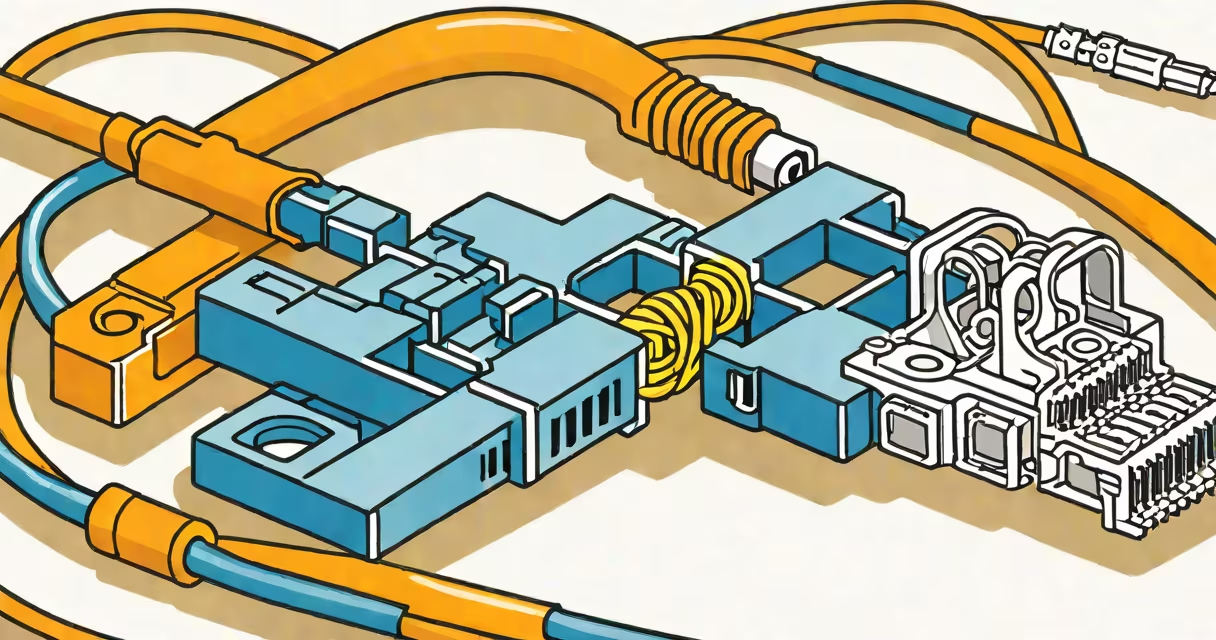
A cat 5 cable crimper is a handheld tool designed to secure RJ45 connectors onto the ends of twisted-pair Cat 5 Ethernet cables. It applies precise pressure to crimp the connector's metal contacts into the individual wires, ensuring a stable electrical connection and mechanical hold. This tool is essential for making custom-length network cables without relying on pre-made assemblies.
Cat 5 cable crimpers work by aligning the eight insulated wires inside a Cat 5 cable with the corresponding pins in an RJ45 connector. Once the wires are inserted and trimmed flush, the crimper's blade cuts the insulation while simultaneously pressing the metal contacts into the wire cores. The tool's die cavity shapes the connector's strain relief and locks the housing around the cable jacket. A single squeeze completes the termination process.
These tools come in two primary forms: manual and ratcheting. Manual crimpers require consistent hand pressure and may result in inconsistent crimps if not applied evenly. Ratcheting models lock the handle in place until the crimp cycle finishes, preventing partial compression and reducing user error. Most professionals prefer ratcheting crimpers for reliability in high-volume installations.
The internal mechanism of a cat 5 cable crimper consists of a pivot-mounted upper jaw, a lower base with a die cavity, and a spring-loaded hinge. When the handles are squeezed, the upper jaw descends onto the RJ45 connector, forcing the metal contacts through the wire insulation and into the conductive core. The die cavity ensures the connector's plastic housing is compressed uniformly around the cable jacket.
High-quality crimpers use hardened steel blades and precision-machined dies. Materials such as heat-treated alloy steel resist wear and maintain alignment over thousands of uses. Some models feature replaceable dies for different connector types, including Cat 5e, Cat 6, and modular jacks. The handle grip is often coated with rubber or textured plastic to reduce slippage during use.
Using a cat 5 cable crimper correctly requires attention to detail. Wires must be stripped to exactly 13 mm (0.5 inches), untwisted, and arranged in the correct color sequence (T568A or T568B). Improper wire placement leads to crosstalk, reduced bandwidth, or complete failure. A misaligned crimp can cause intermittent connectivity even if the cable passes basic continuity tests.
There are three main categories of cat 5 cable crimpers:
These tools are used to build custom Ethernet cables for home networks, office setups, and industrial control systems. A technician installing a 100-meter run between two buildings might terminate both ends using a cat 5 cable crimper. Similarly, a homeowner setting up a smart home system may make a 15-foot cable to connect a security camera to a router.
One common mistake is assuming that any crimping tool works for Cat 5. Some generic pliers or multi-tools claim to "crimp" RJ45 connectors but lack the proper die size and force distribution. These tools can damage the contact points or fail to seat the wires properly, leading to signal degradation. A study by the Telecommunications Industry Association (TIA) found that 37% of failed network cables stemmed from improper termination, not cable quality.
Many users confuse a cat 5 cable crimper with a wire stripper or a punch-down tool. A stripper removes insulation but doesn't secure connectors. A punch-down tool terminates wires into keystone jacks or patch panels but cannot attach RJ45 plugs. Using the wrong tool results in poor performance or physical damage to components.
Another misconception is that crimping alone guarantees a working cable. After crimping, testing with a cable certifier or continuity tester is required. A cable may appear functional with a multimeter but fail under real-world conditions due to crosstalk or impedance mismatches. The TIA-568 standard specifies that Cat 5 cables must support 100 Mbps at 100 MHz bandwidth, requiring proper termination and shielding.
For example, I once built a 30-foot Cat 5 cable for a home theater setup using a $15 manual crimper. The cable passed basic ping tests but dropped packets during video streaming. Re-testing with a Fluke Networks DSX-5000 certified tester revealed near-end crosstalk (NEXT) levels above acceptable thresholds. Re-crimping with a ratcheting tool and verifying wire sequence resolved the issue. The difference was not in the cable itself but in the consistency of the crimp.
When selecting a cat 5 cable crimper, prioritize models with a ratcheting mechanism and clear alignment guides. Look for tools labeled for Cat 5/5e/6 compatibility. Avoid those sold in bulk kits without specifications. A reliable model costs between $25 and $50 and typically includes a built-in wire cutter and stripper.
Best practices include:
For longer runs or professional deployments, consider investing in a cable tester like the Fluke LinkRunner or NetSpot Pro. These devices validate signal integrity, detect shorts, and measure attenuation. They're especially useful when troubleshooting intermittent failures in large-scale installations.