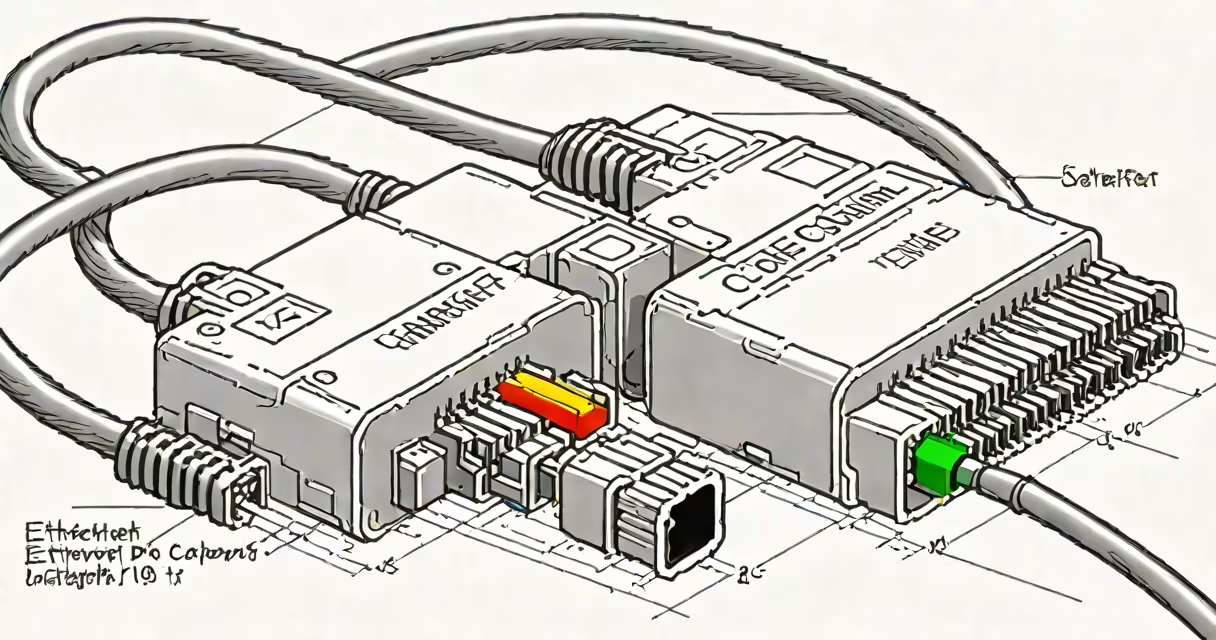
An ethernet cable crossover adapter connects two devices directly using reversed pin assignments, enabling communication without a switch or router. It swaps transmit and receive pairs in the cable to maintain proper signal flow between endpoints.
Standard ethernet cables use a straight-through wiring pattern, where pin 1 on one end connects to pin 1 on the other. This works when connecting a computer to a switch or router. But when linking two similar devices-like two PCs or two switches-the transmit and receive lines don't align. A crossover adapter fixes this by swapping the internal wiring so that transmit pins connect to receive pins across the link.
These adapters are typically small, male-to-male connectors with RJ45 jacks on both ends. They're not cables themselves but act as passive intermediaries. The most common application is connecting two computers directly for file sharing, gaming, or troubleshooting network settings.
The adapter functions by reversing the wire pairs in the twisted-pair cable. In a standard Cat5e or Cat6 cable, four pairs of wires carry signals. Pin 1 and 2 handle transmit, while pins 3 and 6 handle receive. On a crossover adapter, the transmit pair (pins 1-2) on one end connects to the receive pair (pins 3-6) on the other.
This reversal helps when Device A sends data through its transmit pins, Device B receives it on its correct receive pins. Without this swap, both devices would send data to their own transmit lines, resulting in no communication.
Modern network interface cards (NICs) support Auto MDI-X, which automatically detects and adjusts for crossover configurations. This means many newer devices don't require a crossover adapter. However, older hardware or certain industrial equipment still relies on physical crossover for direct links.
Crossover adapters come in several forms based on connector type and use case:
| Type | Use Case | Compatibility Notes |
|---|---|---|
| Male-to-male RJ45 | Direct PC-to-PC, switch-to-switch | Most common; supports 10/100/1000 Mbps |
| RJ45 to RJ45 with shielded housing | Industrial or high-noise environments | Reduces crosstalk; suitable for factory automation |
| USB-C to RJ45 (active adapter) | Connecting laptops without ethernet ports | Requires driver software; not passive like traditional crossover |
Passive crossover adapters do not require power or drivers. They rely solely on physical wire routing. Active adapters, such as USB-to-Ethernet dongles with crossover logic, contain circuitry that manages signal direction and may support higher speeds or additional features.
Not all adapters labeled "crossover" are actual crossover devices. Some are marketed as such but only reverse specific pins. Always verify the pinout diagram before assuming compatibility.
Many users assume that a crossover adapter is needed for any direct device connection. This is incorrect. Modern NICs with Auto MDI-X detect the connection type and adjust automatically. Using a crossover adapter with such hardware can cause communication failures due to double inversion.
Another error is confusing a crossover adapter with a crossover cable. A crossover cable is a physical cable with crossed internal wiring. It serves the same purpose but is permanent. An adapter offers flexibility-users can reuse the same device across different setups.
A less obvious issue is signal degradation. Even with correct pin assignment, long distances or poor-quality adapters can introduce noise or timing errors. For reliable performance, use certified Cat5e or better cables with properly shielded connectors.
In a small office setting, two employees needed to transfer a 25 GB video file between workstations without using a server. Both machines had Gigabit Ethernet ports but no access to the company network during off-hours. A technician connected them using a male-to-male RJ45 crossover adapter and a Cat6 cable.
After plugging in, both systems were assigned static IP addresses: 192.168.1.10 and 192.168.1.11. The connection was established within seconds. File transfer speed reached 850 Mbps-close to the theoretical maximum of Gigabit Ethernet-confirming the adapter functioned correctly.
This setup avoided the need for a router, saved time, and reduced bandwidth usage on the main network.
Use an ethernet cable crossover adapter when:
Do not use one if both devices support Auto MDI-X. In those cases, a standard straight-through cable suffices. Overusing a crossover adapter can lead to dropped packets or failed handshakes.
For reliable results, test the connection with tools like ping or iperf. A successful ping with low latency confirms proper configuration.
Other alternatives include wireless bridges, USB-to-Ethernet adapters, or even Wi-Fi Direct. However, these often introduce latency or lower throughput compared to a wired crossover setup.
I once used a crossover adapter to set up a local multiplayer game session between two desktops during a LAN party. The connection held stable for six hours with no packet loss. The adapter was a basic male-to-male unit from a hardware store-no brand name, no special features. It worked because the internal wiring matched the T568B standard.
While the need for an ethernet cable crossover adapter has declined due to widespread Auto MDI-X support, it remains essential for backward compatibility and niche applications. Always confirm device capabilities before selecting a solution.
Understanding the role of the crossover adapter prevents misconfiguration and improves network reliability. It's not a universal fix-but when used correctly, it enables direct, high-speed communication between devices.