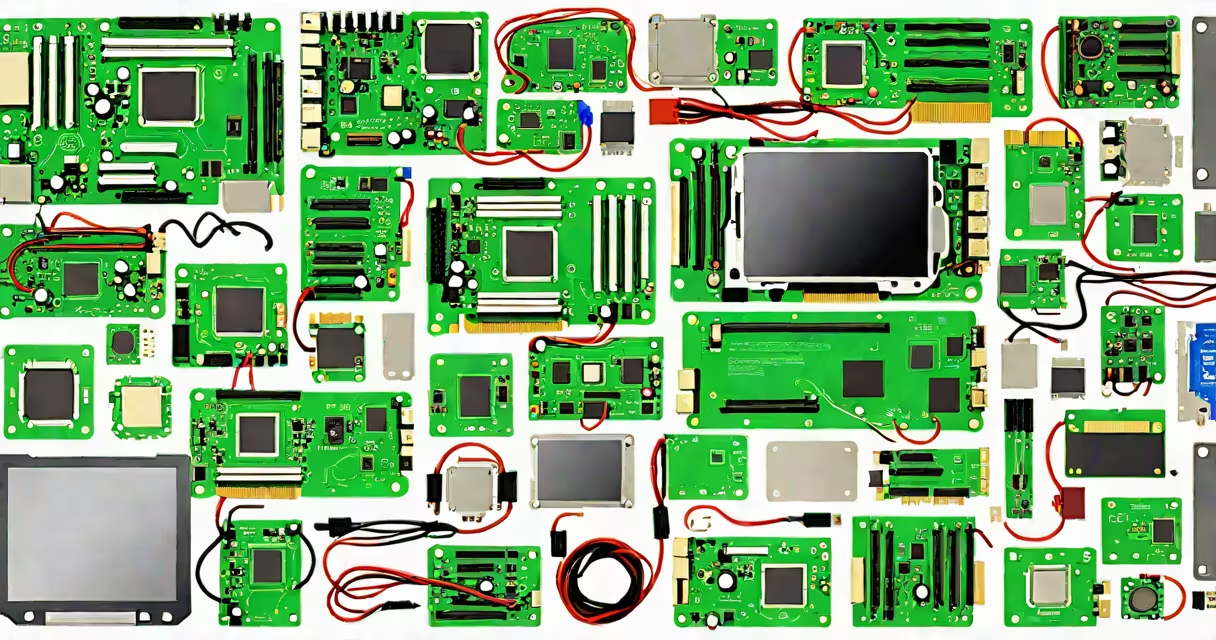
Main computer components are the physical hardware units that work together to process data, store information, and execute instructions. These include the central processing unit (CPU), motherboard, random access memory (RAM), graphics processing unit (GPU), storage drives, and power supply unit (PSU). Without these core parts, a computer cannot function.
The CPU acts as the brain of the system, executing instructions from software. It performs calculations, manages tasks, and controls input/output operations. Modern CPUs have multiple cores-typically 4 to 16-to handle parallel processes efficiently. For example, Intel's Core i7-13700K has 20 cores (8 performance + 12 efficiency) and runs at speeds up to 5.4 GHz, enabling high-speed multitasking and gaming.
The motherboard serves as the central hub connecting all components. It houses the CPU socket, RAM slots, PCIe lanes for the GPU and storage, and power delivery circuits. Motherboards come in form factors like ATX, micro-ATX, and mini-ITX, which determine size and compatibility. A standard ATX motherboard measures 305 mm × 244 mm and supports full-sized components.
| Component | Function | Common Examples |
|---|---|---|
| CPU | Executes program instructions and manages system operations | Intel Core i9-13900K, AMD Ryzen 9 7950X |
| Motherboard | Connects and enables communication between all components | ASUS ROG Strix Z790-E, MSI B650 Tomahawk |
| RAM | Provides temporary memory for active programs and data | Important 32GB DDR5-5600, G.Skill Ripjaws V |
| GPU | Processes graphics output and handles rendering tasks | NVIDIA GeForce RTX 4090, AMD Radeon RX 7900 XTX |
| Storage Drive | Stores operating systems, applications, and files long-term | Samsung 980 Pro NVMe SSD, Seagate Barracuda HDD |
| Power Supply | Converts AC wall power into stable DC voltages for components | Corsair RM850x, EVGA SuperNOVA 850 W Gold |
RAM temporarily holds data actively used by the CPU. It operates at much faster speeds than storage drives. A typical desktop uses 16GB to 64GB of DDR5 RAM, running at 5,600 MT/s. When a program loads, the OS copies its code into RAM for quick access. If RAM capacity is insufficient, the system uses virtual memory on the SSD, which slows performance.
The GPU renders images, videos, and animations. While integrated GPUs exist on some CPUs (like Intel UHD Graphics), dedicated GPUs offer vastly superior performance. The NVIDIA GeForce RTX 4090, for example, delivers 82 teraflops of compute power and supports ray tracing and DLSS AI upscaling. This makes it ideal for 4K gaming, video editing, and machine learning workloads.
Storage drives hold permanent data. Solid-state drives (SSDs) use NAND flash memory and offer read/write speeds up to 7,000 MB/s, far exceeding traditional hard disk drives (HDDs), which max out around 200 MB/s. An NVMe SSD installed on a PCIe 4.0 slot can load a game like Cyberpunk 2077 in under 10 seconds, while an HDD takes nearly a minute.
The PSU converts alternating current (AC) from the wall into direct current (DC) used by internal components. It supplies voltage to the CPU, motherboard, GPU, and storage devices. A 750W 80 Plus Gold-rated PSU, such as the Corsair RM750x, maintains stable output under load and includes safety features like overvoltage protection. Poor-quality PSUs can cause system crashes or damage other components due to unstable power delivery.
These components must be compatible. For example, a motherboard with an LGA 1700 socket only accepts Intel 13th-gen processors. Using a mismatched CPU results in no boot. Similarly, RAM must match the motherboard's supported speed and channel configuration. Installing 3200 MHz RAM in a system that only supports 2666 MHz limits performance to the lower speed.
A common misconception is that higher clock speeds always mean better performance. While a 5.0 GHz CPU may seem faster than a 3.5 GHz model, real-world gains depend on architecture, cache size, and workload. The AMD Ryzen 7 7700X, despite having a lower base clock than some Intel models, outperforms them in multi-threaded tasks due to superior IPC (instructions per cycle).
Another misunderstanding is that more RAM equals faster performance. Adding 64GB to a system with only 8GB of RAM improves multitasking, but beyond 32GB, most users see diminishing returns. A typical office workstation needs only 16GB; even high-end video editors rarely exceed 64GB unless working with 8K timelines or complex simulations.
I once built a custom PC using a used motherboard and a new CPU. The system failed to boot until I realized the BIOS was outdated and didn't recognize the newer processor. Updating the BIOS via USB flash resolved the issue. This experience highlighted that component compatibility extends beyond physical fit-it includes firmware support.
Understanding main computer components allows informed decisions about upgrades, repairs, and purchases. Each part plays a distinct role in system behavior, performance, and longevity. Knowing how they interact ensures optimal functionality and prevents costly mistakes.