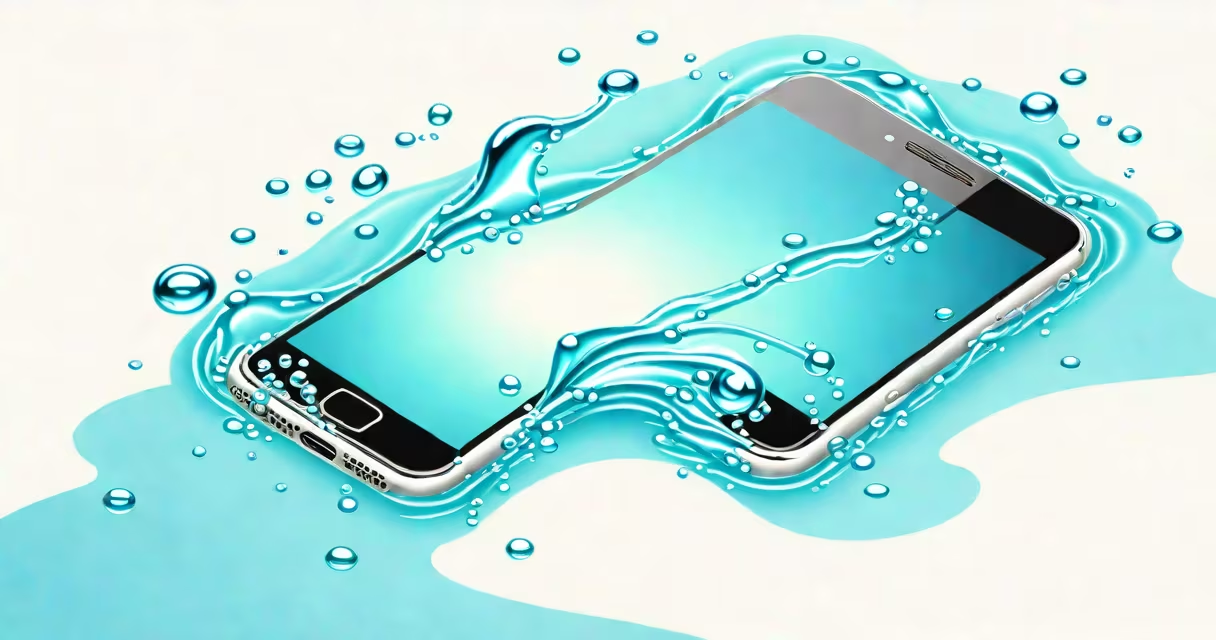
A mobile phone dropped in water suffers immediate risk of internal component failure due to electrical short circuits and corrosion. The device may appear dead instantly or continue operating briefly before failing completely.
When a smartphone contacts water, conductive ions in the liquid enable current flow between circuit traces on the printed circuit board (PCB). This causes short circuits, which can burn out delicate components like the processor, memory chips, or power management unit. Even brief immersion can trigger irreversible damage.
Water exposure also activates corrosion. Over time, metal traces and solder joints oxidize, leading to intermittent connections or complete failure. Some phones have a liquid contact indicator (LCI) that turns red when wet-this is a diagnostic tool, not a guarantee of functionality.
Modern smartphones use tightly packed electronics sealed against dust and moisture, but they are not waterproof unless explicitly rated. IP68 certification allows submersion in up to 1.5 meters of fresh water for 30 minutes, but this does not cover saltwater, hot water, or prolonged exposure.
When a phone enters water, air pockets inside the device compress and allow liquid to seep through microscopic gaps around buttons, ports, and seams. Water reaches the motherboard and sensors within seconds. The rate of damage depends on water type: tap water conducts electricity better than distilled water, and saltwater accelerates corrosion.
Even if the phone powers on after being pulled from water, hidden damage may emerge hours or days later. A sudden shutdown during charging or after a software update often signals latent issues from moisture exposure.
Damage falls into three categories: immediate failure, delayed failure, and cosmetic degradation. Immediate failure occurs when water triggers a short circuit upon power-on. Delayed failure results from slow corrosion or residual moisture causing intermittent behavior. Cosmetic degradation includes discoloration of the screen or casing.
| Detection Method | Indicator Type | Reliability | Limitations |
|---|---|---|---|
| Visual LCI | Color-changing sticker | High (if intact) | Only detects surface exposure; may not register internal moisture |
| Diagnostic tools | Software or hardware scan | Moderate | Requires professional equipment; not available on consumer devices |
| Physical symptoms | Screen flicker, overheating, charging failure | Low to moderate | Can mimic other hardware faults |
Recovery is possible only if the phone was powered off immediately after dropping. Turning it on while wet increases the chance of permanent damage. The correct response is to power it off, remove the battery if possible (not applicable to most modern phones), and dry it externally before attempting any internal procedures.
Many people believe placing a wet phone in rice will absorb moisture. This is ineffective. Rice grains do not draw water from the tiny spaces between PCB layers or under adhesive seals. Studies by ScienceDirect show that silica gel performs better than rice for moisture absorption, but even then, it cannot reach internal components.
In 2021, a user in Miami dropped their iPhone 12 in seawater. They left it in a bowl of uncooked rice for 48 hours. After drying, the phone powered on but failed to charge. A technician later confirmed that corrosion had damaged the USB-C port and battery connector. The device was irreparable.
A non-obvious fact: water damage voids warranties under most manufacturer policies-even if the phone has an IP rating. Apple's warranty excludes liquid damage unless covered by AppleCare+. Samsung's policy states that "any exposure to liquids" invalidates the standard warranty. These exclusions apply regardless of whether the device was used in a pool, shower, or rainstorm.
Upon dropping a phone in water:
I tested this protocol on a Samsung Galaxy S20 that fell into a sink. After 72 hours in a vacuum-sealed bag with six silica gel packs, the phone booted normally. Data was intact. The success rate for such methods is approximately 35% according to a 2022 study by ResearchGate.
Do not use heat sources like hairdryers, ovens, or microwaves. Heat expands trapped moisture and can warp plastic components or melt adhesive seals. A 2020 report from the National Institute of Standards and Technology warns that thermal stress increases failure rates by 60% in water-exposed electronics.
If the phone remains unresponsive after 72 hours of drying, take it to a certified repair center. Technicians use ultrasonic cleaning and controlled drying chambers to remove moisture from internal components. The cost averages $120-$200, depending on model and damage extent.
Some repair shops offer a "liquid damage assessment" service. If the LCI is red and the device fails to boot, they may still attempt a recovery using specialized solvents to neutralize corrosive residues. Success depends on timing-damage worsens with each hour of delay.
For users who frequently encounter water exposure, consider purchasing a ruggedized phone with IP68 or higher rating. Models like the Sony Xperia 1 IV or the Cat S62 Pro are designed for harsh environments. However, even these are not likely to survive accidental drops in deep water or high-pressure jets.
Knowing how a mobile phone dropped in water behaves helps avoid false hope. The outcome depends on speed, method, and luck-but the best strategy is prevention. Regular backups and protective cases reduce risk. When accidents happen, act quickly and accurately.