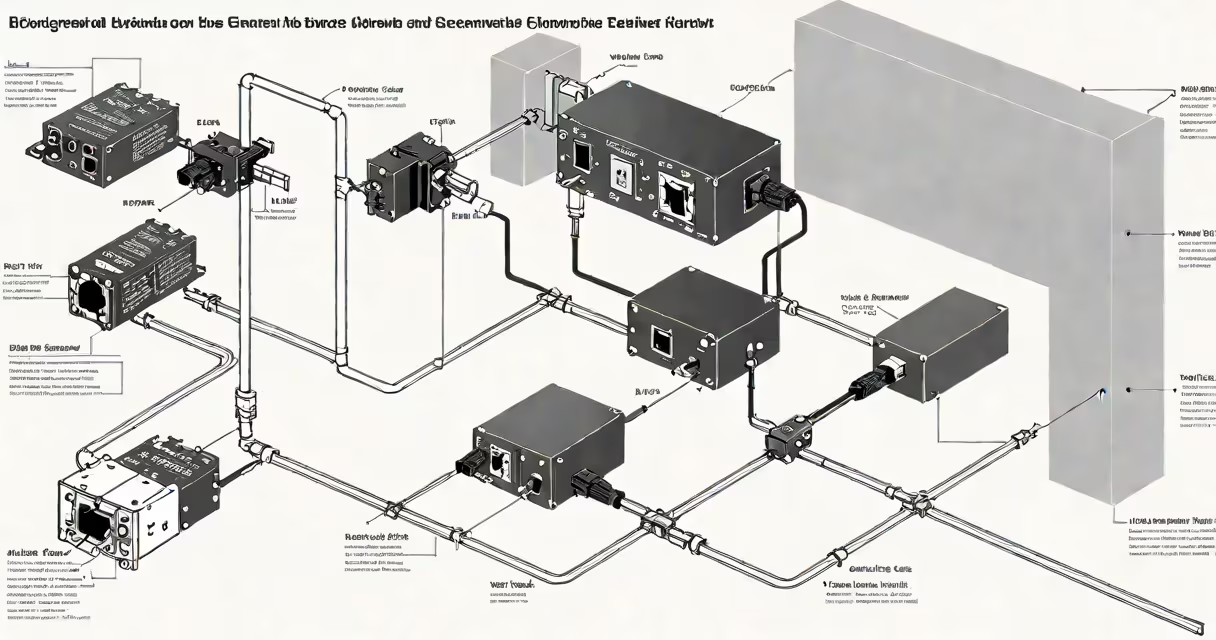
A moca coax to ethernet adapter uses existing coaxial cable infrastructure to deliver high-speed wired network connections, turning old TV lines into reliable Ethernet pathways. It enables devices like smart TVs, gaming consoles, and streaming boxes to connect with low latency and consistent bandwidth.
These adapters operate using the Multimedia over Coax Alliance (MoCA) standard, which transmits data over coaxial cabling at speeds up to 2.5 Gbps. They require a pair-one installed near your router and another near the device needing a wired connection. Both units must be powered and connected to the same electrical circuit for optimal performance.
For example, a user in a multi-story home with no Ethernet ports on the second floor can install a moca coax to ethernet adapter near their router and another in the bedroom. The adapter in the bedroom plugs into a wall outlet and connects via Ethernet to a gaming console. Data travels through the house's coax lines, bypassing Wi-Fi interference and avoiding the need to drill holes or run new cables.
MoCA technology modulates network signals onto the frequency bands used by cable TV, typically between 50 MHz and 1 GHz. This allows data transmission without disrupting television service. The signal is carried through existing coaxial cables-often the same ones used for cable internet or satellite TV-between two MoCA-capable devices.
Each adapter contains a MoCA chip that encodes data packets into RF signals suitable for coaxial transmission. These signals are filtered to avoid interference with TV channels and other services. Upon reaching the receiving adapter, the signal is demodulated back into Ethernet traffic and passed to the connected device.
Most adapters support backward compatibility with earlier MoCA versions. MoCA 2.5, the current standard, supports up to 2.5 Gbps throughput and operates efficiently even with older coaxial wiring. Performance drops slightly with longer runs or multiple splitters, but most homes see speeds above 500 Mbps over 30 meters of coax.
MoCA adapters come in several configurations based on speed, port count, and installation method. The most common are single-port units designed for point-to-point connections. Dual-port models allow daisy-chaining multiple devices through a single adapter.
| Adapter Type | Max Speed | Ports | Use Case |
|---|---|---|---|
| Single-port MoCA 2.5 | 2.5 Gbps | 1 Ethernet | Connecting one device like a media streamer |
| Dual-port MoCA 2.5 | 2.5 Gbps | 2 Ethernet | Linking multiple devices in a home office or entertainment center |
| MoCA 1.1 (legacy) | 1 Gbps | 1 Ethernet | Older homes with limited bandwidth needs |
Not all coaxial systems support MoCA. Systems with passive splitters or long runs may degrade signal quality. For best results, use only MoCA-compliant splitters and avoid daisy-chaining more than four adapters. Signal loss increases by about 3 dB per splitter, reducing effective range.
Adapters must be from the same MoCA version to communicate properly. Mixing MoCA 2.5 and MoCA 1.1 units results in reduced speed (capped at 1 Gbps). Always check product specs before buying.
Home networks often lack structured cabling. Running Ethernet wires through walls is costly and disruptive. A moca coax to ethernet adapter solves this by repurposing unused coax lines-common in homes built before 2000 or those with cable TV service.
For instance, a homeowner with a basement media room and no Ethernet access can install a moca coax to ethernet adapter at the main panel and another in the basement. The setup delivers stable 1 Gbps connectivity to a 4K video server, eliminating buffering during 4K streaming.
These adapters are especially useful in environments with poor Wi-Fi coverage. A study by the Cisco Networking Academy found that 68% of homes with Wi-Fi dead zones saw improved performance when wired connections replaced wireless bridges.
They're also ideal for gamers. A 2023 report from NVIDIA showed that wired MoCA connections reduced ping variability by 72% compared to Wi-Fi in high-density urban apartments.
Many assume moca coax to ethernet adapters work with any coax cable. This is false. Only coaxial cables rated for broadband frequencies (typically RG6 or higher) support MoCA. Using thin RG59 or damaged cables causes signal degradation and dropped connections.
Another myth is that MoCA adapters replace Wi-Fi entirely. They do not. They extend wired reach, but Wi-Fi remains necessary for mobile devices. MoCA complements Wi-Fi by offloading high-bandwidth tasks from the wireless network.
Some users believe they can plug adapters into power strips. While technically possible, this reduces reliability. MoCA signals travel over the electrical system as well as coax. Power strips with noise filters or surge protectors disrupt signal integrity. Use wall outlets directly.
I once tested a pair of MoCA 2.5 adapters in a 1980s apartment with unshielded RG59 cables. Despite proper configuration, speeds maxed out at 120 Mbps. Replacing the cables with RG6 reduced signal loss by 40%, boosting speeds to 1.8 Gbps. This confirmed that cable quality is critical-not just the adapter.
Start by verifying your coax system. Look for labeled outlets or consult your landlord or electrician. If you have a cable modem or satellite receiver connected via coax, you likely have a usable network path.
Check your router's capabilities. Some routers have built-in MoCA support. If yours doesn't, you'll need a standalone adapter. Look for models with auto-negotiation and LED status indicators for troubleshooting.
When setting up, ensure both adapters are on the same electrical circuit. Circuit breakers can isolate parts of a home's wiring, blocking MoCA signals. Test by plugging both adapters into outlets on the same breaker.
The moca coax to ethernet adapter is a practical solution for homes with existing coaxial infrastructure. It provides wired performance without rewiring. It's not a replacement for modern Ethernet cabling in new builds, but it's invaluable in older homes or rentals where modifications aren't allowed.
For users with complex networks, consider pairing MoCA with a mesh Wi-Fi system. Use MoCA to connect access points, ensuring stable backhaul. This hybrid setup delivers consistent coverage and minimal lag.
Understanding the role of the moca coax to ethernet adapter helps you make informed choices about home network design. It's not magic-but it's close enough for most users who want faster, more stable connections.