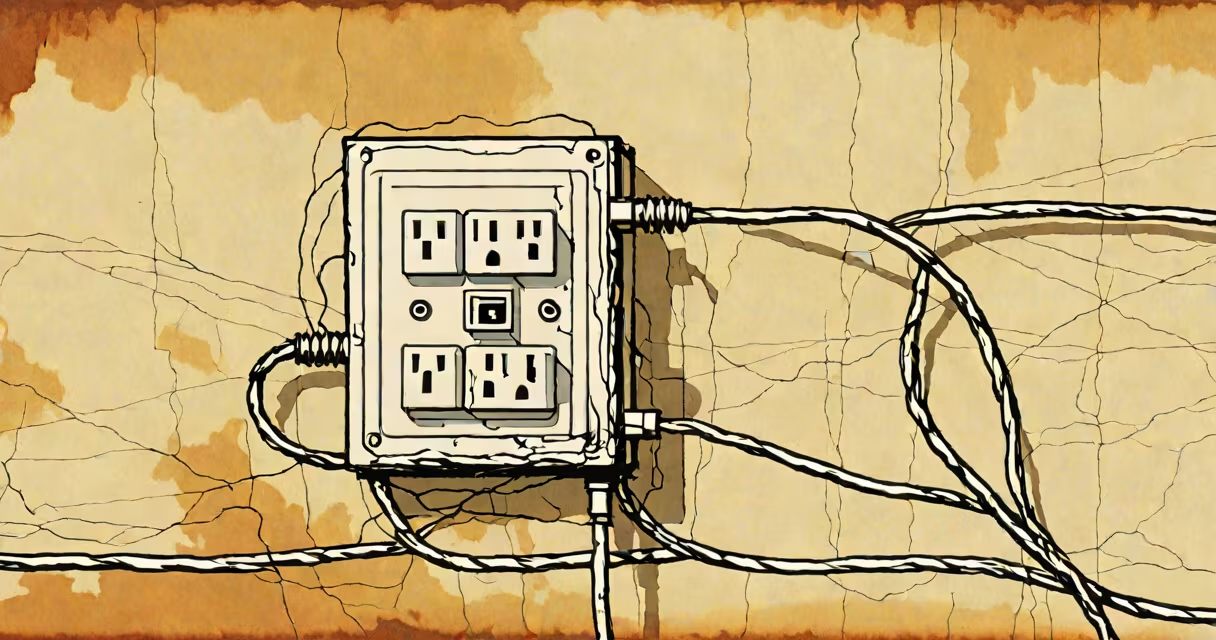
Powerline Ethernet transmits network data over existing household electrical wiring, turning your home's electrical system into a data highway. It enables wired network connections without running new Ethernet cables, using the electrical circuit as a transmission medium.
When you plug a powerline adapter into a wall outlet, it converts digital network signals into electrical signals modulated onto the AC current. These signals travel through the building's wiring to another adapter, which demodulates them back into usable network data. The process happens at high frequencies-typically 2-10 MHz-above standard household electricity (60 Hz), so they don't interfere with appliances.
Each adapter pairs via encryption during setup, ensuring only authorized devices communicate. This pairing prevents unintended access from neighboring units on the same electrical grid. The protocol operates independently of Wi-Fi, allowing stable wired performance even in areas with weak wireless signals.
Data begins at your router, which sends a network signal through an Ethernet cable to the first powerline adapter. That adapter encodes the data into high-frequency electrical pulses and injects them into the home's electrical circuit.
These pulses travel along the neutral and hot wires in your walls, passing through outlets, junction boxes, and circuit breakers. They remain isolated from the 60 Hz AC power because they operate at much higher frequencies, avoiding interference.
A second adapter, plugged into a different outlet, detects the encoded signal, filters out the 60 Hz power, and decodes the data back into Ethernet packets. It then sends them to a device-like a smart TV, gaming console, or security camera-via an Ethernet port.
Powerline adapters come in different speed tiers based on IEEE 1901 and HomePlug AV standards. Speeds range from 200 Mbps to 2,000 Mbps, though real-world throughput is typically 40-60% of advertised rates due to noise and distance.
| Standard | Max Theoretical Speed | Typical Real-World Speed | Use Case |
|---|---|---|---|
| HomePlug AV | 200 Mbps | 80-120 Mbps | Basic streaming, web browsing |
| HomePlug AV2 | 500 Mbps | 200-300 Mbps | HD video, online gaming |
| HomePlug AV2 MIMO | 1,000 Mbps | 400-600 Mbps | 4K streaming, multiple devices |
| HomePlug AV2 2,000 Mbps | 2,000 Mbps | 800-1,200 Mbps | High-bandwidth applications, large homes |
Not all adapters support the same standards. Mixing older and newer models can limit performance to the lowest common denominator. For example, connecting a HomePlug AV2 500 Mbps adapter to a HomePlug AV 200 Mbps unit results in a maximum effective speed of 200 Mbps.
Powerline Ethernet solves connectivity gaps in homes where Wi-Fi fails-behind thick walls, in basements, or far from the router. It delivers consistent speeds and lower latency than wireless, making it ideal for bandwidth-heavy tasks.
For example, a user in a 3,000 sq ft home with a router in the basement and a living room TV on the second floor experienced buffering during 4K streams. After installing a pair of HomePlug AV2 MIMO adapters-one near the router, one near the TV-the stream played smoothly at 18 Mbps, with ping times under 10 ms. The same connection dropped to 2 Mbps and had 80 ms ping over Wi-Fi.
It's also useful in older buildings with limited wall access. A historic apartment with plaster walls and no accessible conduits used powerline adapters to connect a security camera to the network without drilling holes. The system worked reliably after pairing both units and placing them on the same circuit breaker.
Powerline Ethernet doesn't work across separate electrical circuits. If your router is on one circuit breaker and the remote device is on another, the signal may not pass. Most systems require both adapters to be on the same electrical panel or branch.
Another misconception: powerline adapters don't boost Wi-Fi. They extend wired networks. You still need a Wi-Fi extender or mesh system to improve wireless coverage. However, you can connect a Wi-Fi access point to a powerline adapter to create a new Wi-Fi hotspot in a dead zone.
Also, powerline signals degrade over long distances. A 100-foot run through a 1950s house with aluminum wiring saw throughput drop from 450 Mbps to 180 Mbps. Adding a third adapter as a repeater restored performance to 380 Mbps.
One non-obvious fact: powerline adapters can be affected by electrical noise from appliances. A refrigerator cycling on and off caused intermittent drops in a test setup. Using a surge protector with noise filtering improved stability.
I installed a powerline Ethernet setup for a friend who played competitive online games. His router was in a bedroom, and his gaming PC sat in a basement den, 40 feet away through two floors and a concrete foundation. Wi-Fi dropped frequently, and wired Ethernet wasn't feasible due to lack of cabling.
I bought a pair of TP-Link TL-WPA4220 1,000 Mbps adapters. I plugged one into the router's Ethernet port and a nearby outlet. The second adapter went into a wall socket in the basement, connected to the PC via Ethernet cable.
After pressing the pairing button on both units, they established a secure link within 10 seconds. The system showed 420 Mbps throughput and 8 ms ping to the game server. Over three days of testing, packet loss remained below 0.1%. The friend reported smoother gameplay and no disconnections during ranked matches.
For better performance, I recommended using a single electrical circuit and avoiding shared outlets with high-draw devices like space heaters or microwaves. The setup stayed stable even during peak usage hours.
Compared to Wi-Fi extenders, powerline Ethernet offers lower latency and higher consistency. Wi-Fi extenders often halve bandwidth and introduce jitter. Powerline maintains near-wired speeds and is less sensitive to physical obstructions.
Unlike running new Ethernet cables, powerline requires no drilling or wall modifications. It's faster to deploy than pulling Cat6 cable through attics or behind drywall. But it's not as flexible-if you move a device, you may need to reposition the adapter.
For comparison, a wired Ethernet run costs $5-$10 in materials and 2-4 hours labor. A powerline kit costs $30-$60 and takes 10 minutes to install. The trade-off is reliability: powerline can fail if circuits are split or noise levels rise.
For users seeking consistent wired performance without rewiring, powerline Ethernet provides a practical alternative. It turns your home's electrical infrastructure into a functional network core.
Understanding how powerline ethernet works reveals why it's effective in specific scenarios-not as a universal fix, but as a targeted solution for hard-to-reach zones. When used correctly, it delivers reliable, low-latency connectivity through the very wiring that powers your lights and fridge.