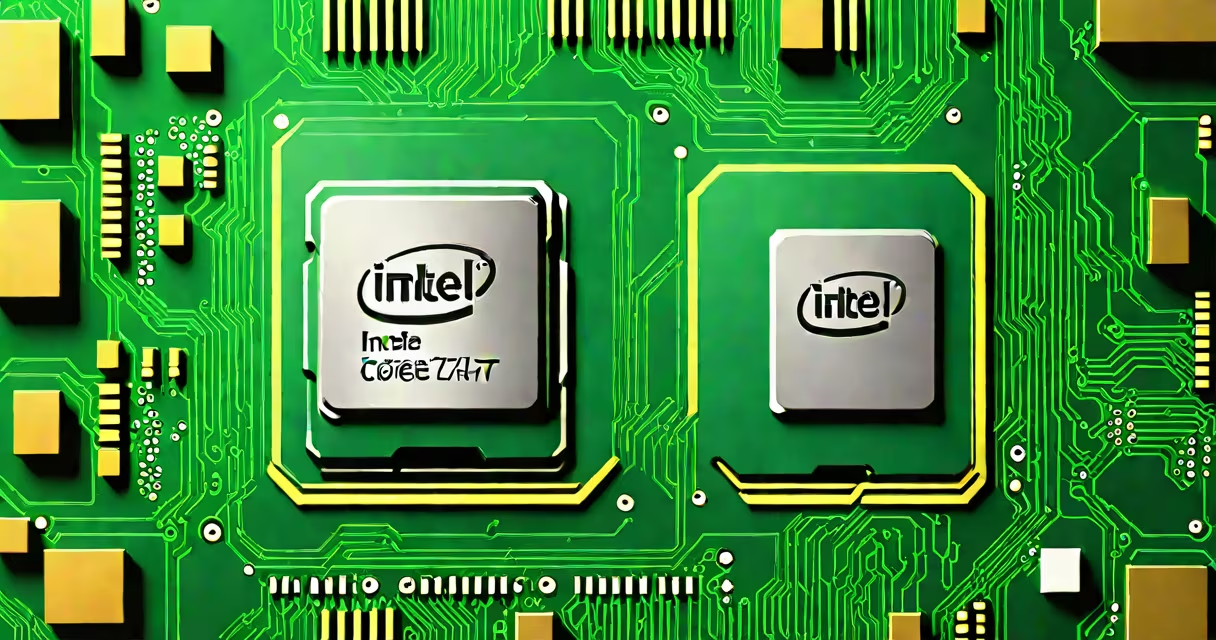
The processor in a PC-also called the central processing unit (CPU)-is the primary component responsible for executing instructions from software and managing data flow between system parts. It performs arithmetic, logic, control, and input/output operations required to run applications and operating systems.
CPU performance is measured in clock speed (GHz), core count, and thread count. A higher clock speed means faster instruction processing. More cores allow parallel execution of tasks, improving multitasking and performance in demanding workloads like video editing or gaming. Modern CPUs also feature cache memory (L1, L2, L3) to reduce latency when accessing frequently used data.
Intel and AMD dominate the desktop CPU market. Intel's Core series (i3, i5, i7, i9) and AMD's Ryzen line (3, 5, 7, 9) offer tiered performance levels. For example, an Intel Core i7-13700K runs at 3.4 GHz base frequency with 24 threads across 20 cores, capable of handling complex workloads efficiently.
The processor follows a cycle: fetch, decode, execute, and write-back. When you launch a program, the OS sends instructions to the CPU. The control unit fetches the instruction from RAM, decodes it into machine language, executes the operation using arithmetic logic units (ALUs), and writes results back to memory or registers.
Modern CPUs use out-of-order execution and pipelining to improve efficiency. Pipelining allows multiple instructions to be processed simultaneously at different stages. Out-of-order execution reorders instructions to maximize throughput when dependencies exist.
For example, while one instruction waits for data from RAM, the CPU can process another that's ready. This reduces idle time and boosts effective performance. A single-core CPU processes one instruction at a time; multi-core CPUs divide work across cores, enabling true parallelism.
Processors differ by architecture, core count, power consumption, and intended use. Here's a comparison of common types:
| Type | Core Count | Typical Clock Speed | Use Case | Example Model |
|---|---|---|---|---|
| Entry-Level | 2-4 | 2.0-3.0 GHz | Basic tasks, web browsing, office work | Intel Celeron G6900 |
| Mid-Range | 4-8 | 3.0-4.2 GHz | Gaming, content creation, multitasking | AMD Ryzen 5 5600X |
| High-End | 8-16+ | 3.5-5.0 GHz | Professional video editing, 3D rendering, high-performance computing | Intel Core i9-13900K |
Some processors integrate graphics processing (iGPU), eliminating the need for a separate GPU in basic setups. Intel's U-series chips and AMD's APU lineup include dedicated graphics engines. However, for intensive graphical work, a discrete GPU remains essential.
The processor in a PC is the brain of the system. Without it, no software can run. It manages everything from booting the OS to rendering frames in a game. Its role is foundational-every action, from typing a letter to streaming 4K video, relies on CPU processing.
Performance bottlenecks often stem from CPU limitations. For example, a 2022 benchmark showed that a dual-core processor struggled to maintain 60 FPS in Cyberpunk 2077 at medium settings, while a six-core CPU achieved consistent frame rates. This illustrates how core count directly impacts real-world application performance.
Overclocking increases clock speed beyond factory settings. While it can boost performance, it raises heat output and power draw. A properly cooled system can sustain overclocks, but unstable voltages may cause crashes or permanent damage. The Intel Extreme Tuning Utility (XTU) and AMD Ryzen Master tools allow safe overclocking adjustments.
Many assume that higher clock speed always means better performance. That's not true. A 4.0 GHz quad-core CPU may outperform a 4.5 GHz dual-core in multi-threaded tasks due to more available cores. Benchmarks like Cinebench R23 measure multi-core performance accurately.
Another misconception is that all processors are interchangeable. They're not. Intel and AMD use different socket types (LGA vs. AM5), requiring compatible motherboards. Installing an AMD Ryzen 7 7700X on an older motherboard with an AM4 socket fails because the physical pin layout differs.
A non-obvious fact: modern CPUs have thermal design power (TDP) ratings that don't reflect actual power draw under load. A 65W TDP CPU may consume 100W during sustained workloads. Power limits are enforced via voltage and frequency scaling to prevent overheating.
I built a custom PC in 2021 using an AMD Ryzen 5 3600. During initial testing, the system froze when running multiple browser tabs and a video render. Monitoring tools showed the CPU hitting 100% usage. Upgrading to a Ryzen 5 5600X reduced peak load by 30%, improved responsiveness, and eliminated freezes. The upgrade wasn't about raw speed-it was about better multi-threading efficiency and lower idle power draw.
The processor works with RAM, storage, and GPU. RAM stores active data; the CPU accesses it quickly. Insufficient RAM forces the CPU to rely on slower virtual memory, degrading performance. A 16GB DDR4-3200MHz kit pairs well with most modern CPUs.
Storage speed matters too. A SATA SSD (500 MB/s read) limits CPU-bound tasks compared to NVMe drives (up to 7,000 MB/s). In a file compression test, a CPU using an NVMe drive completed the task 40% faster than with SATA, even though the CPU was unchanged.
Thermal management is critical. A CPU running above 95°C may throttle performance to avoid damage. A high-end air cooler (like the Noctua NH-D15) maintains stable temperatures under load. Liquid cooling offers better results but adds complexity and cost.
When selecting a processor in a PC, match it to your workload. For productivity, a 6-core CPU with high single-thread performance suffices. For creative work, prioritize multi-core throughput. Gaming benefits from high clock speeds and low latency, especially in titles with heavy physics or AI calculations.
Understanding the processor in a PC helps you choose the right hardware. upgrading an old one, focus on core count, clock speed, cache size, and compatibility with your motherboard. Check specifications against your use case-don't just buy the fastest model. The right processor delivers performance where you need it most.