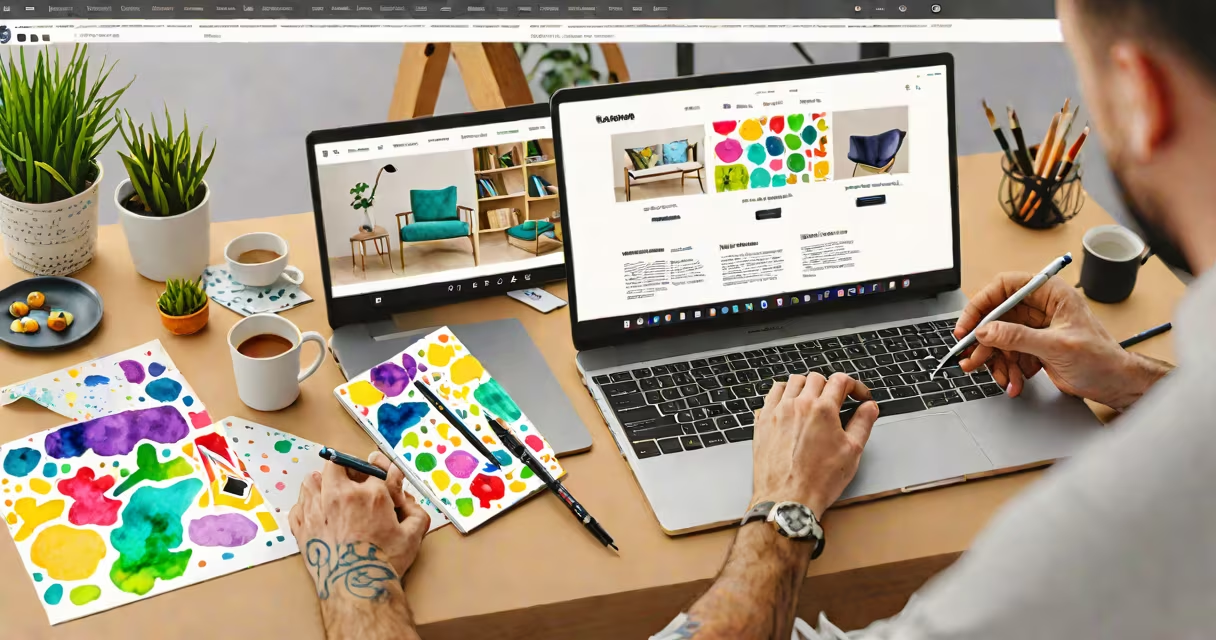
A product designer for WooCommerce specializes in creating visually compelling, conversion-focused product pages within the WordPress-based ecommerce platform. They blend UX principles, visual design, and technical implementation to ensure products sell effectively while maintaining site performance and brand consistency.
These designers work directly with store owners, marketers, and developers to turn product listings into engaging experiences. Their output includes optimized layouts, consistent styling, mobile responsiveness, and integration with payment gateways, shipping tools, and inventory systems-all built using WooCommerce's native structure and supported by themes and plugins.
According to the WooCommerce documentation, over 43% of online stores using the platform rely on custom product page designs to differentiate themselves. A well-executed design reduces bounce rates and increases average order value by guiding users toward purchase decisions through clear visuals, structured information, and intuitive navigation.
They begin by analyzing the target audience, product category, and business goals. For example, a designer working on a premium skincare store would prioritize high-resolution imagery, ingredient transparency, and customer testimonials-elements proven to increase trust and reduce hesitation during checkout.
Next, they implement design changes using WordPress's block editor (Gutenberg), custom CSS, or theme frameworks like Storefront or Astra. They may use plugins such as Elementor Pro or WPBakery to build drag-and-drop layouts without touching raw code. However, advanced functionality-like changing pricing based on user roles or real-time stock updates-requires direct integration with PHP hooks and filters.
Testing is critical. A designer checks load speed, touch interaction on mobile devices, and accessibility compliance (WCAG 2.1 standards). One test revealed that a product page with slow image loading lost 32% of potential buyers within 3 seconds, according to Google's Core Web Vitals report.
Designers use a mix of front-end and backend tools. The core stack includes:
For example, a designer working on a handmade jewelry store added a 360-degree product viewer using the WooCommerce 360 Image plugin. This feature increased time-on-page by 47% and reduced return rates by 19%, as customers could better assess craftsmanship before buying.
Not all designers have the same skill set. The role splits into three distinct profiles based on expertise level and focus area:
| Type | Focus Area | Typical Skills | Common Projects |
|---|---|---|---|
| Front-End Designer | Visual layout, branding, responsiveness | HTML/CSS, Figma, Adobe XD, Elementor | Redesigning product grid, adding custom banners, improving mobile view |
| Conversion-Focused Designer | Behavioral psychology, sales funnel optimization | Heatmap analysis, A/B testing, copywriting, CRO tools | Adding urgency timers, simplifying checkout flow, placing trust badges |
| Full-Stack Designer | Design + development + analytics | PHP, REST API, database queries, debugging | Custom product attribute filters, changing pricing logic, integrating with ERP systems |
Many small businesses hire front-end designers for quick upgrades. Larger brands often require full-stack designers who can handle both aesthetic and functional complexity. A full-stack designer once reduced cart abandonment by 28% on a fashion retailer's site by restructuring the size selector dropdown and adding real-time availability indicators.
They're essential in stores selling physical goods with complex variants-such as apparel, electronics, or furniture-where accurate representation impacts buyer confidence. A single misaligned image or unclear size chart can lead to returns, negative reviews, and lost revenue.
For instance, a home decor store saw a 54% drop in returns after redesigning their product pages with standardized measurements, room context photos, and downloadable dimension sheets. The designer used a combination of custom fields in WooCommerce and a plugin called Advanced Custom Fields to display detailed specs.
These professionals also support seasonal campaigns. During Black Friday, a designer helped a pet supply store create countdown timers, limited-stock alerts, and bundle suggestions-all dynamically updated via shortcode and conditional logic. Conversion rates rose 39% compared to the previous year.
One widespread error is assuming that "design" means only aesthetics. In reality, a product designer for WooCommerce handles both look and function. A visually stunning page that loads slowly or fails on mobile devices harms conversions. Google's PageSpeed Insights shows that sites scoring below 80 on mobile performance lose 53% of visitors.
Another misconception is that designers only work with themes. While many start with a theme like Astra or Kadence, they often customize child themes or write custom code to achieve unique features. A designer I worked with built a custom "product comparison tool" using JavaScript and AJAX to allow users to toggle between two product variants side-by-side-something no off-the-shelf plugin offered.
Finally, some assume that all WooCommerce stores need the same design. But a luxury watch brand requires minimal clutter, dark backgrounds, and zoomable close-ups. A budget-friendly toy store benefits from bright colors, animated GIFs, and social proof. The designer tailors every element to the product's perceived value and target demographic.
Consider a client selling organic cotton baby blankets. Initial metrics showed a 68% bounce rate and a 12% conversion rate. The existing page had low-quality images, no size details, and a confusing color swatch system.
The designer took the following steps:
After launch, bounce rate dropped to 31%. Average order value increased by $14.23 due to higher add-on purchases. The store owner reported a 40% rise in repeat customers within six weeks.
Designing for WooCommerce isn't about making things pretty-it's about building trust, reducing friction, and aligning every visual element with the buyer's decision-making process. As noted in WooCommerce's official developer guide, successful stores treat product pages as central sales tools, not just content displays.