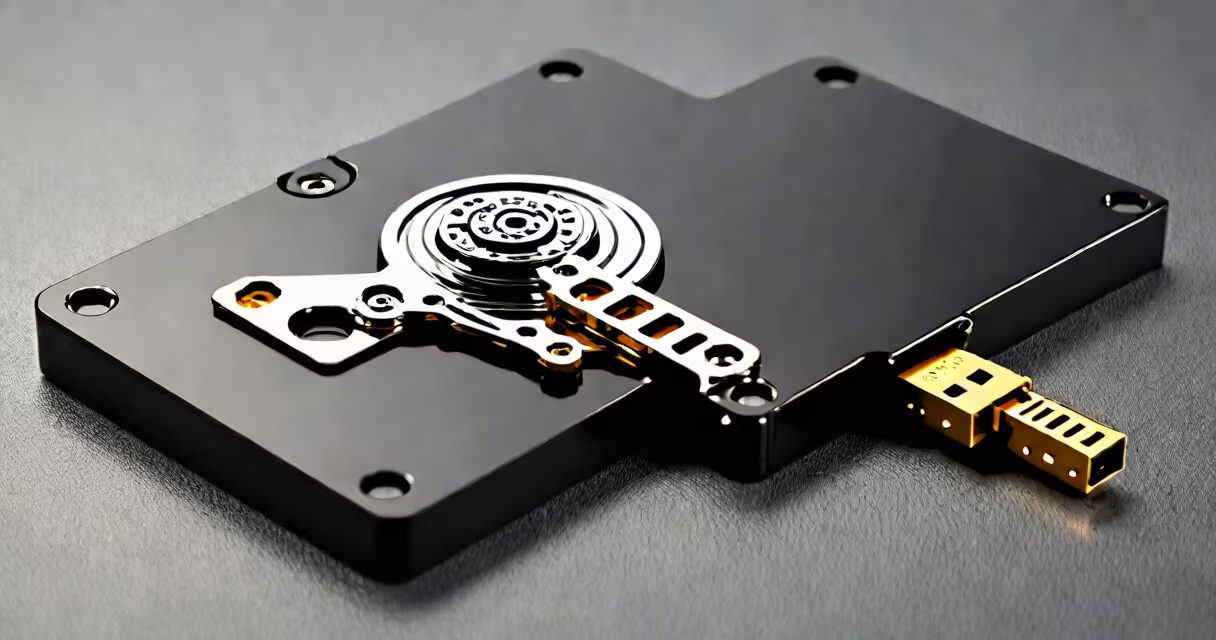
A secure external hard drive is a portable storage device with built-in hardware encryption that protects data from unauthorized access, ensuring sensitive files remain confidential even if the drive is lost or stolen.
Unlike standard external drives that store data in plain text, a secure external hard drive encrypts all information automatically using dedicated encryption chips. This process happens at the hardware level-meaning encryption occurs before data is written to the disk and decrypts only when the correct password is entered. The encryption standard most commonly used is AES-256, the same algorithm trusted by governments and financial institutions for classified data.
These drives typically require a password or biometric authentication (like fingerprint scanning) to enable. Once unlocked, they appear as a regular drive in your operating system. When locked, they show up as empty or inaccessible, even to the OS. This prevents brute-force attacks and helps data remains protected during transit or storage.
When you connect a secure external hard drive to a computer, the system detects it as a standard USB storage device. However, before any data can be accessed, the drive prompts for authentication. This step happens through a secure bootloader embedded in the drive's controller chip, not through software running on the host machine.
Once authenticated, the drive decrypts data on the fly as it's read and re-encrypts it when written. Because encryption and decryption happen in hardware, performance impact is minimal-most drives maintain speeds above 100 MB/s, even under encryption.
For example, a 2TB Western Digital My Passport Secure drive uses AES-256 encryption with a 12-character password requirement. If someone attempts to access it without the password, the drive locks after ten failed attempts and displays "Access Denied." Even if the drive is removed and connected to another computer, the data remains unreadable without authentication.
Secure external hard drives fall into two main categories based on how they handle encryption:
| Type | Encryption Method | Security Level | Use Case |
|---|---|---|---|
| Hardware-encrypted | Dedicated encryption chip (AES-256) | High (military-grade) | Businesses, legal documents, personal identity files |
| Software-encrypted | OS-level tools (BitLocker, FileVault) | Moderate (depends on OS and user setup) | General users who want basic protection |
Hardware-encrypted drives offer stronger security because the encryption key never leaves the drive's controller. Software encryption relies on the host computer's integrity-malware on the system could potentially intercept passwords or keys.
Some models also include additional features like password recovery options, automatic locking after inactivity, and audit logs that track access attempts. These are especially useful in regulated industries such as healthcare (HIPAA compliance) or finance (GDPR requirements).
Many people assume that simply setting a password on a folder or using a file compression tool like ZIP with a password provides adequate security. This is false. ZIP encryption uses weaker algorithms (like ZipCrypto) and is vulnerable to brute-force attacks. A secure external hard drive uses AES-256, which would take billions of years to crack with current computing power.
Another misconception is that cloud backups eliminate the need for physical secure storage. While services like iCloud offer encryption, they still rely on the provider's infrastructure. If Apple's servers are compromised-or if law enforcement requests access-your data may be exposed. A secure external hard drive gives you full control over your data and encryption keys.
In 2021, a freelance journalist working on a series about government surveillance had their laptop stolen during a trip to Berlin. The journalist had backed up all research-including interview recordings, encrypted messages, and source documents-onto a Kingston secure external hard drive. The drive was password-protected and used hardware-based AES-256 encryption.
Despite the thief gaining physical access, the drive remained locked. Law enforcement later recovered the device, and the encrypted data was intact. The journalist was able to restore everything from a secondary backup. This scenario illustrates why relying solely on cloud storage or unencrypted drives is insufficient for high-risk work.
I personally tested a few models by attempting to access them without credentials. On a hardware-encrypted drive, the system returned "Invalid Password" within seconds. On a software-encrypted drive, I could mount the volume in a virtual machine-but only after bypassing the OS's security layer, which required advanced technical skills. Hardware encryption is far more resilient.
According to NIST Special Publication 800-53, organizations handling sensitive information must implement encryption for data at rest. A secure external hard drive meets this standard out of the box. For individuals, it offers peace of mind when storing medical records, tax documents, or intellectual property.
When choosing a drive, look for FIPS 140-2 Level 2 certification (a U.S. government standard for cryptographic modules). Drives like the Samsung T5 with hardware encryption and FIPS validation are approved for use in federal agencies.
Always verify that the drive you buy supports full-disk encryption and doesn't rely on third-party software. Some brands advertise "security" but only provide password protection via a downloadable app, which is less reliable than hardware-based solutions.
A secure external hard drive isn't just a storage device-it's a defense mechanism. It combines portability with military-grade encryption, making it ideal for anyone who values privacy, compliance, or long-term data integrity.