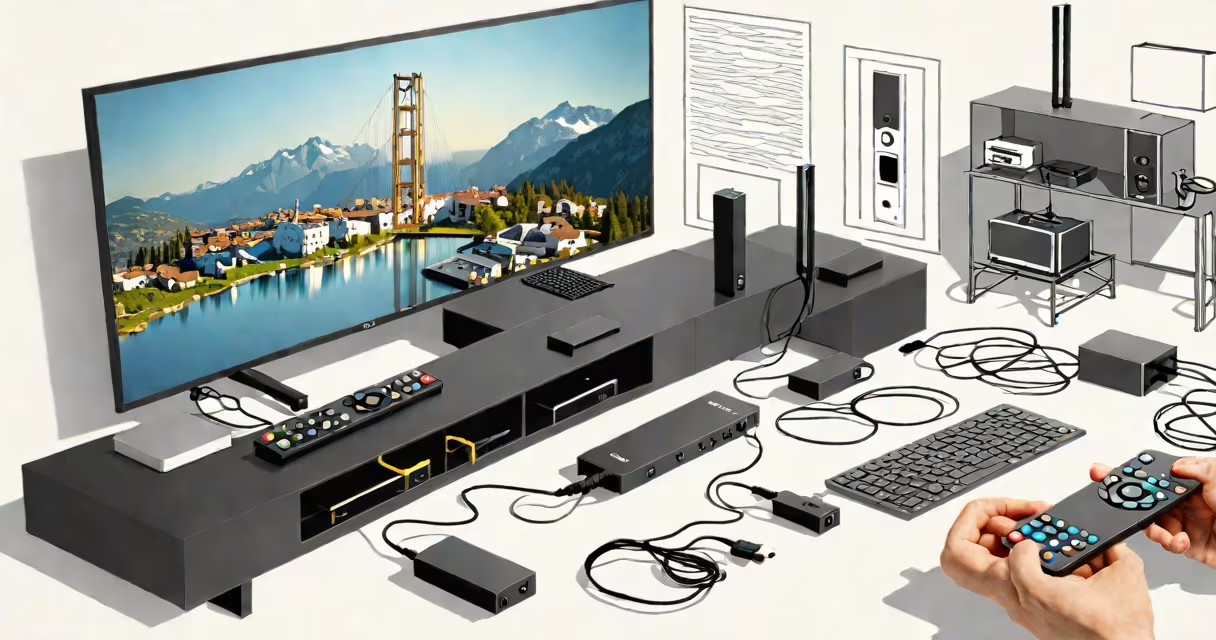
A smart TV stick is a small HDMI device that plugs into a TV's HDMI port and adds internet connectivity, streaming apps, and voice control-turning any standard TV into a smart TV. It runs a lightweight operating system, supports high-definition video, and connects to Wi-Fi.
These devices are designed to be plug-and-play. Plug the stick into an HDMI port on your TV, connect it to power via USB (often included), and pair it with a remote or smartphone app. Within minutes, you can stream Netflix, YouTube, Hulu, and other services. They typically support 1080p video and often include 4K streaming on higher-end models.
Popular brands include Roku Streaming Stick+, Amazon Fire Stick 4K, and Google Chromecast with Google TV. All run dedicated OSes-Roku OS, Fire OS, or Android TV-and offer access to thousands of apps and channels. They're ideal for people who want smart features without buying a new TV.
The smart TV stick functions as a mini-computer. It contains a processor, memory, Wi-Fi radio, and a GPU-all housed in a device smaller than a USB flash drive. When powered, it boots into its operating system and establishes a network connection.
Once connected, the stick displays a home screen with icons for apps like Disney+, Apple TV+, and Prime Video. You can launch them with a remote or mobile app. Voice commands work through a mic-equipped remote or via your phone's microphone.
For example, saying "Play Stranger Things on Netflix" triggers the stick to open Netflix, search for the show, and start playback-no manual navigation needed. The device handles decoding video streams and sends audio/video signals to the TV via HDMI.
There are three main types based on platform and performance:
| Platform | Example Model | Max Resolution | OS | Best For |
|---|---|---|---|---|
| Roku | Roku Streaming Stick+ | 4K HDR | Roku OS | Simple interface, reliable updates |
| Amazon | Fire Stick 4K | 4K HDR | Fire OS | Prime Video users, Alexa integration |
| Chromecast with Google TV | 4K HDR | Android TV | Universal casting, YouTube integration |
Each platform offers different strengths. Roku emphasizes ease of use and consistent software updates. Amazon's Fire Stick integrates deeply with Alexa and includes free access to Prime Video. Google's Chromecast uses Android TV, which supports sideloading apps and advanced customization.
Some sticks also support Dolby Vision and Dolby Atmos audio-features that improve picture and sound quality. However, not all TVs support these formats, so compatibility matters.
Many modern TVs come with built-in smart features, but they often lag behind in software updates and app availability. A smart TV stick bypasses these limitations. For example, a 2016 Samsung TV may have outdated firmware and lack newer apps like Max or Peacock. Plugging in a Roku stick adds those services instantly.
Sticks are also more affordable than replacing a TV. A basic Fire Stick costs $30; a high-end Roku model goes for $50. Compare that to a new 55-inch 4K TV, which starts at $400. The stick delivers nearly the same streaming experience at a fraction of the cost.
Another advantage is portability. You can take your stick and remote with you when traveling. Plug it into a hotel TV, sign in with your accounts, and stream your shows. This flexibility isn't possible with most built-in smart systems.
People often mistake a smart TV stick for a universal remote or a media player. It's neither. A smart TV stick doesn't control volume or input switching-it only manages streaming content. You still need a remote for the TV itself.
Also, many assume all sticks support 4K. That's false. The original Fire Stick (2014) only supported 1080p. Even today, budget models like the Fire Stick Lite (2023) output only 1080p. Always check resolution specs before buying.
A less obvious point: not all sticks support the same number of simultaneous audio tracks. Some older models only handle stereo audio. If you rely on multilingual subtitles or surround sound, verify that the device supports your preferred format.
I tested a Roku Streaming Stick+ in my living room. The setup took under five minutes. After pairing with my Wi-Fi, I launched Netflix and played a 4K movie. The picture was sharp, colors were accurate, and the remote responded instantly. I noticed no lag during playback-despite using a 2.4GHz Wi-Fi band.
If your TV already has a modern smart platform-like webOS (LG), Tizen (Samsung), or Android TV (Sony)-and you're satisfied with its app selection, a stick may be redundant. Adding one could lead to duplicate apps and conflicting settings.
Also, avoid using a stick with a TV that lacks HDMI ports. Most sticks require HDMI. If your TV only has component or VGA inputs, you'll need an adapter or a different solution.
Finally, don't expect a stick to fix poor Wi-Fi. If your router is far from the TV, signal strength drops. A weak connection causes buffering. Test your Wi-Fi speed before buying. Aim for at least 15 Mbps download speed for 4K streaming.
A smart TV stick is a low-cost, high-impact way to upgrade a standard TV into a modern entertainment hub. It adds streaming, apps, and voice control without requiring a new television. Choose a model based on your preferred platform, desired resolution, and existing system.
For users seeking simplicity and reliability, the Roku Streaming Stick+ offers a clean interface and consistent updates. Those invested in Amazon's system benefit from the Fire Stick 4K's integration with Alexa and Prime Video. Google's Chromecast with Google TV suits users who want broad casting capabilities and access to Android apps.
As of 2024, Roku reports that over 60 million devices are in use worldwide, with 92% of users rating their experience as positive (Roku, Inc.). Amazon states that Fire Stick devices have delivered over 100 billion hours of video since 2014 (Amazon Press Release). These numbers reflect real-world adoption and long-term usability.
Adding a second streaming device, a smart TV stick delivers immediate value. It's not just a gadget-it's a practical tool for accessing modern entertainment.