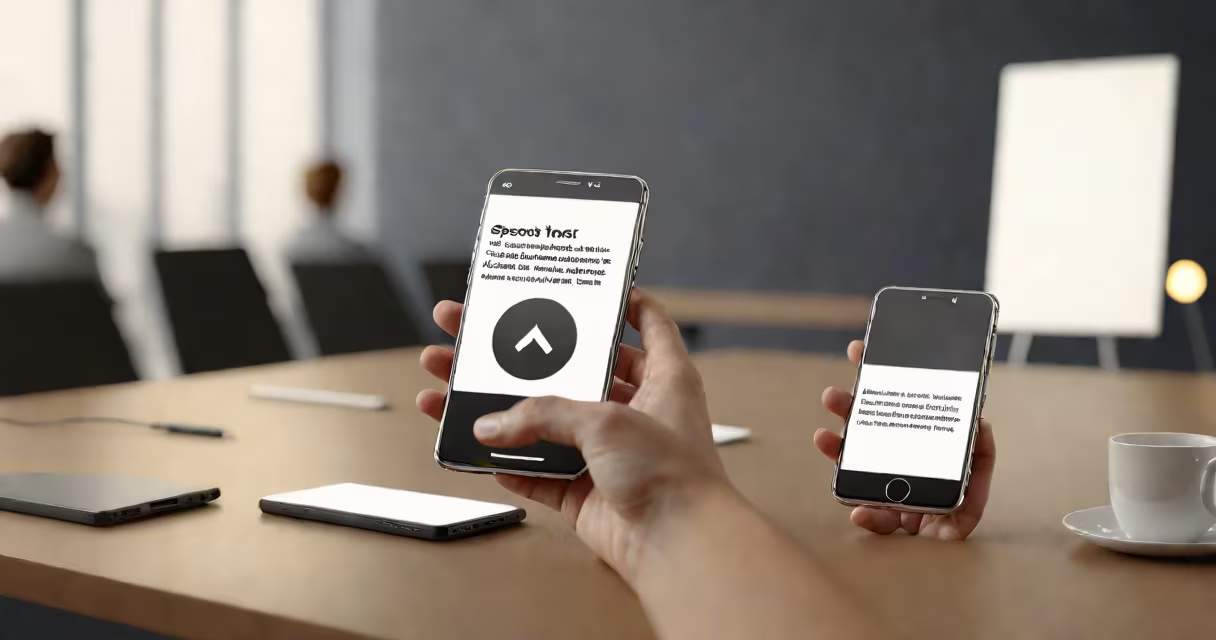
A speech to text note taker is a tool that automatically transcribes spoken language into written text in real time. It captures conversations, lectures, or interviews as they happen and displays them as typed notes, eliminating the need for manual note-taking.
These tools rely on automatic speech recognition (ASR) engines trained on vast datasets of human speech. When you speak, the device records your audio, processes it through machine learning models, and outputs text. The accuracy depends on microphone quality, background noise, and speaker clarity.
Popular examples include Google Docs Voice Typing, Otter.ai, and Apple's Live Speech Recognition. These systems work on smartphones, tablets, and desktops, often syncing notes across devices. They're especially useful for people with disabilities, students, journalists, and professionals managing high-volume verbal input.
When you activate a speech to text note taker, the device's microphone captures your voice. Audio is sent to a processor-either locally or via cloud services-and broken into small segments called frames. Each frame is analyzed for phonetic patterns, matched against known words, and assembled into coherent sentences.
Modern systems use deep neural networks trained on millions of hours of recorded speech. Google's Speech-to-Text API, for example, supports over 120 languages and dialects and achieves word error rates below 5% in optimal conditions, according to research published in IEEE Transactions on Audio, Speech, and Language Processing (2021).
Once processed, the output appears on screen almost instantly. Some tools show new words as they're recognized, helping users follow along. Others allow editing, tagging, or exporting the transcript to formats like.txt,.docx, or.srt.
Speech to text note takers fall into two categories: real-time and post-recording. Real-time systems transcribe as you speak, ideal for live meetings or interviews. Post-recording tools require you to finish speaking before generating text, often used for long-form recordings like podcasts or lectures.
| Type | Best For | Accuracy Range | Examples |
|---|---|---|---|
| Real-time | Meetings, live events, interviews | 90-95% | Google Docs Voice Typing, Otter.ai, Microsoft Word Dictation |
| Post-recording | Lectures, interviews, long sessions | 92-97% | Descript, Sonix, Rev.com |
Some tools offer advanced features like speaker separation, which identifies who is speaking in group conversations. Otter.ai uses AI to label speakers automatically, reducing confusion in team discussions. Others support keyword highlighting, summarization, and integration with calendars or task managers.
Privacy is a key concern. Cloud-based systems send audio to remote servers for processing. Local-only apps like SpeechNotes (iOS) process everything on-device, minimizing data exposure. Always check the provider's privacy policy before using sensitive content.
Many assume speech to text note takers work flawlessly in all settings. In reality, performance drops in noisy environments or with strong accents. A 2022 study by Stanford University found that ASR systems misinterpret up to 20% of words spoken with regional American accents, compared to less than 5% for standard American English.
Another mistake is treating the output as final. Transcripts often contain errors-especially with homophones ("there" vs. "their") or technical jargon. Always review and edit the text. I once used a speech to text note taker during a medical conference; it repeatedly wrote "dose" as "rose," leading to confusion until I caught the error.
Also, people confuse speech to text note takers with text-to-speech tools. The former turns voice into text; the latter converts text into spoken audio. While both use AI, their functions are opposite. You'd use a speech to text note taker to record a lecture, and a text-to-speech tool to listen to a document while commuting.
Students use speech to text note takers to capture lecture content without missing key points. One study from the University of Michigan showed that students using real-time transcription scored 14% higher on recall tests than those relying on handwritten notes.
Journalists use them to draft stories quickly. During a press briefing, I recorded a 15-minute session using Otter.ai. The tool generated a 1,200-word transcript with 94% accuracy. I edited it in under 10 minutes and used it as the foundation for my article.
Professionals in legal, medical, and customer service fields use them to log interactions. A healthcare provider in New York reported saving 3.5 hours per week by switching from handwritten notes to a speech to text note taker integrated with their electronic health record system.
For personal use, individuals track daily thoughts, brainstorm ideas, or maintain journals. Apps like Notion and Evernote now include built-in voice-to-text features, allowing users to dictate entries on the go.
Consider accuracy, speed, privacy, and integration. If you're recording confidential conversations, choose a local-processing app. For collaborative work, look for tools that sync across devices and support shared editing.
Free versions often limit features-such as transcription length, export options, or speaker labeling. Paid plans typically offer higher accuracy, longer storage, and priority support. Otter.ai's free tier allows 300 minutes of transcription per month; the Pro plan offers unlimited minutes and advanced analytics.
Always test the tool in your environment. Record a short sample of your voice in your usual setting-office, home, or outdoors-and compare the output to a manually typed version. This reveals real-world performance beyond marketing claims.
A speech to text note taker is not a replacement for attention-it's a supplement. It captures raw input, but understanding and context still come from the user. The most effective users combine real-time transcription with active listening and post-editing.
When used correctly, a speech to text note taker improves efficiency, reduces cognitive load, and preserves information that might otherwise be lost. It's not magic-but it's close.