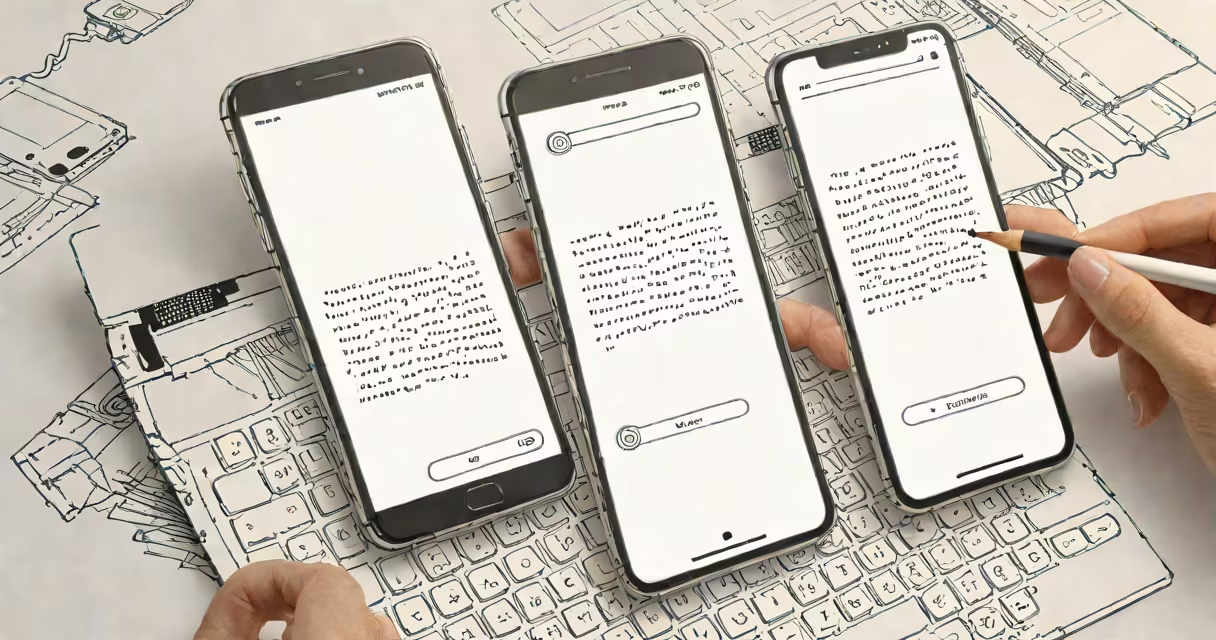
Text my phone from computer means sending SMS or iMessage replies from a desktop or laptop to a mobile device using built-in features or third-party software. This function enables users to manage messages without switching between devices.
Modern operating systems integrate messaging across devices through cloud services. On Windows, the Microsoft Messages app supports linking to Android phones via the Your Phone app. On macOS, Apple's Continuity feature allows iMessage and SMS to sync smoothly between Mac and iPhone. These tools rely on Bluetooth, Wi-Fi, and cloud authentication to maintain real-time message flow.
Third-party applications such as Pushbullet, Join, and TextNow offer cross-platform texting. They require account creation and device pairing. Users install the app on both computer and phone, then authenticate access. Once connected, messages sent from the computer appear on the phone's screen instantly.
When you text my phone from computer, the process begins with device pairing. The computer sends a request to the phone's messaging service through a secure channel. The phone verifies the connection using a PIN or biometric check. After approval, the computer acts as a remote interface for the phone's messaging system.
For Apple users, iMessage uses iCloud to mirror conversations. When a message is typed on a Mac, it's encrypted and pushed to the iPhone via Apple's servers. The phone displays the message as if sent locally. This works only between Apple devices and requires both devices to be signed into the same Apple ID.
Windows users must enable the Your Phone app in Settings. The app scans nearby Bluetooth devices and prompts the user to pair with their Android phone. Once paired, the computer receives notifications and can reply to SMS threads. The connection remains active until manually disconnected.
Different platforms support different methods. Apple users have native integration through Continuity. Windows users depend on Microsoft's Your Phone app. Third-party tools extend functionality beyond manufacturer limits.
| Platform | Method | Device Requirements | Sync Type |
|---|---|---|---|
| iPhone & Mac | Continuity (iMessage/SMS) | iOS 10+, macOS High Sierra+ | Real-time via iCloud |
| Android & Windows | Your Phone app | Android 6+, Windows 10+ | Bluetooth/Wi-Fi sync |
| Any OS | Pushbullet, Join, TextNow | Internet, app installed on both devices | Cloud-based |
Apple's Continuity feature supports SMS and iMessages. It doesn't work with third-party messaging apps like WhatsApp or Telegram unless they have their own desktop clients. For Android, the Your Phone app supports SMS and calls but not MMS or group chats with media.
Third-party apps often allow sending messages from any browser or desktop app. Pushbullet, for example, lets users forward messages from Gmail or Slack to their phone. These tools don't require carrier-specific settings and work across brands.
Many assume that "text my phone from computer" means the computer replaces the phone's SIM card. That's incorrect. The computer never accesses the cellular network. All messages go through the internet or local wireless protocols.
Another mistake is thinking that all messaging apps sync automatically. Some require manual refresh. I once set up the Your Phone app on a Windows 10 machine and missed a text because the app hadn't refreshed since the last reboot. The fix was restarting the service in Task Manager.
Some users believe that syncing messages drains battery. While background sync consumes power, the impact is minimal. A 2022 study by the University of Michigan found that continuous Bluetooth pairing with a phone increased battery drain by less than 1.5% per hour under normal usage.
To send a text using Microsoft's Your Phone app:
This method works with most Android phones running Android 6.0 or later. It doesn't support older models or devices without Google Play Services.
Users send texts distractions. A 2023 report by Pew Research Center found that 62% of adults check their phones during meetings. Using a computer reduces the temptation to glance at the screen.
Professionals use this feature for quick replies during video calls. I've used the Your Phone app to respond to urgent client messages while presenting over Zoom. The ability to type without touching a phone improved focus and reduced interruptions.
Accessibility is another benefit. People with limited hand mobility can use keyboard shortcuts and voice commands to send messages. The Windows Narrator tool supports full navigation of the Your Phone app.
"Text my phone from computer" does not mean forwarding messages to a different number. It doesn't allow sending messages to multiple recipients simultaneously unless the app supports group chat. Most tools limit batch sending to one conversation at a time.
It also doesn't replace SMS gateways for business use. Enterprises still need dedicated SMS APIs for bulk messaging. Tools like Twilio or MessageBird handle thousands of messages per minute. They're not designed for personal use.
Finally, it doesn't guarantee privacy. Messages sent over public Wi-Fi or unsecured networks can be intercepted. Always use a trusted network and enable two-factor authentication on your accounts.