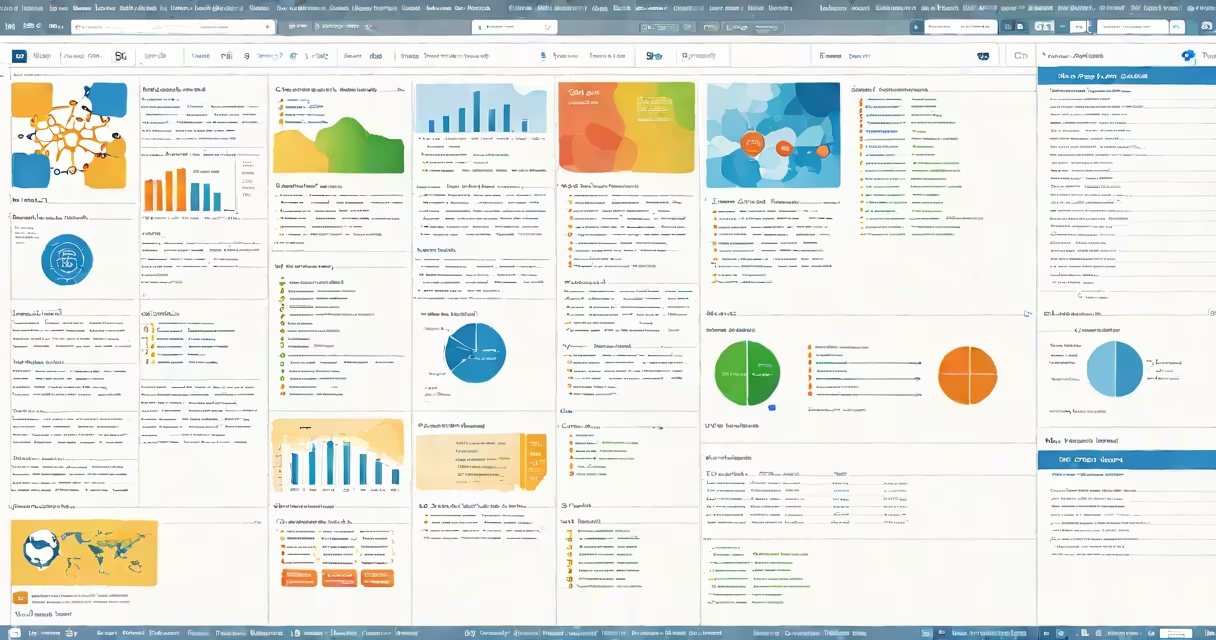
Smartsheet is a cloud-based platform that merges spreadsheet-like interface with advanced project management, workflow automation, and team collaboration features. It enables teams to plan, track, automate, and report on work across departments-from marketing campaigns to IT deployments.
Unlike traditional spreadsheets, Smartsheet supports real-time collaboration, automated workflows, and changing reporting. Users can assign tasks, set deadlines, monitor progress through Gantt charts, and receive notifications-all within a single environment. It's designed for teams that need structure without sacrificing flexibility.
According to Smartsheet's official documentation, the platform serves over 80,000 organizations globally, including companies like NASA, Netflix, and Siemens. These users rely on Smartsheet to manage complex operations, reduce manual tracking, and improve cross-team visibility.
At its core, Smartsheet functions as a structured spreadsheet with enhanced capabilities. Each sheet acts as a database where rows represent individual items-such as tasks, projects, or assets-and columns define attributes like status, owner, due date, or priority.
Users can apply filters, sort data, and create views tailored to different roles. For example, a project manager might see a timeline view with milestones, while a team member sees a checklist of assigned actions. This adaptability allows the same dataset to serve multiple purposes without duplication.
Automation is central to Smartsheet's function. Rules can trigger actions based on changes-like sending an email when a task is overdue or updating a status field automatically. These automations eliminate repetitive updates and reduce errors common in manual tracking.
Smartsheet offers several specialized modes that extend beyond basic data entry. The platform supports five primary functional types:
| Feature Type | Use Case | Example |
|---|---|---|
| Project Management | Track schedules, dependencies, and resource allocation | Planning a product launch with 12 interdependent tasks and 5 team members |
| Workflow Automation | Route approvals, trigger alerts, or update records automatically | Automatically notifying HR when a new hire's onboarding checklist reaches 80% |
| Resource Management | Assign people to tasks and visualize workload capacity | Preventing over-allocation by flagging team members with more than 40 hours of work per week |
| Reporting & Dashboards | Visualize KPIs, track performance, and share insights | Displaying monthly sales targets versus actuals using color-coded progress bars |
| Integration Hub | Connect with tools like Slack, Salesforce, and Microsoft Teams | Syncing customer support tickets from Zendesk into a Smartsheet tracker |
Each feature operates independently but integrates smoothly. A single sheet can display a project timeline, show resource load, send automated reminders, and update a dashboard-all in response to a single data change.
Many assume Smartsheet is simply a better Excel. That's incorrect. While both use grid-based layouts, Smartsheet treats data as live, interconnected elements rather than static cells. Changes propagate instantly across views, reports, and integrations.
A lesser-known fact: Smartsheet uses a proprietary engine called "SheetLogic" to process complex formulas and triggers. Unlike Excel's calculation engine, SheetLogic runs server-side and scales across thousands of rows without slowing down. This allows large enterprises to maintain responsiveness even with high-volume datasets.
Consider a mid-sized tech company launching a new product. The marketing team uses Smartsheet to coordinate 14 campaign components: social media posts, email sequences, landing pages, event calendars, and influencer outreach.
They start by creating a master sheet with columns for: Task Name, Owner, Due Date, Status (Not Started, In Progress, Completed), Budget Spent, and Approval Stage. They then set up conditional formatting to show overdue items in red and blocked tasks in yellow.
Next, they enable automation: When a task moves to "Completed," the system sends a Slack message to the team lead and updates a shared dashboard. When the budget exceeds 80% of the allocated amount, an alert appears in the finance team's inbox.
Finally, they generate a Gantt chart view to visualize timing overlaps. The project manager adjusts deadlines in real time, and all changes reflect instantly across every team member's screen. No more email chains or version confusion.
This entire workflow ran without a single manual update after setup. The team completed the campaign on schedule and reduced internal coordination time by 37%, according to their post-mortem report.
Smartsheet doesn't replace spreadsheets-it upgrades them. It turns static data into changing systems that evolve with your work.