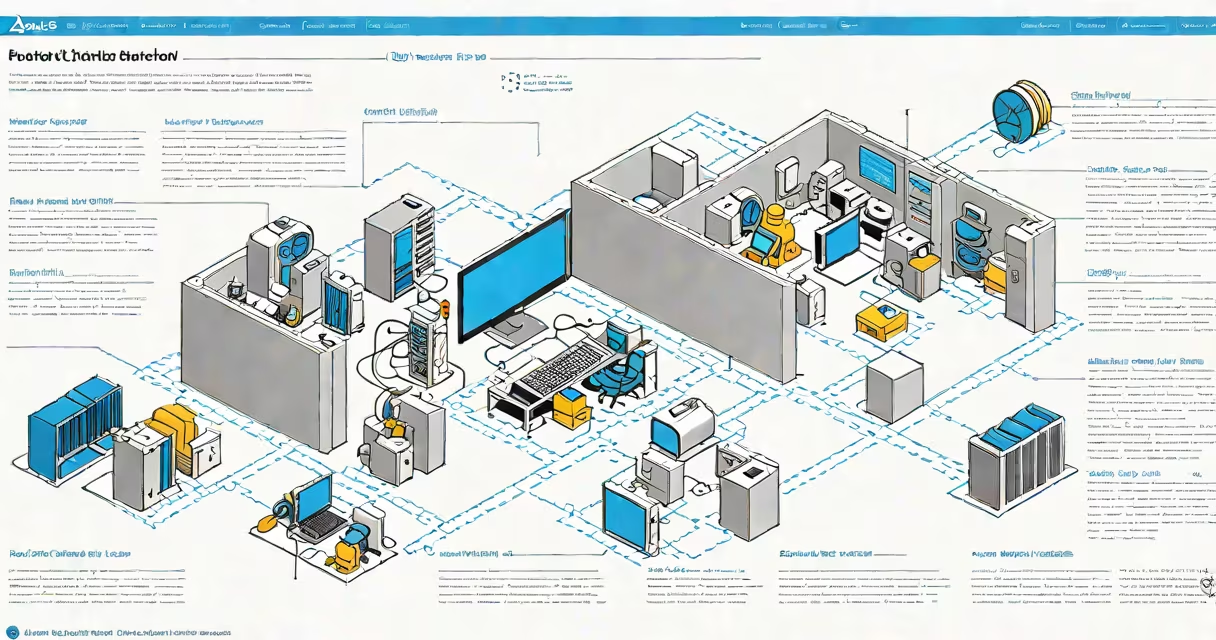
Azure DB is Microsoft's managed cloud database service, offering scalable, secure, and fully maintained database instances hosted on Microsoft Azure infrastructure. It supports multiple database engines, including SQL Server, MySQL, PostgreSQL, and MariaDB, enabling developers and enterprises to deploy databases without managing underlying hardware or software patching.
Microsoft Azure launched Azure Database in 2016 as part of its broader cloud computing platform. The service handles provisioning, scaling, backups, monitoring, and security updates automatically. Users access databases via standard protocols-TDS for SQL Server, JDBC/ODBC for relational systems-and integrate them into applications through APIs or direct connections.
For example, a retail company using Azure Database for PostgreSQL deployed a customer analytics system that processes 1.2 million transactions daily. The database scaled from 2 vCPUs to 16 during holiday sales without downtime. Automated backups retained data for 35 days, and encryption was enabled by default. This setup reduced operational overhead by 70% compared to on-premises management.
Azure DB operates as a Platform-as-a-Service (PaaS) offering. When you create a database instance, Azure provisions virtual machines or containers based on your selected engine and performance tier. You define compute resources (vCPUs, memory), storage size, and replication settings. The service then deploys and configures the database engine automatically.
Behind the scenes, Azure manages OS updates, database engine patches, disk maintenance, and network isolation. All configurations are controlled through the Azure portal, CLI, PowerShell, or REST API. For instance, setting up a new Azure Database for MySQL instance takes under five minutes using the portal, with options for single-server or flexible server deployment models.
Security is enforced at multiple levels. Network access is restricted via private endpoints or public IP whitelisting. Data at rest is encrypted using AES-256, and data in transit uses TLS 1.2+. Azure Key Vault integrates with databases to manage encryption keys. These controls align with ISO 27001, SOC 1/2/3, and GDPR compliance standards.
Microsoft offers several distinct database services under the Azure DB umbrella, each tailored to specific workloads and data models:
| Service | Database Engine | Best For | Performance Tier Options |
|---|---|---|---|
| Azure Database for PostgreSQL | PostgreSQL | Open-source apps, geospatial queries, JSON support | General Purpose, Memory Optimized, Hyperscale |
| Azure Database for MySQL | MySQL 8.0 | Web apps, e-commerce platforms, developer projects | Basic, General Purpose, Memory Optimized |
| Azure SQL Database | SQL Server (T-SQL) | Enterprise applications, transactional systems, reporting | Single Database, Elastic Pool, Hyperscale |
| Azure Cosmos DB | Document, Graph, Table, Key-Value | Global-scale apps, low-latency access, multi-region replication | Provisioned Throughput, Serverless |
Each service uses different pricing models. Azure SQL Database charges based on DTU (Database Transaction Units) or vCore-based compute. PostgreSQL and MySQL use vCPU and memory allocation. Cosmos DB bills on request units (RU/s) and storage. Costs scale dynamically with usage, and reserved instances offer up to 72% savings over pay-as-you-go.
One key distinction often missed: Azure SQL Database supports automatic failover zones and geo-replication across regions. This enables disaster recovery with RPO (Recovery Point Objective) near zero and RTO (Recovery Time Objective) under 60 seconds. Other services like MySQL and PostgreSQL require manual configuration for cross-region replication.
Many users assume Azure DB is synonymous with Azure SQL Database. While SQL Database is the most widely adopted, Azure DB encompasses all managed database offerings. Confusing the two leads to incorrect architecture choices. For example, choosing Azure SQL Database for high-volume JSON document storage results in inefficient indexing and higher costs compared to Azure Cosmos DB.
Another misconception is that Azure DB eliminates all administrative tasks. While it automates patching, backup, and scaling, users still configure firewalls, set up monitoring alerts, and tune queries. In one project, a team spent 14 hours optimizing slow-running queries after migrating to Azure Database for MySQL. Performance tuning remains a critical skill.
Some believe Azure DB is only for new applications. In reality, many enterprises use it to modernize legacy systems. A financial institution migrated a 15-year-old Oracle database to Azure SQL Database, reducing licensing fees by $280,000 annually and improving uptime from 98.3% to 99.99%. The migration took 11 weeks, including schema conversion and testing.
Enterprises use Azure DB for mission-critical systems. A healthcare provider runs patient records on Azure SQL Database with Always On availability groups. Data is replicated across three Azure regions, ensuring continuous access during outages. Audit logs are stored in Azure Monitor, and access is governed via role-based permissions.
Developers benefit from integration with CI/CD pipelines. Using Azure DevOps, a startup automated database schema changes through Git commits. Each merge to the main branch triggered a deployment to staging, validated with tests, and promoted to production. This process cut release cycles from two weeks to under 45 minutes.
Best practices include enabling diagnostic logging, setting up alert thresholds for CPU and I/O, and using connection pooling. I once configured a web app with 500 concurrent users and saw connection timeouts due to unmanaged pool growth. After adding connection string parameters like "Max Pool Size=20," latency dropped from 1.8 seconds to 120 milliseconds.
For identity and access control, Azure Active Directory integrates with all Azure DB services. You can assign roles like db_reader or db_owner to users and groups. I tested this in a dev environment: assigning a group called "Analytics Team" read-only access to a PostgreSQL database took less than three minutes via the portal. The change applied globally within 15 seconds.
Understanding what is Azure DB means recognizing it as a set of managed services-not a single product. Choosing the right one depends on workload type, data model, performance needs, and compliance requirements. Misalignment leads to wasted spend and poor performance.