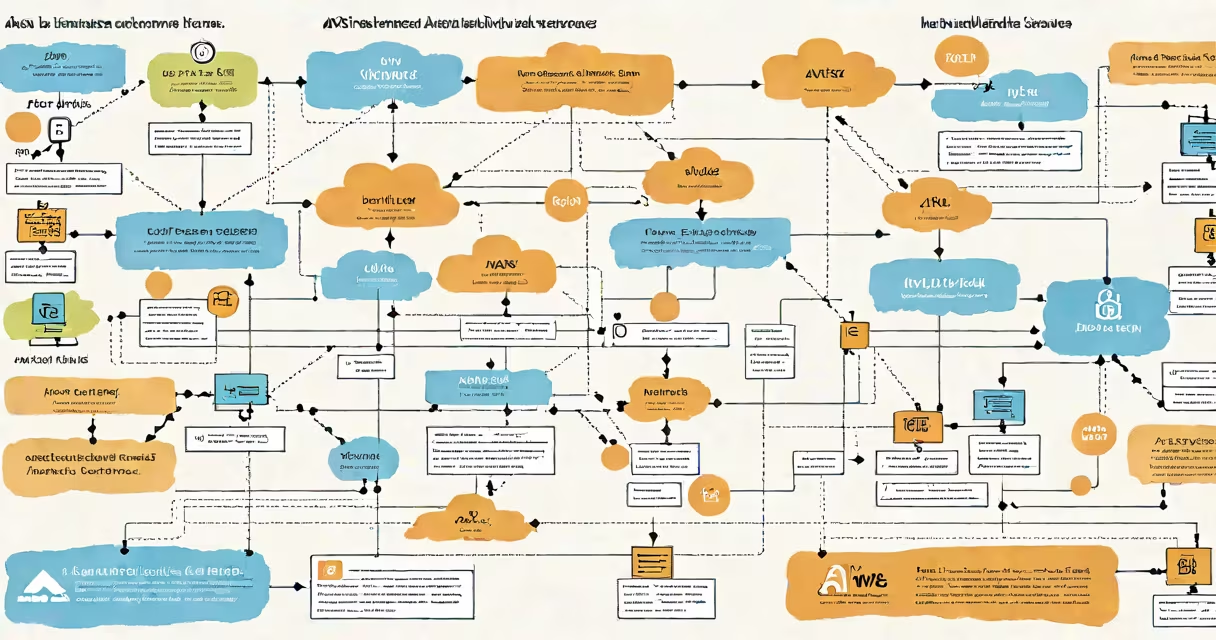
AWS instances are virtual machines hosted on Amazon Web Services' global infrastructure, providing on-demand compute capacity for applications, websites, databases, and workloads. They run on physical servers managed by AWS, offering configurable CPU, memory, storage, and networking resources.
Each instance operates independently within a virtualized environment. You choose the instance type based on your workload's needs-such as high CPU, large memory, or accelerated computing. AWS manages the underlying hardware, while you control the operating system, software, and configuration.
For example, a web application hosted on an m5.large instance uses two vCPUs, 8 GiB of RAM, and 100 Mbps network bandwidth. This instance runs on a physical server in an AWS region like us-east-1, with automatic failover and scaling available through Auto Scaling groups.
When you launch an AWS instance, you select an Amazon Machine Image (AMI)-a template containing the OS, software, and configuration. The AMI defines the base state of the instance. After launching, the instance boots into a running state and becomes accessible via public IP or private network.
Instances operate in isolated virtual environments using Xen or KVM hypervisors. Each instance receives dedicated CPU time and memory allocation based on its type. Network traffic is routed through Elastic Network Interfaces (ENIs), and storage is attached via Elastic Block Store (EBS) volumes or instance store volumes.
For example, a developer launches a t3.micro instance using the Amazon Linux 2 AMI. The instance starts in under 60 seconds, connects to a VPC, and runs a Node.js app. The app scales automatically during traffic spikes using an Auto Scaling group tied to CloudWatch metrics.
AWS offers dozens of instance families tailored to different workloads. Each family balances CPU, memory, storage, and networking performance. The most common types include:
| Instance Family | Use Case | Example Type | Typical Workload |
|---|---|---|---|
| General Purpose | Web servers, small databases | m5.large | Medium traffic websites, development environments |
| Compute Optimized | High-performance apps, batch processing | c5.xlarge | Scientific simulations, video encoding |
| Memory Optimized | Large in-memory databases, analytics | r5.4xlarge | Redis clusters, SAP HANA, real-time analytics |
| Accelerated Computing | Machine learning, GPU rendering | p3.2xlarge | Deep learning training, 3D rendering |
Not all instances support the same features. For example, instance store-backed instances (like c5d.2xlarge) offer temporary storage on local SSDs but don't persist data after shutdown. EBS-backed instances retain data even after stopping.
Organizations deploy AWS instances to host everything from static websites to complex microservices. A startup might use a t3.small instance to run a React frontend and Express backend, scaling to m5.xlarge during peak hours.
Enterprises use instances for mission-critical systems. For example, Netflix runs thousands of EC2 instances across multiple regions to stream content globally. These instances handle transcoding, recommendation engines, and user authentication-all behind auto-scaling groups and load balancers.
One non-obvious fact: AWS instances aren't always billed by the hour. Some types, like c5.large, are available in Reserved Instance (RI) and Savings Plans models, reducing costs by up to 72% compared to On-Demand pricing. Using a 3-year RI for 200 m5.xlarge instances can save $1.2 million annually versus pay-as-you-go billing.
Many assume AWS instances are physical servers. They're not. An m5.xlarge instance may run on a single physical core shared with other tenants, but it appears as a dedicated virtual machine to the user. AWS isolates instances using hardware virtualization, preventing interference between users.
Another misconception: all instances are persistent. That's false. Instance store-backed instances lose data when stopped or terminated. EBS-backed instances preserve data across restarts, but only if the EBS volume is properly detached and reattached.
I once deployed a data pipeline using c5.4xlarge instances for batch processing. I assumed the instance would survive reboot, but because I used instance store volumes, all logs were lost. After switching to EBS-backed storage, data persisted across restarts. This taught me that choosing the right storage model is critical.
Finally, AWS instances are not interchangeable with containers. While containers run inside instances, they're separate abstractions. An instance hosts the OS and container runtime. Kubernetes clusters often run on EC2 instances, but the cluster itself is not an instance-it's a logical grouping of nodes.
Understanding what is AWS instances means recognizing them as flexible, scalable compute units-not physical hardware. They form the foundation of cloud architecture, enabling rapid deployment, automated scaling, and cost efficiency across diverse applications.