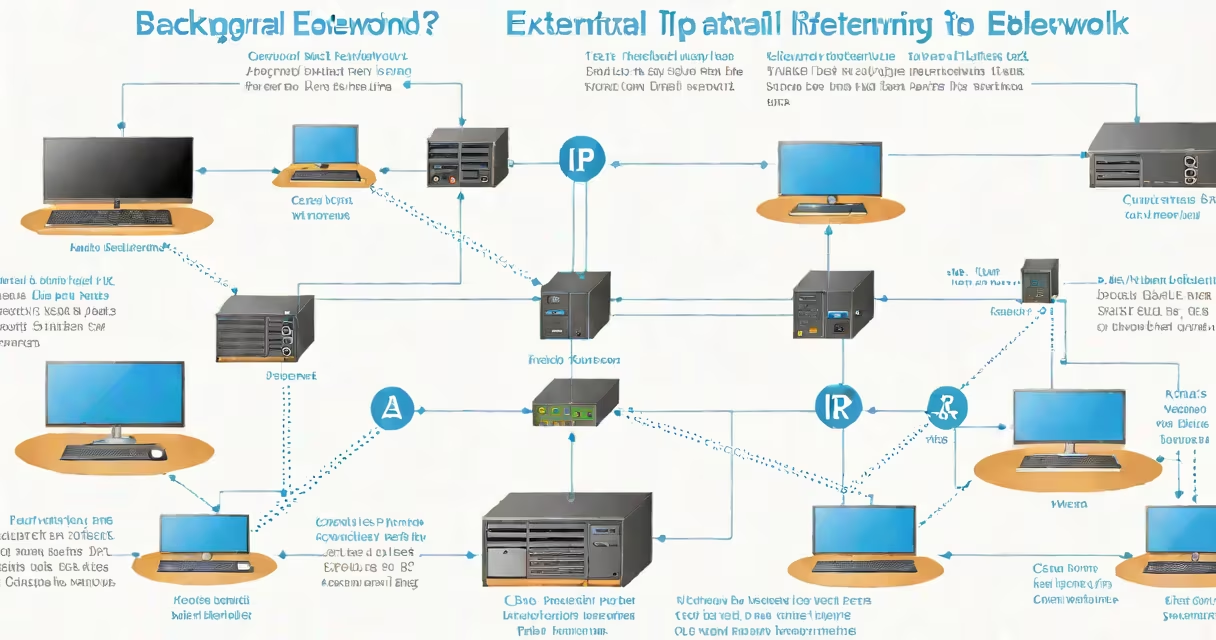
An external IP is the unique numerical address assigned to your network by your internet service provider (ISP) when connecting to the public internet. It enables communication between your devices and services online, such as websites, cloud apps, and remote servers.
Every device connected to the internet must have a distinct external IP to route data correctly. This address is visible to external systems, including websites you visit and online services you access. Unlike internal IPs used within private networks, external IPs are globally routable and assigned dynamically or statically by ISPs.
For example, when you load a webpage, your browser sends a request through your router using your external IP. The website's server responds by sending data back to that same external IP, ensuring delivery. Without it, your device couldn't receive information from the internet.
Your external IP operates at the network layer of the internet protocol set (TCP/IP). When your router connects to the internet, it receives a public IP address from your ISP's DHCP server. This address is then shared among all devices on your local network through NAT (Network Address Translation).
NAT allows multiple devices-like phones, laptops, and smart TVs-to share one external IP while maintaining separate internal addresses (such as 192.168.1.100). When data arrives from the internet, the router uses port numbers and session tracking to direct it to the correct device inside your home network.
For instance, if your laptop requests a video stream and your phone downloads a file simultaneously, both connections appear to come from the same external IP-but the router tracks which traffic belongs to which device based on port assignments.
External IPs fall into two categories: changing and static. Most residential users receive changing IPs, which change periodically-often when the router restarts or after a lease expires. This reduces the risk of long-term exposure to attacks targeting a known IP.
Static IPs remain unchanged and are typically used by businesses hosting servers, running remote desktop services, or setting up secure connections like VPNs. They're more expensive and require coordination with your ISP.
| Type | Assignment Method | Use Case | Stability |
|---|---|---|---|
| Changing | Assigned via DHCP, changes over time | Home networks, casual browsing | Low - may change daily or weekly |
| Static | Manually assigned, fixed by ISP | Businesses, servers, remote access | High - remains constant |
Some ISPs assign private IPv4 ranges (like 10.x.x.x or 192.168.x.x) as external IPs due to address scarcity. These are not publicly routable and cause issues with certain applications. A true external IP must be globally unique and accessible from anywhere on the internet.
External IP addresses are essential for any internet-connected service requiring inbound communication. This includes online gaming, video conferencing, remote work tools, and hosting websites or game servers.
For example, if you run a Minecraft server from home, players worldwide connect using your external IP. If your IP changes unexpectedly, players lose connection unless you use a changing DNS service to map a domain name to your current IP.
Security is another key concern. Your external IP can reveal your geographic location and ISP. Cybercriminals sometimes scan for open ports on known IPs to exploit vulnerabilities. That's why firewalls and routers often block unsolicited incoming traffic by default.
A common misconception is that external IP equals identity. It doesn't. While your IP can indicate approximate location, it doesn't identify you personally unless paired with other data. ISPs log activity, but most websites only see the IP-not your name or email.
Many people confuse external IP with internal IP. Internal IPs (like 192.168.1.1) are used within private networks and aren't visible on the public internet. You can have dozens of devices sharing one external IP while each has a different internal IP.
Another error is assuming your external IP is always stable. For most home users, it changes regularly. I once set up a home surveillance system that relied on a fixed IP. After a router reboot, the camera stopped sending alerts because the IP had changed. I had to switch to a changing DNS provider to maintain reliability.
Also, some believe their external IP is hidden behind a firewall. Firewalls filter traffic but don't conceal your IP. Your external IP remains visible to websites and services you interact with. To hide it, you need a proxy, VPN, or Tor network.
You can find your current external IP by visiting a dedicated lookup site. These services return the IP address your internet connection shows to the outside world.
Alternatively, use command-line tools. On Linux or macOS, run:
curl ifconfig.meThis returns your external IP in plain text. On Windows, use PowerShell:
Invoke-RestMethod -Uri 'https://ifconfig.me'These methods bypass local network settings and show the actual address seen by the internet.
Understanding your external IP helps troubleshoot connectivity issues, configure remote access, and improve security awareness. It's not a secret-it's a fundamental part of how the internet routes data.