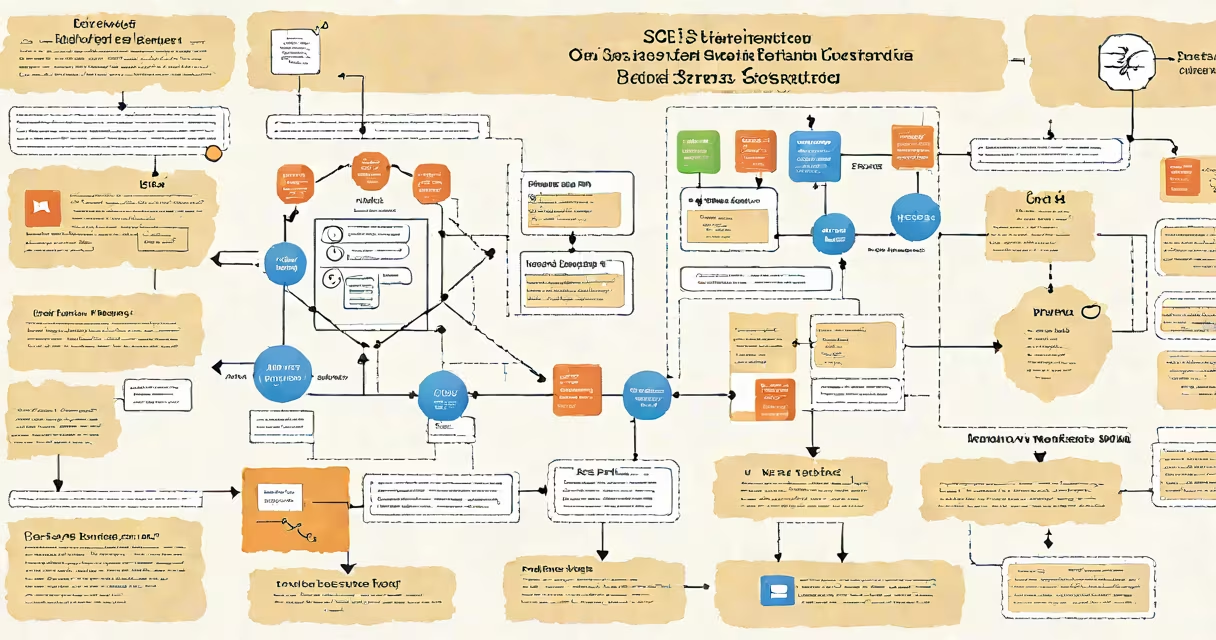
SQL Server Integration Services (SSIS) is a platform for building high-performance data integration and workflow solutions within Microsoft SQL Server. It enables users to extract, change, and load (ETL) data from diverse sources into structured formats for reporting, analytics, and operational systems.
SSIS operates as part of the SQL Server set, running on Windows and integrated with SQL Server Agent for scheduling. It supports complex workflows involving file processing, database operations, web service calls, and error handling-all within a single graphical environment. The core unit of work is the SSIS package, a reusable container that defines data movement and transformation logic.
For example, a retail company might use SSIS to pull daily sales data from multiple store POS systems, clean invalid entries, calculate regional totals, and load the results into a central data warehouse. This process runs automatically every night via SQL Server Agent, ensuring analysts have fresh data by morning.
SSIS executes data workflows through a control flow and data flow architecture. The control flow manages the sequence of tasks-such as file transfers, SQL commands, or script execution-while the data flow handles the actual movement and manipulation of data records.
Each task in the control flow runs in a specific order based on precedence constraints. These can be set to execute sequentially, conditionally, or in parallel. For instance, a package may first check if a source file exists, then move it to a staging folder, and finally run a stored procedure to import the data.
The data flow engine processes rows in batches, applying transformations such as filtering, aggregating, joining, or formatting. Transformations are represented as components connected by arrows showing data flow direction. A common setup includes a Source component reading from a CSV file, a Derived Column transformation adding a calculated field, and a Destination component writing to a SQL Server table.
SSIS uses predefined components grouped by function. The most common types are:
| Type | Purpose | Example Use Case |
|---|---|---|
| Source | Reads data from external systems | Flat File Source reads a daily sales CSV |
| Transformation | Modifies or enriches data | Lookup transformation joins customer IDs with demographic data |
| Destination | Writes processed data to a target | OleDb Destination loads cleaned data into a SQL Server table |
| Precedence Constraint | Controls task execution order | Only run the import if the file size exceeds 1 MB |
Advanced features include parameterized packages, connection managers for secure credentials, and event handlers to log errors or send alerts. Packages can be deployed to SQL Server or the file system and executed via command-line tools like dtexec.
SSIS is widely used in enterprise environments for data warehousing, business intelligence, and application integration. It's especially effective when moving large volumes of data between heterogeneous systems-such as legacy databases, flat files, cloud storage, or APIs.
A healthcare provider might use SSIS to consolidate patient records from five different clinics, each using a different electronic health record system. The SSIS package standardizes patient identifiers, removes duplicates, applies privacy rules, and stores the unified dataset in a centralized SQL Server database for compliance reporting.
According to Microsoft's official documentation, SSIS supports over 40 built-in data sources and destinations, including Oracle, MySQL, Salesforce, and Azure Blob Storage. This broad compatibility makes it ideal for hybrid data scenarios where on-premises and cloud systems coexist.
SSIS is often mistaken for SQL Server Reporting Services (SSRS) or SQL Server Analysis Services (SSAS). While all three are part of the SQL Server family, they serve distinct roles: SSIS handles data movement, SSRS generates reports, and SSAS performs multidimensional analysis.
Another misconception is that SSIS only works with SQL Server. While it integrates tightly with SQL Server, it can connect to any OLE DB or ODBC-compliant data source. A financial firm used SSIS to pull transaction logs from a mainframe system via ODBC, change them into a standardized format, and load them into a SQL Server database for audit tracking.
SSIS is not a replacement for ETL tools like Informatica or Talend. It excels in tightly coupled environments where developers have direct access to Windows servers and SQL Server infrastructure. However, for cloud-native or cross-platform deployments, modern alternatives may offer better scalability and portability.
One non-obvious fact: SSIS packages can be encrypted using package protection levels. This prevents unauthorized viewing of sensitive configurations like passwords or connection strings. When deployed to production, setting protection level to "EncryptSensitiveWithUserKey" helps only the original developer can view the package contents-even if someone accesses the.dtsx file directly.
In my work managing a migration from an old inventory system to a new ERP platform, I built an SSIS package that processed 1.2 million product records over four hours. The package included a Data Flow Task with a Conditional Split to route items by category, a Script Component to validate pricing rules, and a Flat File Destination for backup logging. After tuning buffer sizes and enabling asynchronous processing, runtime dropped to under 90 minutes. This performance gain came from adjusting the MaxBuffers and MaxMemory settings in the data flow properties-a detail often overlooked in beginner tutorials.
When comparing SSIS to other ETL tools, consider deployment model, maintenance effort, and team skillset. SSIS is deeply embedded in Microsoft's system, making it easier to manage for teams already using SQL Server, Visual Studio, and Active Directory.
For example, Azure Data Factory (ADF) offers similar functionality but runs in the cloud and supports orchestration across multiple regions. A company migrated to reduce on-premises hardware costs and improve disaster recovery. However, the migration required rewriting hundreds of packages and learning new concepts like triggers, pipelines, and managed identities.
Another alternative is Python-based ETL frameworks like Apache Airflow or Pandas. These provide greater flexibility for custom logic and machine learning integration but require stronger programming skills and lack visual debugging tools. An e-commerce team used Airflow to schedule daily data syncs between Shopify and their internal CRM, but debugging failed jobs took longer than with SSIS's built-in logging interface.
What is ssis in sql server? It is a mature, feature-rich ETL platform designed for reliable data integration within Microsoft environments. Its ability to handle complex workflows, support diverse data sources, and integrate with SQL Server makes it a staple in enterprise data management. Understanding its structure, limitations, and real-world applications helps avoid misalignment with project goals. For those working with SQL Server, mastering ssis in sql server unlocks efficient, automated data pipelines.