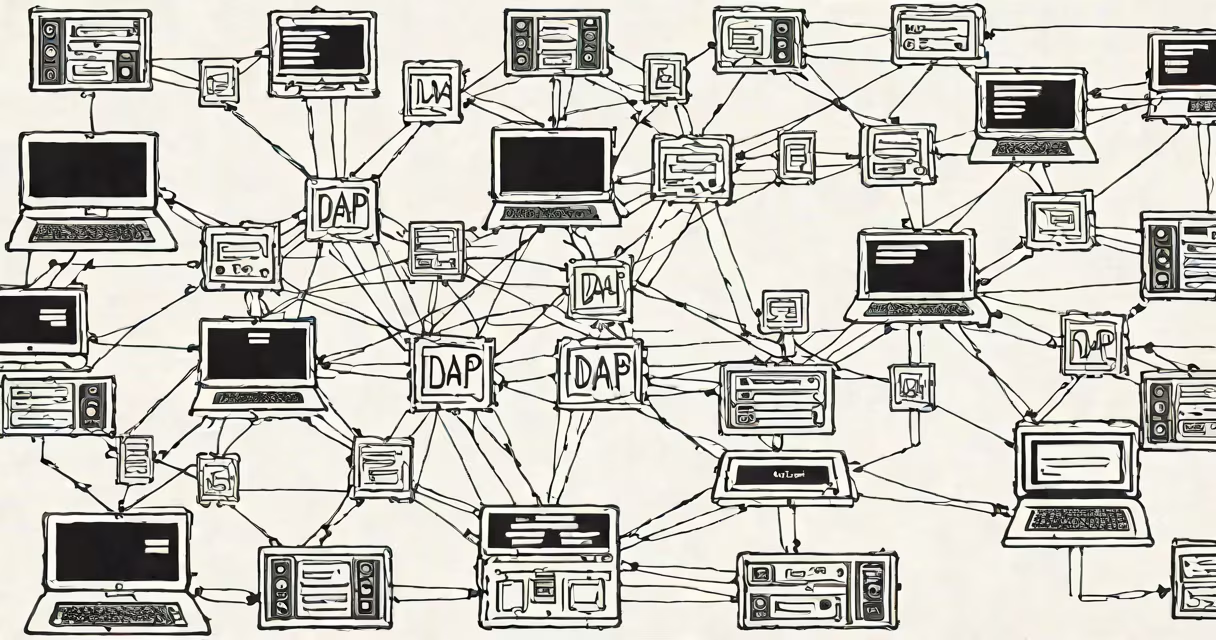
An LDAP server is a directory service that stores and manages user account information, permissions, and organizational hierarchies. It uses the Lightweight Directory Access Protocol (LDAP) to allow applications and systems to authenticate users and retrieve structured data. This system underpins secure login processes in enterprise environments.
LDAP servers organize data in a tree-like structure called a directory information tree (DIT). Each node represents an entry-such as a user, group, or device-with attributes like username, email, password hash, and group membership. When a user logs in, their credentials are verified against the LDAP server's database.
For example, in a company with 500 employees, the IT department configures an LDAP server to store employee records. When someone signs in to their work computer, the system queries the LDAP server to confirm the username and password match. If they do, access is granted. This prevents each application from maintaining its own user database.
LDAP operates over TCP port 389 by default, or port 636 for encrypted connections via LDAPS. Clients send requests using standardized LDAP operations: bind (authenticate), search (query data), add (create entries), modify (update), and delete (remove).
When a client connects, it sends a bind request containing a DN (distinguished name)-a unique identifier such as cn=alice,ou=users,dc=company,dc=com. The server checks if the provided password matches the stored hash. A successful bind returns a session token, allowing further operations.
Searches return filtered results based on criteria. For instance, a query for (&(objectClass=user)(department=Engineering)) retrieves all user objects in the Engineering department. These responses are returned in LDIF format-a plain-text representation of directory entries.
Several software platforms implement LDAP servers. The most widely used include:
| Server Type | Use Case | Example Deployment |
|---|---|---|
| OpenLDAP | Open-source, cross-platform | University IT departments managing student accounts |
| Microsoft Active Directory | Windows-centric enterprise environments | Large corporations with Windows-based desktops and domain controllers |
| 389 Directory Server | Red Hat Enterprise Linux integration | Government agencies requiring FIPS-compliant security |
Active Directory is the most common LDAP implementation in business settings. It integrates tightly with Windows Server and supports features like Group Policy, Kerberos authentication, and DNS services. OpenLDAP is favored in Unix/Linux environments due to its flexibility and low resource overhead.
Despite differences in interface and tooling, all LDAP servers follow the same core protocol standards defined by RFC 4511 through RFC 4519. This ensures interoperability between vendors and reduces vendor lock-in.
Organizations deploy LDAP servers to centralize identity management. Without one, each system-email, file shares, HR portals-must maintain separate user databases. This leads to inconsistent passwords, duplicated effort, and higher risk of credential exposure.
For example, a hospital using LDAP can enforce a single password policy across electronic health record systems, lab equipment, and internal messaging apps. If a doctor leaves, their account is disabled in one place and automatically revoked everywhere else.
LDAP also enables single sign-on (SSO) when combined with protocols like SAML or OAuth. Users log in once and gain access to multiple services without re-entering credentials. According to NIST Special Publication 800-63B, centralized identity repositories reduce the likelihood of weak or reused passwords by 68% compared to decentralized models.
Many people confuse LDAP with Active Directory. LDAP is a protocol; Active Directory is a product that implements LDAP. You cannot run Active Directory without LDAP support, but you can run an LDAP server without Active Directory.
Another misconception is that LDAP is inherently insecure. While unencrypted LDAP (port 389) transmits data in plaintext, proper configuration includes TLS encryption (LDAPS on port 636) or StartTLS to protect credentials during transit. The Internet Engineering Task Force (IETF) mandates encryption for sensitive operations in RFC 4513.
A lesser-known fact: LDAP servers don't store passwords directly. Instead, they hash them using algorithms like SHA-256 or bcrypt. Even administrators with full access cannot read passwords in plain text. This design prevents insider threats and complies with data protection regulations like GDPR Article 32.
In 2021, a small tech startup with 40 employees deployed OpenLDAP on a dedicated Ubuntu server. They configured it with:
dc=acme,dc=techdc=acme,dc=techcn=admin,dc=acme,dc=techssha algorithmThey then integrated the server with their web app using Python's ldap3 library. During login, the app sent a bind request with the user's DN and password. After successful validation, the app issued a JWT token for session persistence.
This setup reduced password reset tickets by 72% within six months. Employees reported fewer issues logging into internal tools. The IT team also gained visibility into failed login attempts through audit logs.
As a personal note, I once managed an LDAP migration for a nonprofit using OpenLDAP. We moved 120 user accounts from a legacy system. The process took three days, including schema validation and testing with a staging environment. The key lesson: always test replication and failover scenarios before going live.
Do not mistake LDAP servers for databases like MySQL or PostgreSQL. While both store data, LDAP is optimized for read-heavy operations and hierarchical queries-not complex joins or transactions. Attempting to model relational data in LDAP leads to performance degradation and maintenance complexity.
Also, LDAP servers are not the same as authentication gateways like RADIUS or OAuth providers. LDAP handles identity storage and lookup. RADIUS manages network access control. OAuth handles delegated authorization. These systems often work together, but each serves a distinct role.
For instance, a remote worker connecting via RDP to a corporate machine may first authenticate through an LDAP server. The RDP session is then authorized using a RADIUS server that checks the user's IP location and device compliance. This layered approach strengthens security.
Understanding what LDAP server is essential for anyone managing digital identities. It enables consistent, auditable access control across systems. With proper configuration, it reduces administrative overhead and strengthens security posture.