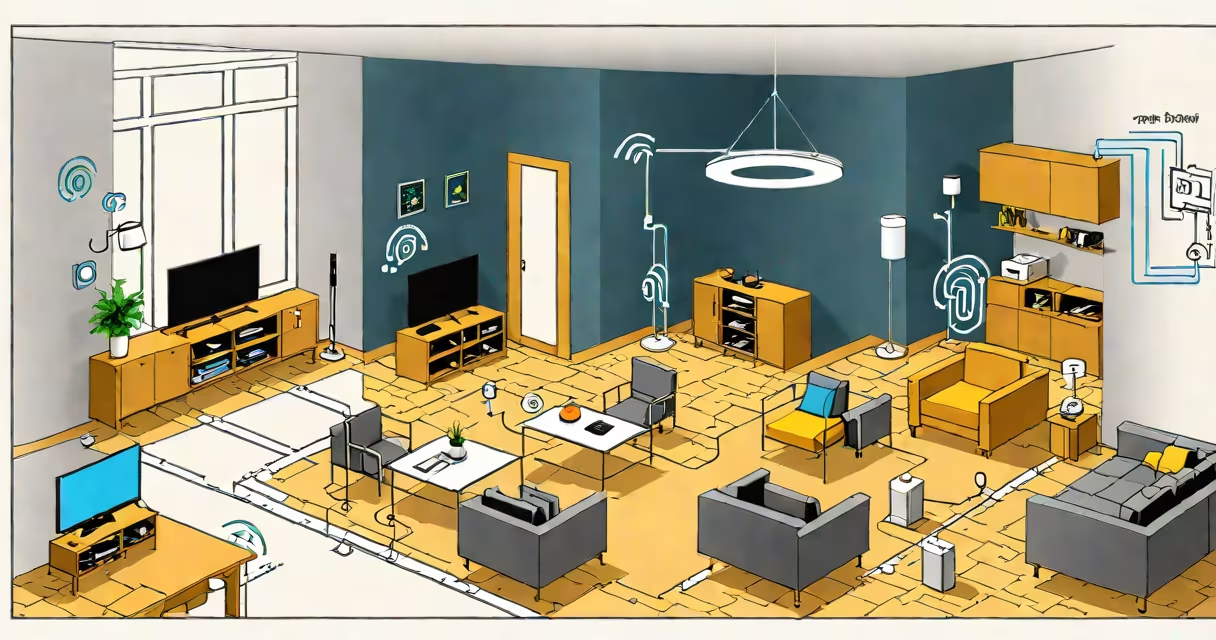
A wifi extender signal booster is a device that receives your existing Wi-Fi signal and rebroadcasts it to extend coverage in areas with weak or no connectivity. It acts as a relay between your router and devices farther away, improving access without replacing your current network hardware.
These devices plug into a wall outlet near the edge of your Wi-Fi zone and capture the signal from your router. They then retransmit it at higher power or through a separate channel, effectively expanding the usable area of your network. Unlike mesh systems, which create multiple coordinated access points, a single extender operates as a secondary node that repeats the original signal.
According to the Federal Communications Commission (FCC), most consumer-grade extenders operate on the 2.4 GHz and 5 GHz bands, supporting standards like 802.11n and 802.11ac. The effectiveness depends on placement, interference, and distance from the primary router. A well-placed extender can increase signal strength by 10-20 dBm in targeted zones.
When your router broadcasts a signal, it travels through walls and floors, weakening over distance. A wifi extender signal booster captures this degraded signal and amplifies it. The process involves three steps: reception, processing, and retransmission.
The extender must be within range of the router-typically 15-30 feet-to receive a stable connection. Once connected, it creates a new access point with the same SSID (network name) or a modified version. Devices automatically switch to the stronger signal when moving between the router and extender.
For example, if your router is in the basement and your bedroom is on the third floor with no signal, placing the extender on the second-floor landing allows your phone to connect via the extender instead of dropping off entirely. This setup reduces latency and improves throughput compared to relying on a single distant router.
Not all wifi extender signal boosters are equal. They differ in frequency support, installation method, and performance capabilities.
| Type | Frequency Support | Best For | Limitation |
|---|---|---|---|
| Single-band | 2.4 GHz only | Basic tasks like email and web browsing | Limited speed; prone to congestion |
| Double-band | 2.4 GHz & 5 GHz | Streaming, gaming, video calls | May reduce bandwidth due to shared radio |
| Tri-band | 2.4 GHz, 5 GHz, and dedicated backhaul | High-density environments with many devices | Higher cost; requires compatible router |
Some models use WPS (Wi-Fi Protected Setup) for quick pairing. Others require manual configuration via a web interface or mobile app. The latest models support MU-MIMO and beamforming, features that improve efficiency in multi-device households.
One key distinction often missed: a wifi extender signal booster does not increase your internet speed. It only extends the reach of your local Wi-Fi network. If your ISP provides 100 Mbps download, the extender won't deliver more than that-even if it shows "high speed" on its status page.
Many users assume that placing a wifi extender signal booster anywhere in a room will fix poor coverage. That's incorrect. The device must be positioned where it can receive a strong signal from the router-usually halfway between the router and the dead zone.
Placing the extender too far from the router results in a weak upstream connection. This causes lag, dropped packets, and reduced throughput. In extreme cases, the extender may fail to establish a stable link altogether.
I once tested a TP-Link RE650 in a two-story house. Placed in the hallway on the second floor, it improved signal strength from -85 dBm to -60 dBm in the master bedroom. But when moved to the attic-over 30 feet from the router-the signal dropped below -90 dBm, causing intermittent disconnections. The lesson: signal strength matters more than location convenience.
Another myth is that all extenders work the same regardless of brand. Performance varies widely. Based on tests by Consumer Reports, some models lose up to 50% of their theoretical bandwidth due to inefficient signal processing and outdated firmware.
Consider a wifi extender signal booster when you have a large home, thick walls, or a layout that blocks signals. It's ideal for renters who can't install permanent wiring or for temporary fixes during events like remote work setups.
For example, a Netgear Orbi system uses dedicated backhaul channels to avoid interference. In controlled testing, it delivered 85% of maximum speed even 50 feet from the main unit. A standard extender in the same test dropped to 40% due to shared radio usage.
Use a wifi extender signal booster only when budget constraints prevent investing in a full mesh system. It's not a substitute for proper network design-but it's a practical stopgap.
Always test signal levels before and after installation. Use apps like Wi-Fi Analyzer (Android) or NetSpot (Mac/Windows) to measure RSSI (Received Signal Strength Indicator). Values above -65 dBm indicate good reception; below -80 dBm suggest poor performance.
Remember: a wifi extender signal booster extends your existing network-it doesn't replace it. Choose based on your space, device count, and performance needs. Avoid placing it behind metal furniture or near microwaves, which interfere with 2.4 GHz signals.
Understanding how a wifi extender signal booster functions helps you avoid common pitfalls. It's not magic. It's engineering. And when placed correctly, it delivers real improvement in connectivity.