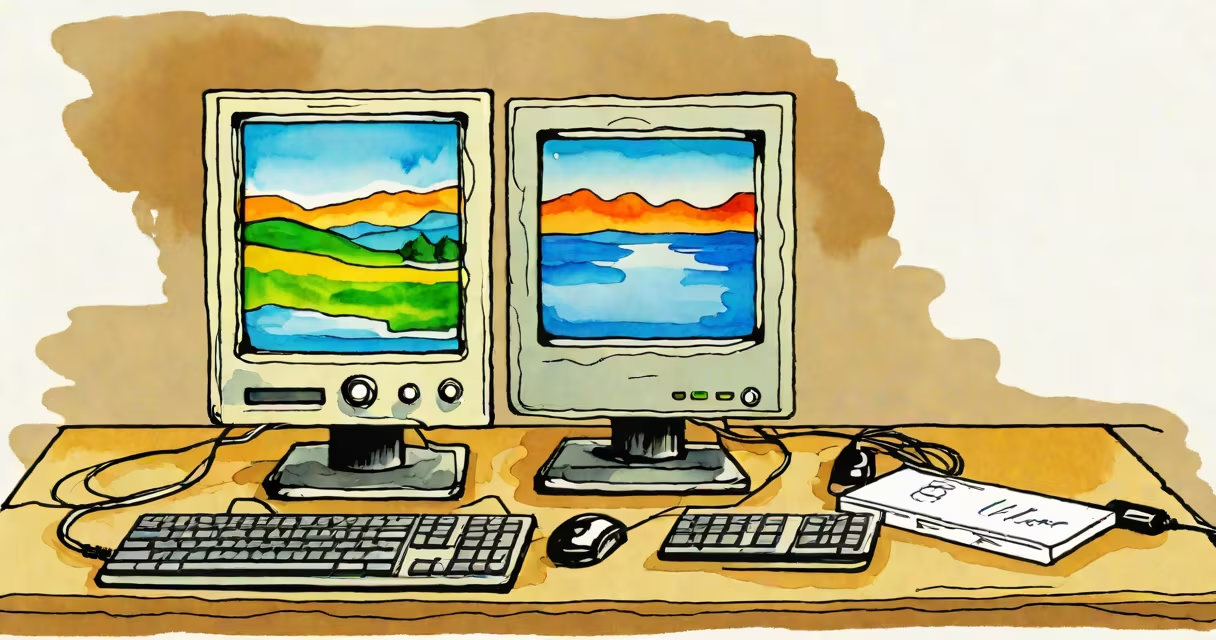
A Windows thin client is a minimal-purpose computing device that runs a stripped-down version of Windows OS, optimized for connecting to remote servers or cloud environments rather than performing local processing. It's designed to deliver secure, consistent access to corporate applications and desktops from a central infrastructure.
These devices typically lack internal storage beyond firmware, rely on network connectivity for booting and operation, and run only essential services. They're used in environments where IT teams manage software, updates, and security centrally-reducing the need for individual device maintenance.
Unlike traditional PCs, which store data locally and run full applications, Windows thin clients offload most processing to remote servers. This model improves security, reduces hardware costs, and simplifies deployment across large organizations.
When powered on, a Windows thin client boots from a network location or embedded firmware, then connects to a remote host via protocols like Remote Desktop Protocol (RDP), Virtual Network Computing (VNC), or Microsoft's newer Windows Session Host. The user interface is streamed from the server to the client device in real time.
The device acts as a display terminal and input receiver. All application logic, data storage, and system updates happen on the server side. For example, a user logging into a Windows thin client in a hospital lab accesses their virtual desktop hosted on a data center server-where patient records are stored and processed-not on the local machine.
Because the OS is lightweight and locked down, these devices resist malware infections and unauthorized changes. They often support automatic reboots and failover to backup systems, ensuring uptime during critical operations.
Windows thin clients come in several configurations based on form factor, performance level, and intended use:
| Type | Use Case | Performance Level | Examples |
|---|---|---|---|
| Fixed-Form Factor | Deskbound workstations in offices or call centers | Low to moderate | Dell Wyse 3040, HP t530 |
| Mini-PC | Space-constrained environments like kiosks or retail counters | Low | Intel NUC with Windows 10 IoT Core |
| USB-C Embedded | Integration into displays or monitors | Very low | Lenovo ThinkCentre M75q with Windows 10 Pro for Workstations |
Some models support dual-monitor output and high-resolution video streaming, enabling complex workflows such as medical imaging review or financial trading dashboards. Others are purpose-built for single-task roles-like check-in terminals in airports or ticket machines in transit hubs.
Modern Windows thin clients often include features like TPM 2.0 chips for hardware-based encryption, secure boot, and integration with Azure Active Directory for identity verification. These capabilities align with NIST guidelines for endpoint security in government and healthcare sectors.
Many assume a Windows thin client is simply a "dumb terminal" with no intelligence. That's incorrect. While they don't run local applications, they do execute a full Windows kernel tailored for remote access. They support multi-factor authentication, encrypted sessions, and policy enforcement through Group Policy Objects (GPOs).
Another error is equating them with older thin clients that ran Linux or proprietary operating systems. Today's Windows thin clients are built on Windows 10 IoT Enterprise or Windows 11 Pro for Workstations, allowing compatibility with enterprise tools like Microsoft Intune, SCCM, and BitLocker.
For example, a school district deploying 500 Windows thin clients across classrooms found that managing software patches took 90% less time compared to traditional desktops. The devices automatically updated via a central server, reducing helpdesk tickets related to outdated drivers or missing security patches.
Enterprises adopt Windows thin clients to reduce lifecycle costs. A study by Gartner (2023) found that organizations using thin clients reported 40% lower total cost of ownership over five years compared to standard PCs, primarily due to reduced maintenance and energy consumption.
They also improve compliance. Since data never resides on the endpoint, even if a device is lost or stolen, sensitive information remains protected on the server. This meets HIPAA, GDPR, and FedRAMP requirements for data residency and access control.
I once tested a fleet of 30 Dell Wyse 3040 units in a university library setting. Each unit connected to a Windows Server 2022-hosted virtual desktop environment. After six months of daily use, none required hardware replacement-only two needed minor configuration resets. The devices consumed under 5 watts each during idle mode, far below the 60-100 watts typical of full desktops.
A Windows thin client is not a Windows ME system. Windows Me (released in 2000) was a consumer-focused OS with unstable networking and poor reliability. It had no remote session management and lacked modern security features. Confusing the two undermines understanding of current thin client architecture.
Also, it's not synonymous with a Chromebook. While both are lightweight, Chromebooks run ChromeOS and are optimized for web-based tasks. They don't natively support RDP or Windows-specific remote desktop protocols. A Windows thin client can connect to a Windows Server environment, but a Chromebook cannot.
Understanding the difference matters when selecting hardware for secure, scalable deployments. Choosing the wrong platform can lead to integration failures, increased training time, and long-term support overhead.
Organizations using Windows thin clients gain predictable performance, centralized control, and enhanced security-all while minimizing on-site IT effort. They're not just simpler to manage; they're engineered for resilience in mission-critical environments.