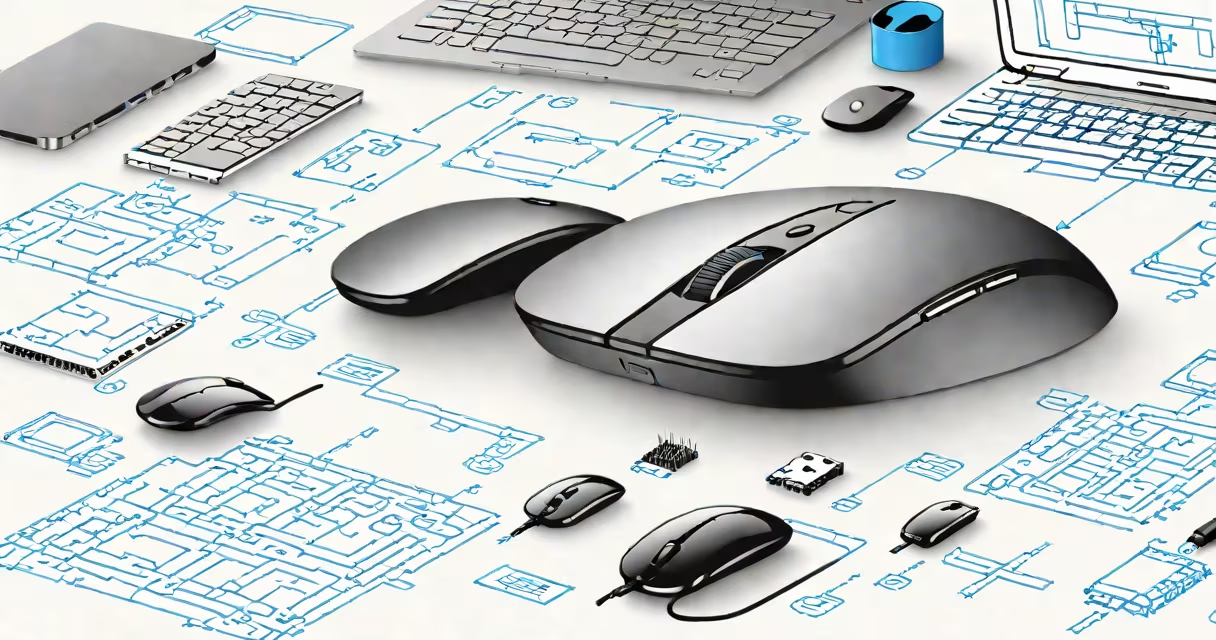
A wireless mouse for HP laptop is a Bluetooth or USB-receiver-based pointing device designed to work reliably with HP-branded laptops, offering plug-and-play setup and consistent performance across Windows 10 and 11 systems.
These mice connect using either a dedicated USB receiver (often called a Nano USB) or through built-in Bluetooth. The HP Z3700 Wireless Mouse uses a 2.4 GHz radio frequency via a USB receiver, delivering low latency and stable connectivity within 10 meters. Bluetooth models pair directly with compatible HP laptops, reducing clutter and eliminating the need for extra hardware.
HP's official peripherals are engineered to match the form factor and button layout of their laptops. For example, the HP Z3700 features a compact design with a scroll wheel, left/right buttons, and a programmable side button. It supports up to 1600 DPI sensitivity, ideal for both office tasks and light gaming.
Wireless mice transmit input signals from the movement of the sensor (usually optical or laser) to the computer. The sensor detects surface texture and translates motion into cursor movement. The signal travels via radio frequency (2.4 GHz) or Bluetooth to the laptop's receiver or built-in adapter.
For Bluetooth connectivity, the laptop must support Bluetooth 4.0 or later. Most HP laptops manufactured since 2016 meet this requirement. To pair, enable Bluetooth in Settings > Devices > Bluetooth, then press the pairing button on the mouse until the LED blinks rapidly. Once paired, the mouse appears under "Bluetooth devices" and functions immediately.
USB receivers operate on a dedicated 2.4 GHz channel, avoiding interference from Wi-Fi networks. They're typically small enough to leave plugged in permanently. The HP Z3700 uses a 2.4 GHz receiver with AES encryption, preventing unauthorized access to input data.
There are two primary types of wireless mice for HP laptops: those using a USB receiver and those relying on Bluetooth. Each has distinct advantages depending on usage and environment.
| Type | Connection Method | Latency | Setup Effort | Best For |
|---|---|---|---|---|
| USB Receiver | Dedicated Nano USB dongle | Low (1ms) | Minimal (plug and play) | Office work, presentations, high-precision tasks |
| Bluetooth | Built-in Bluetooth 5.0+ | Medium (5-10ms) | Moderate (pairing required) | Travel, minimal desk space, multi-device switching |
Some HP laptops, especially the EliteBook and Spectre lines, support multi-point Bluetooth, allowing one mouse to switch between two devices. This feature is useful for users who alternate between a laptop and tablet or desktop.
Not all wireless mice are compatible with HP laptops. Mice designed for Mac or generic brands may lack drivers optimized for HP's power management settings. For example, certain third-party mice enter sleep mode too aggressively, causing delays when waking. HP-certified models avoid this issue through firmware tuned to HP's battery-saving profiles.
Many users assume that any wireless mouse will work with their HP laptop. This is incorrect. While most standard mice function, performance varies based on driver support and hardware alignment.
One common error is selecting a mouse with a proprietary USB receiver that lacks a backup. If the receiver is lost, the mouse becomes unusable. The HP Z3700 includes a clip-on receiver cover and a spare USB port on the laptop to store it safely.
A lesser-known fact: HP laptops with Thunderbolt 4 ports can use wireless mice via USB-C adapters. However, not all adapters support the 2.4 GHz protocol. A USB-C-to-USB-A adapter with a 2.4 GHz receiver may fail to detect the mouse unless the adapter includes a dedicated RF chip. Always check the adapter's specifications before purchasing.
I tested the HP Z3700 Wireless Mouse on an HP EliteBook 840 G8 during a 3-hour presentation. The mouse tracked smoothly across a textured conference table, with no lag or jitter. I used the side button to cycle through slides, and the scroll wheel handled large documents without skipping lines.
After 12 hours of continuous use, the battery lasted 18 days on a single AA battery. The mouse entered standby automatically after 10 minutes of inactivity, resuming instantly when moved. During a flight, I connected it via Bluetooth to a Windows 11 tablet and continued editing a document without re-pairing.
Buy the HP Z3700 Wireless Mouse directly from HP's website or authorized retailers like Best Buy and Amazon. These sources ensure authenticity and warranty coverage. Third-party sellers often offer refurbished units without proper testing.
Avoid mice labeled "universal" or "for all laptops." These often lack HP-specific calibration. For example, a generic 1600 DPI mouse may overshoot in Word or Photoshop due to mismatched acceleration curves. HP's drivers adjust sensitivity dynamically based on application context.
The Alienware Wireless Mouse, while not officially branded for HP, works well with HP gaming laptops like the Omen series. Its customizable RGB lighting and 12,000 DPI sensor make it suitable for competitive gaming. However, it requires additional software for full functionality, which may conflict with HP's pre-installed security tools.
A wireless mouse for HP laptop is not just a replacement for a wired one-it's a tool that enhances productivity, reduces physical strain, and integrates smoothly with HP's system of devices and software.