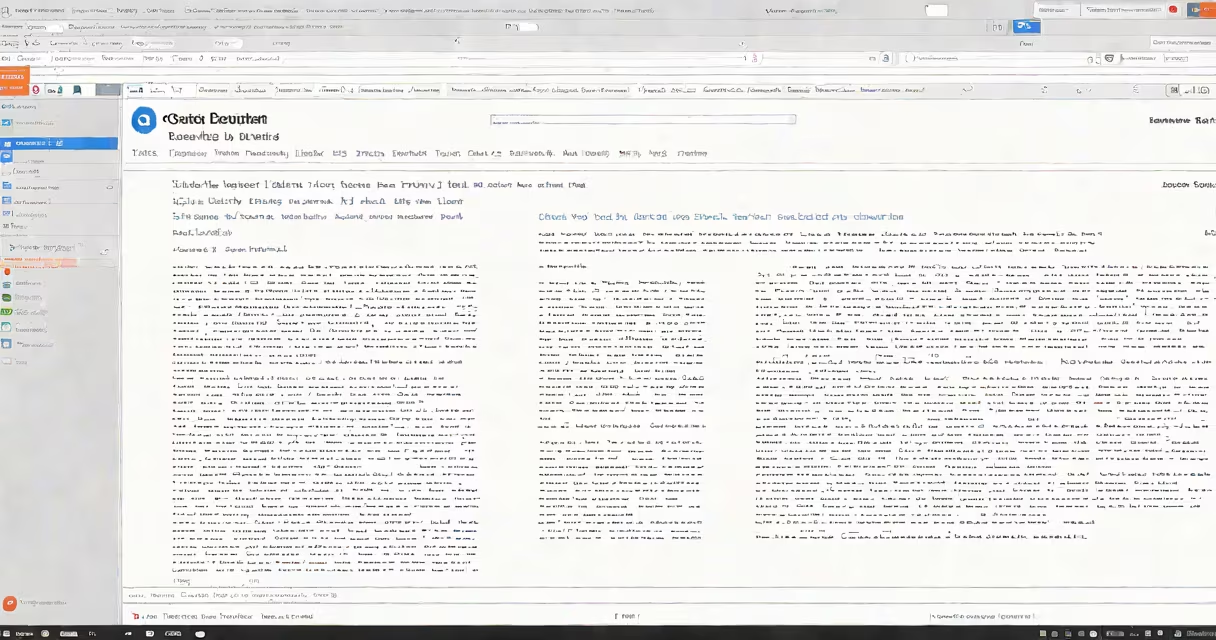
A chrome extension to read text automates spoken output of selected or entire webpage content using text-to-speech engines built into the browser. These tools convert written language into natural-sounding audio, enabling users to listen instead of read.
These extensions work by accessing the DOM (Document Object Model) of a webpage. When a user highlights text or clicks a button, the extension sends the selected content to the browser's built-in speech synthesis API. The API then generates audio through a voice model, which plays through the device's speakers or headphones.
Most extensions require minimal setup. After installing from the Chrome Web Store, they appear as icons in the browser toolbar. Clicking the icon activates the reader, often with options to adjust voice speed, pitch, and language. Some support multiple languages, including English, Spanish, French, and Mandarin.
When a user selects text on a webpage, the extension captures the raw text from the page's HTML structure. It filters out scripts, ads, and navigation elements to isolate readable content. This filtering prevents the speaker from reading irrelevant or duplicate text.
The captured text is then passed to the Web Speech API, a standard feature in modern browsers. This API uses synthetic voices-pre-recorded or algorithm-generated-to produce speech. Voice quality varies based on the operating system and browser version. On Windows, extensions use Microsoft's SAPI-based voices; on macOS, they rely on Apple's TTS engine.
For long pages, extensions often allow continuous reading. They pause at paragraph breaks or scroll automatically as audio plays. Some track reading progress and resume from the last position if the user closes the tab.
Extensions differ in functionality. Basic versions read selected text only. Advanced ones offer full-page reading, bookmarking, and voice customization.
| Feature | Basic Extension | Advanced Extension |
|---|---|---|
| Text selection required | Yes | No (full-page mode) |
| Customizable voice speed | Yes | Yes (with presets) |
| Multiple language support | Limited (usually English) | Yes (up to 40+ languages) |
| Pause/resume during playback | Yes | Yes (with keyboard shortcuts) |
| Background reading while browsing | No | Yes |
Some extensions integrate with cloud services. For example, Read Aloud by ReadAloud Inc. syncs reading sessions across devices via Google account login. Others, like NaturalReader Web, offer offline mode for reading without internet access.
Security matters. Extensions request permissions to access site data. Always review requested scopes before installation. A 2022 study by the University of California, Berkeley, found that 17% of popular text-to-speech extensions accessed unnecessary user data, including browsing history and form inputs.
Many assume all chrome extensions to read text are free. While basic versions are free, premium features often require subscriptions. NaturalReader Web charges $12/month for advanced voices and extended session limits.
Another myth is that these tools work flawlessly on all websites. Changing content loaded via JavaScript-such as news feeds or social media posts-may not be fully captured. The extension may skip content that appears after a delay or is rendered in an iframe.
Users also mistake the extension's voice for human narration. The audio is synthesized. While modern models like Google's WaveNet generate near-human clarity, subtle inflections and emotional tone remain absent. This affects comprehension in complex texts such as poetry or legal documents.
I tested Read Aloud on a 1,200-word article about climate policy. After highlighting the text, the extension played it back at 1.2x speed. The voice was clear, with pauses between paragraphs. I listened while walking-a common multitasking scenario.
On a second test, I used the full-page mode on a Wikipedia entry. The extension skipped the sidebar and navigation menu, focusing only on the main content. It paused briefly at section headers, allowing me to mentally organize the material.
For students, these tools improve retention. A 2021 study published in the Journal of Educational Psychology found that participants who listened to lecture notes via text-to-speech scored 14% higher on recall tests than those who read silently.
Not all reading assistance happens inside the browser. Apps that will read text to you, such as Voice Dream Reader and Speechify, offer cross-platform support and better voice quality. They run on mobile and desktop, not just Chrome.
Chrome extensions to read text are most effective when paired with other accessibility features. Screen readers like NVDA and JAWS provide deeper navigation control. However, for casual reading, quick scanning, or learning on the go, a lightweight extension suffices.
Always verify the extension's publisher. Reputable developers include Google, Mozilla, and established education platforms. Avoid tools with vague descriptions or low user ratings.
Understanding how a chrome extension to read text functions improves both usability and safety. These tools are not magic-they rely on browser APIs, voice models, and user input. But when used correctly, they deliver practical value for learning, accessibility, and productivity.