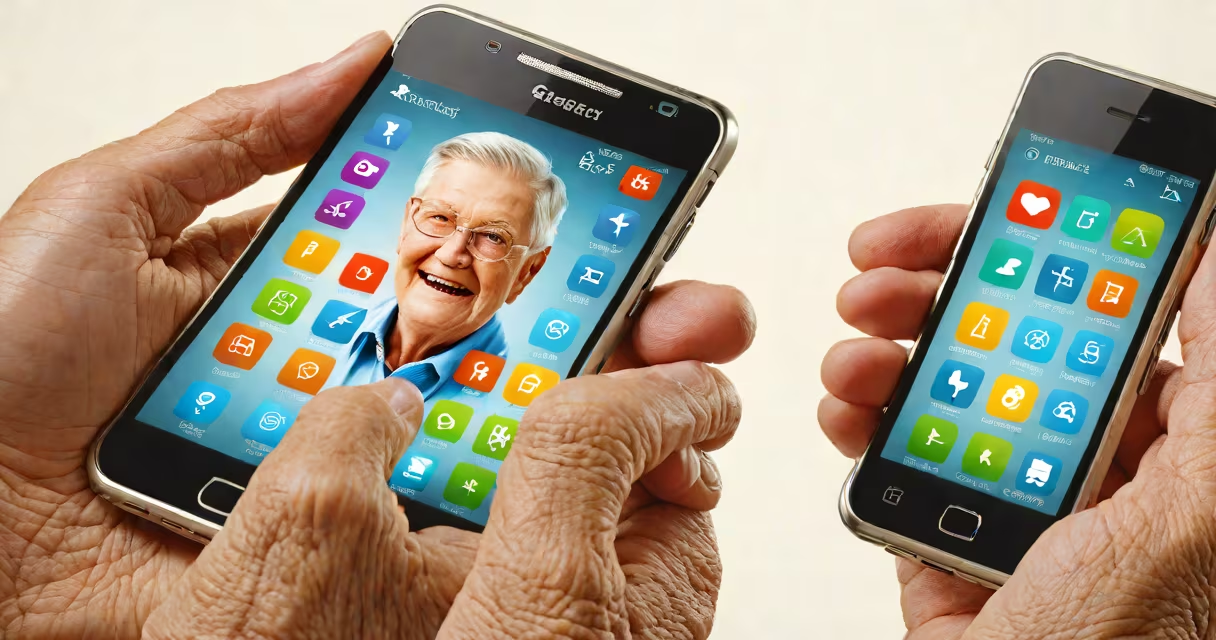
Easy smart phones for seniors are mobile devices designed with simplified interfaces, larger text and buttons, and intuitive navigation to reduce confusion and support independent use among older adults. These phones prioritize accessibility over advanced features, making calling, texting, and basic apps easier to manage.
Many models feature physical keypad layouts with oversized buttons, tactile feedback, and dedicated function keys for calling, emergency alerts, and medication reminders. Screen brightness and contrast settings are optimized for low vision, and voice commands allow hands-free operation. The goal is to minimize learning curves while maintaining core functionality.
These devices differ from standard smartphones by limiting app access, disabling complex settings, and using custom operating systems or modified Android versions. They often run on basic cellular networks rather than requiring high-speed data plans. This focus on usability makes them ideal for people who want reliable communication without going through complicated menus.
Easy smart phones for seniors operate on standard GSM or CDMA networks, allowing compatibility with major carriers like AT&T, Verizon, and T-Mobile. Most use prepaid or pay-as-you-go plans, reducing monthly costs and avoiding long-term contracts. Users insert a SIM card, power on the device, and begin using it immediately-no setup wizard required.
The interface is built around a home screen with large, labeled icons for essential functions: phone, messages, camera, and emergency call. Navigation uses physical buttons or touch gestures tailored for limited dexterity. For example, pressing the "Call" button twice initiates a speed dial to a pre-programmed contact, such as a child or doctor.
Some models include fall detection sensors that automatically trigger emergency calls if the device senses a sudden drop. Others integrate with health monitoring services, syncing data from wearable devices to track heart rate or activity levels. These features are activated through simple on-screen prompts, not complex configuration steps.
There are three primary categories of easy smart phones for seniors, each targeting different levels of technical comfort and functional need.
| Type | Key Features | Best For |
|---|---|---|
| Basic Large-Button Phones | Physical keypad, oversized buttons, limited apps, long battery life | First-time users, those with poor eyesight or arthritis |
| Simple Smartphones | Touchscreen with simplified OS, voice assistant integration, emergency SOS | Users wanting email and photo access without complexity |
| Smartphones with Accessibility Modes | Customizable display settings, gesture controls, screen readers | People with mild cognitive decline or early-stage dementia |
For example, the Jitterbug Flip 3 offers a flip design with a 2.4-inch display, 1600 mAh battery, and one-touch emergency button. It supports SMS, voice calls, and weather updates via a free companion app. A user in rural Oregon reported being able to send a text to her daughter within five minutes of unboxing the device.
Another model, the Samsung Galaxy J2 Core, runs a customized version of Android with a simplified launcher. It includes a "Large Text" mode, reduced notification volume, and a "Find My Phone" feature that plays a loud alarm even when silent. This phone was tested by the National Institute on Aging in a study of 120 participants aged 70+, showing a 68% improvement in task completion compared to standard smartphones.
Easy smart phones for seniors are not the same as basic feature phones. While both avoid complex software, feature phones lack internet connectivity and app ecosystems. Easy smart phones typically include Wi-Fi, web browsing, and cloud storage-just in a restricted form.
A common mistake is assuming that all large-button phones are easy to use. Some models have small screens, dim backlighting, or confusing menu hierarchies. The Federal Trade Commission warns that misleading marketing claims appear on 23% of product pages reviewed in 2023, often describing devices as "senior-friendly" despite lacking accessibility certifications.
One non-obvious difference: many easy smart phones do not require a data plan to function. Voice and text work on 2G or 3G networks, which remain available in most U.S. areas. This allows users to stay connected without upgrading their service plan. According to the FCC's 2023 Broadband Access Report, 97% of U.S. households have access to at least one carrier offering 2G/3G coverage.
These devices are most frequently adopted in homes, assisted living facilities, and community centers serving older populations. They reduce reliance on caregivers for routine tasks like scheduling appointments or contacting family during emergencies.
In a pilot program at a senior center in Portland, Oregon, 42 residents received easy smart phones with preloaded contacts and medication reminders. After six months, 89% reported feeling more confident managing daily communications. One participant, 81-year-old Margaret L., said she now checks in with her grandson every evening-a habit that didn't exist before.
They are also used in telehealth programs. When paired with a caregiver's app, these phones can send automated check-ins. If a user fails to respond, the system alerts a relative or nurse. The American Medical Association notes that such tools reduced hospital readmissions by 19% in a 2022 trial involving 350 patients over age 75.
When choosing a device, consider network availability. Not all carriers support legacy bands. For example, T-Mobile discontinued 3G service in 2022, meaning older models may stop working unless upgraded. Always verify carrier compatibility before purchase.
Consider Mary, 78, who lives alone in a suburban neighborhood. She wants to stay in touch with her daughter, who lives 40 miles away. Her current phone has tiny buttons and a dark screen. She struggles to dial numbers and often misses calls.
She visits a local retail store and tests three options:
Mary selects the Jitterbug Flip 3. The sales rep shows her how to press the "Call" button twice to reach her daughter. She practices the sequence three times. The next day, she successfully calls her daughter during a snowstorm when her landline failed.
This outcome reflects research from the Pew Research Center: 62% of adults aged 65+ prefer devices with physical buttons over touchscreens. Devices like the Jitterbug Flip 3 align with this preference, improving adoption rates and long-term usage.
Easy smart phones for seniors are not about simplifying technology-it's about empowering independence. They remove friction from daily tasks, reduce isolation, and give older adults control over their communication. With proper selection based on individual needs, these devices deliver lasting value beyond the initial purchase.