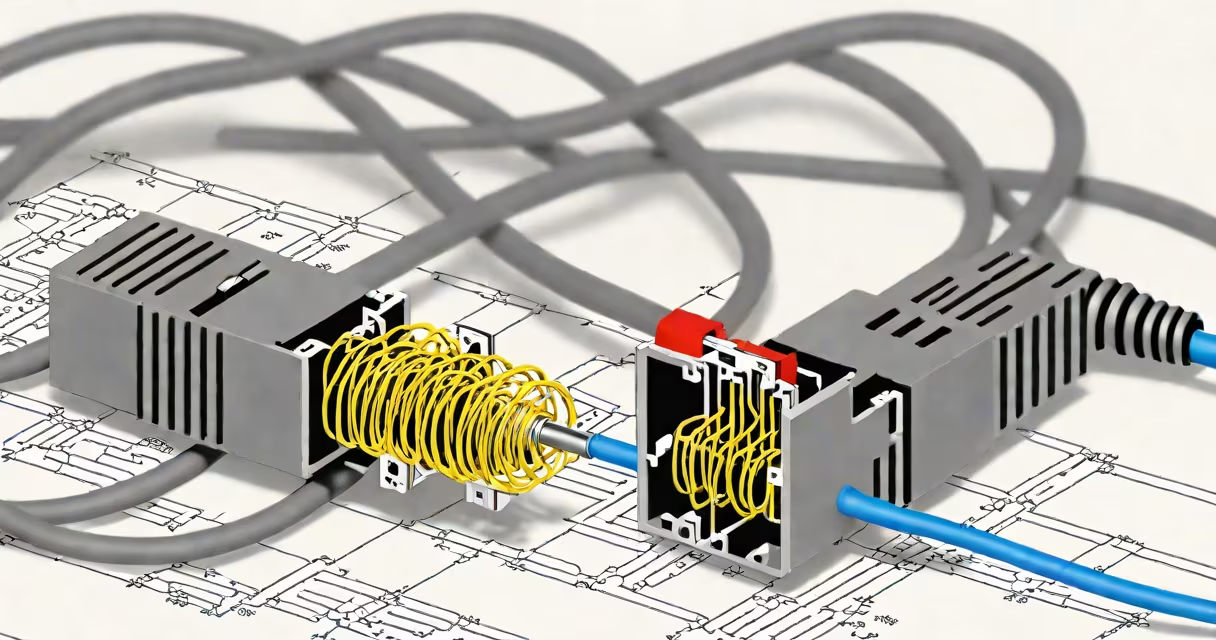
Extending Cat 5 cable means adding length to an existing Ethernet connection using splices, connectors, or new cable runs while maintaining data transmission performance up to 100 Mbps over 100 meters.
Cat 5 cable uses twisted pairs of copper wire to carry data signals between network devices. When extending this cable, the goal is to preserve signal quality and avoid interference that degrades bandwidth or causes dropped connections. This requires precise termination, proper shielding, and adherence to wiring standards such as T568A or T568B.
Improper extensions introduce crosstalk, impedance mismatches, and attenuation-factors that reduce effective range and cause packet loss. A well-executed extension maintains compatibility with Ethernet protocols like 10/100BASE-TX and supports stable connectivity for devices like routers, switches, and IP cameras.
When you extend a Cat 5 cable, you're not simply joining two pieces together with tape or solder. Instead, you must terminate both ends with RJ45 connectors using a punch-down tool and ensure pin-to-wire correspondence follows a consistent standard.
The process involves stripping the outer jacket, untwisting the four twisted pairs just enough to fit into the connector's pins, aligning wires according to T568B (most common in U.S. installations), and securing them with a crimper. The connector must be fully compressed so contacts make solid contact with the conductors.
For longer distances, install a network switch or patch panel between segments. This avoids daisy-chaining multiple cables, which increases signal degradation. A single run through a switch keeps the path within acceptable electrical specifications.
There are three primary methods for extending Cat 5 cable: direct splicing, using a patch panel, and connecting via a network switch. Each has trade-offs in reliability, cost, and ease of maintenance.
| Method | Best For | Signal Quality | Installation Complexity |
|---|---|---|---|
| Direct splice with modular connector | Short-term fixes, temporary setups | Medium (risk of crosstalk) | Low (requires crimping tool) |
| Patch panel with breakout cables | Permanent installations, structured cabling | High (controlled environment) | High (requires wall mounting) |
| Network switch between segments | Long runs, multiple device access | Excellent (regenerates signal) | Medium (needs power and space) |
Using a patch panel is preferred in commercial environments because it isolates connections and simplifies troubleshooting. For home users running a 50-foot cable to a security camera, a direct splice with a high-quality RJ45 connector may suffice.
A common mistake is assuming that joining two Cat 5 cables with a splitter or coupler preserves performance. These devices often fail to maintain impedance balance and increase noise. They are not designed for data transmission and should be avoided in favor of proper terminations.
Many people believe that any two Cat 5 cables can be joined with a simple connector and work at full speed. This is false. Even minor deviations in wire sequence or improper crimping can result in intermittent connectivity or reduced throughput.
Another misconception is that Cat 5 cable can be extended indefinitely. The maximum recommended length for a single segment is 100 meters (328 feet). Exceeding this limit introduces timing delays and signal decay, leading to errors during data transfer. If you need longer than 100 meters, use a switch or media converter.
One non-obvious fact: the twist rate of each pair matters. Cat 5 cable specifies a minimum number of twists per inch (typically 1.5-2.5) to minimize crosstalk. When you untwist wires to insert them into a connector, you reduce their twist density. If you leave the wires untwisted for more than 13 mm (0.5 inches), you risk introducing interference that affects signal integrity.
I once extended a Cat 5 cable for a home office setup using a cheap RJ45 coupler. The connection worked briefly but failed under load. After testing with a network analyzer, I found the signal was degraded due to poor contact and excessive untwisting. Replacing the coupler with properly terminated cables restored full 100 Mbps speeds.
Suppose you have a 30-foot Cat 5 cable running from your router to a study desk. You want to move the desk 30 feet further away, requiring a total run of 60 feet. Here's how to do it correctly:
This method ensures compliance with ANSI/TIA-568 standards and prevents common failures caused by loose connections or reversed wiring.
While Cat 5 supports up to 100 Mbps over 100 meters, newer applications demand higher bandwidth. Cat 5e and Cat 6 cables offer better performance and are required for Gigabit Ethernet (1000BASE-T).
Extending Cat 5 cable beyond 100 meters or using it in high-interference areas (near motors or fluorescent lighting) risks instability. If you plan to upgrade to 1 Gbps later, consider replacing Cat 5 with Cat 5e or Cat 6 during the extension phase.
According to the Telecommunications Industry Association (TIA), Cat 5 cable is rated for frequencies up to 100 MHz. Cat 5e extends this to 350 MHz, allowing for higher data rates and improved noise rejection. Using Cat 5 for future-proofing is not advisable.
For comparison, Cat 5 vs Cat 6 differences include shielding, tighter twist rates, and improved crosstalk reduction. The latter is critical when running cables through walls or shared conduits.
Always verify your installation with a certified tester. Tools like the Fluke LinkRunner or NetSpot can detect faults such as shorts, opens, miswires, and near-end crosstalk (NEXT) issues.
Extending cat 5 cable successfully hinges on precision, proper materials, and understanding the physical limits of copper-based networking. Avoid shortcuts. Invest in a reliable crimper and quality connectors. Test every run before deployment.
Properly executed extensions maintain network stability and support reliable communication across devices. Whether for home automation, surveillance, or remote work, extending cat 5 cable correctly ensures consistent performance without costly downtime.